The Library

2000+ directions, one studio.

2000+ directions, one studio.

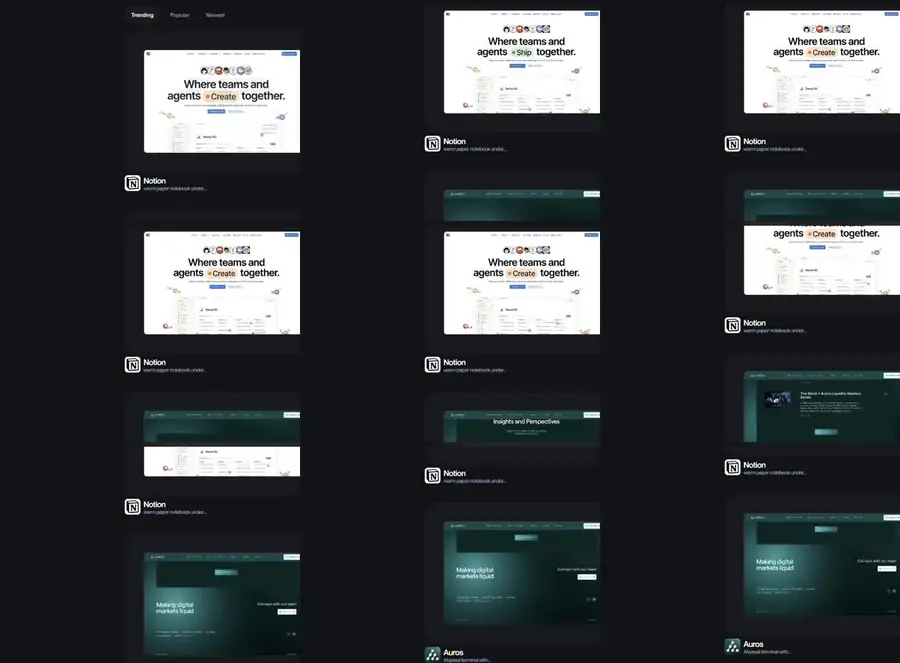
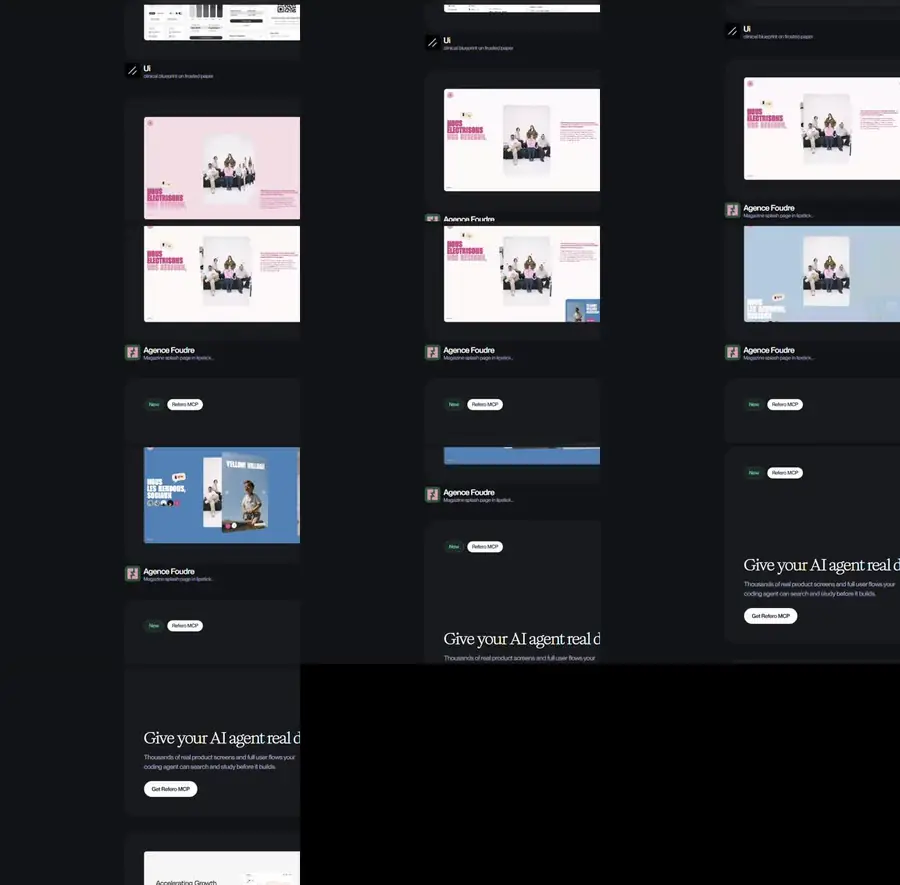
Sixteen are shown here, each one a real page we built and then recorded scrolling, so you watch the layout and its motion the way a visitor would.

Every window takes a different design language to the same brief.

These are not active websites but are visual representations of what we can professionally produce. Contact sales for information on design capabilities.

Type, colour, rhythm and motion pushed somewhere distinct. Pick the ones that feel like you and we will build from there.

Sixteen concepts in four families. Open a family to play its four recordings.

01

Black ground, one accent

Concepts 01 / 03 / 06 / 09
4 recordings

Near black grounds carrying a single saturated accent, used as punctuation rather than as a surface. Scale and tonal steps do the work that weight and shadow normally would.

nextgendesign.net — concept 01
Concept 01, Quiet Void
01

Quiet Void

Black canvas, oversized light type, one violet action. Scale carries the hierarchy, never weight.

nextgendesign.net — concept 03
Concept 03, Ember Chamber
03

Ember Chamber

Condensed uppercase on near black, tonal steps instead of shadows, rust used only as a stroke.

nextgendesign.net — concept 06
Concept 06, Prism Split
06

Prism Split

Sculptural 136px display, zero filled buttons, and an RGB channel split used purely as artefact.

nextgendesign.net — concept 09
Concept 09, Arterial
09

Arterial

Gallery wall black, monument display type, and a single arterial red used only as punctuation.

02

Paper and print

Concepts 02 / 13 / 14 / 15
4 recordings

Light grounds borrowed from print: frosted paper, pastel board, magazine rhythm and a broadsheet grid, each holding one signal colour and no bold weights.

nextgendesign.net — concept 02
Concept 02, Clinical Light
02

Clinical Light

Frosted paper, hairline borders and generous radii. A product interface rather than a poster.

nextgendesign.net — concept 13
Concept 13, Sticker Pop
13

Sticker Pop

Pastel paper, hand-cut black outlines, crushed display type and a marquee that never stops.

nextgendesign.net — concept 14
Concept 14, Warm Marble
14

Warm Marble

White canvas, warm near-black ink and one signal orange. Magazine rhythm, no bold weights.

nextgendesign.net — concept 15
Concept 15, Broadsheet Green
15

Broadsheet Green

Printed financial page reimagined: monumental serif headlines, rules everywhere, one neon green.

03

Interface and instrument

Concepts 04 / 08 / 10 / 11
4 recordings

Product screens rather than posters: hairline panels, translucent chrome, monospaced data and exactly one action per view.

nextgendesign.net — concept 04
Concept 04, Gilded Ledger
04

Gilded Ledger

Serif display against a UI sans, one white action per screen, copper reserved for editorial labels.

nextgendesign.net — concept 08
Concept 08, Command Deck
08

Command Deck

Immersive black with translucent blurred chrome, tiny interface type and a serif body.

nextgendesign.net — concept 10
Concept 10, Violet Terminal
10

Violet Terminal

Developer-facing black with a violet code accent, hairline panels and a real terminal block.

nextgendesign.net — concept 11
Concept 11, Trading Terminal
11

Trading Terminal

Dense three-pane interface, tonal steps in place of shadows, monospaced data and one ice-blue signal.

04

Glass, gradient and band

Concepts 05 / 07 / 12 / 16
4 recordings

The surface carries the design: full bleed colour tiles, frosted glass, midnight and white bands, and gradient filled monument type.

nextgendesign.net — concept 05
Concept 05, Chromatic Tiles
05

Chromatic Tiles

Whisper-weight display at a crushed line height, with colour allowed only as full-bleed tiles.

nextgendesign.net — concept 07
Concept 07, Frosted Glass
07

Frosted Glass

Midnight canvas, faint grid, gradient headline and exactly one vivid violet fill.

nextgendesign.net — concept 12
Concept 12, Cockpit Twilight
12

Cockpit Twilight

White and midnight bands, a 187px architectural hero, headlines that end with a full stop.

nextgendesign.net — concept 16
Concept 16, Type Foundry
16

Type Foundry

Dark hero with gradient-filled monument type, then a light canvas of sharp-cornered panels.

Behind the build

How the work gets made

77 screenshots, renders and working files from the build of this site, sorted into four boards. Open one to see what each image was doing at the time. Nothing here is a stock picture.

77 images 4 boards Shot in the studio No stock
01 The Work library, sixteen windows WORK PAGE / CONCEPT RECORDINGS 17 images

Sixteen web page concepts built as small React compositions, then recorded frame by frame and encoded as looping clips for the Work page.

Deterministic Recorded Sixteen

Open the whole board
C01 QUIET VOID
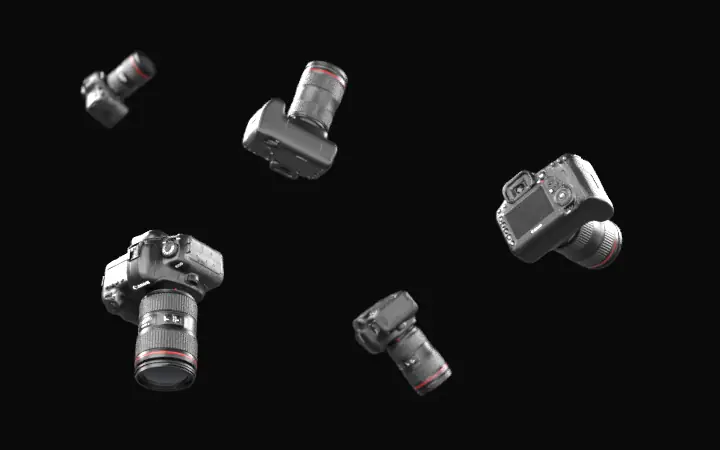
01.01C01 QUIET VOID Concept one. A constellation of frames drifts on black while a six digit code is the only way in.
C02 CLINICAL LIGHT
01.02C02 CLINICAL LIGHT Concept two. A white control panel counting frames released, events, live albums and storage used at a glance.
C03 EMBER CHAMBER
01.03C03 EMBER CHAMBER Concept three. Warm ember light in a dark room, sitting behind the promise that every frame stays private.
C04 GILDED LEDGER
01.04C04 GILDED LEDGER Concept four. A midnight vault that treats each photograph as a line in a ledger which balances exactly.
C05 CHROMATIC TILES
01.05C05 CHROMATIC TILES Concept five. A midnight gallery of quiet wealth, with the access code field tucked under the headline.
C06 PRISM SPLIT
01.06C06 PRISM SPLIT Concept six. Light broken into three channels through obsidian, one archive shown with no compromise on colour.
C07 FROSTED GLASS
01.07C07 FROSTED GLASS Concept seven. Violet glass and a faint grid stand between the visitor and the archive held behind them.
C08 COMMAND DECK
01.08C08 COMMAND DECK Concept eight. A single luminous globe of points floating in a void, coordinates printed in the corners.
C09 ARTERIAL
01.09C09 ARTERIAL Concept nine. A black gallery wall with one red rule under the line about hanging work in darkness.
C10 VIOLET TERMINAL
01.10C10 VIOLET TERMINAL Concept ten. Documentation styling with a live code sample opening a whole private album in a single call.
C11 TRADING TERMINAL
01.11C11 TRADING TERMINAL Concept eleven. A frosted blue chart plotting frames released against events, read like a market data screen.
C12 COCKPIT TWILIGHT
01.12C12 COCKPIT TWILIGHT Concept twelve. A warm dusk gradient behind the studio wordmark, set very large across the whole frame.
C13 STICKER POP
01.13C13 STICKER POP Concept thirteen. Inflatable pastel shapes on pale blue paper, the brightest and least formal of the sixteen.
C14 WARM MARBLE
01.14C14 WARM MARBLE Concept fourteen. Editorial layout on warm marble, with a soft blurred plate standing in for a photograph.
C15 BROADSHEET GREEN
01.15C15 BROADSHEET GREEN Concept fifteen. Newspaper typography in a pale green room, one phrase picked out in highlighter green.
C16 TYPE FOUNDRY
01.16C16 TYPE FOUNDRY Concept sixteen. Brutalist type at dusk with a loading readout listing frames, events, albums and access defaults.
CONTACT SHEET
01.17CONTACT SHEET Built after the recording pass so all sixteen posters could be checked side by side in one look.
02 The camera hero, render and tune HOME PAGE / THREE DIMENSIONAL HERO 22 images

Two routes to the same hero. Blender clips rendered frame by frame first, then a live scene driven by the scroll, tuned against sliders until the numbers were locked.

Rendered Scrubbed Locked

Open the whole board
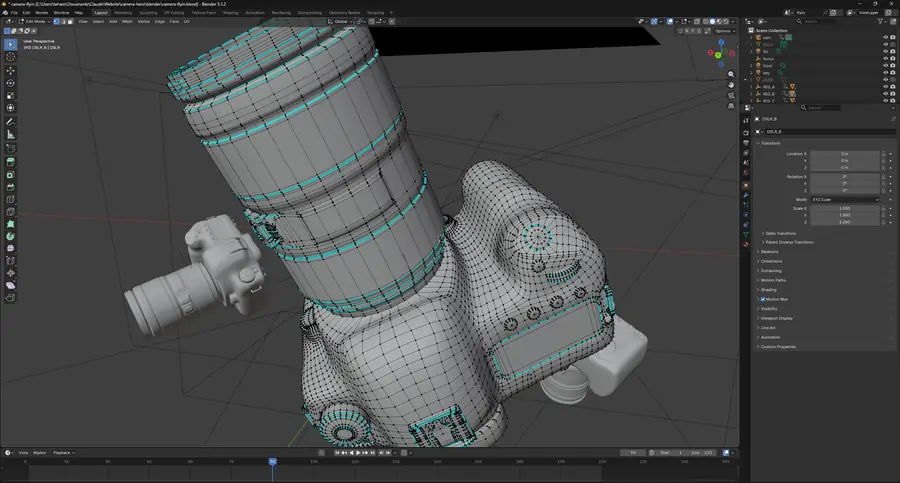
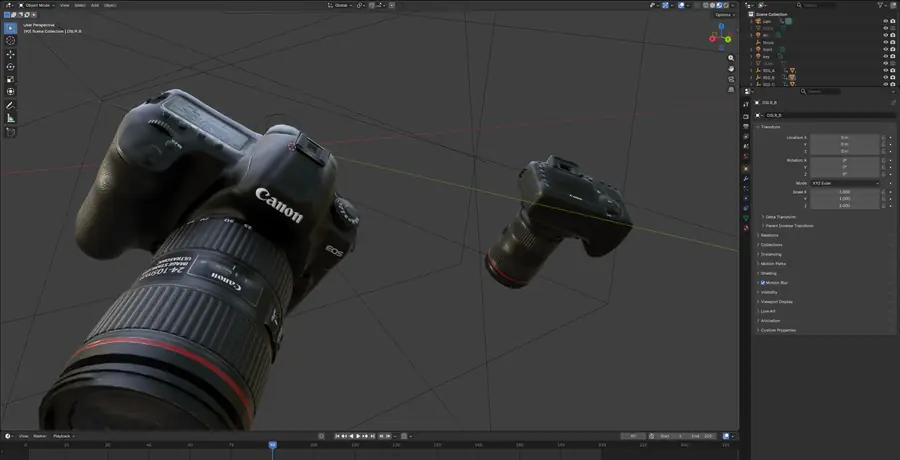
BLENDER, MESH IN EDIT MODE
02.01BLENDER, MESH IN EDIT MODE Edit mode on the body and lens, showing how dense the bought mesh is before any of it was cut apart.
BLENDER, SHADED AT FRAME 90
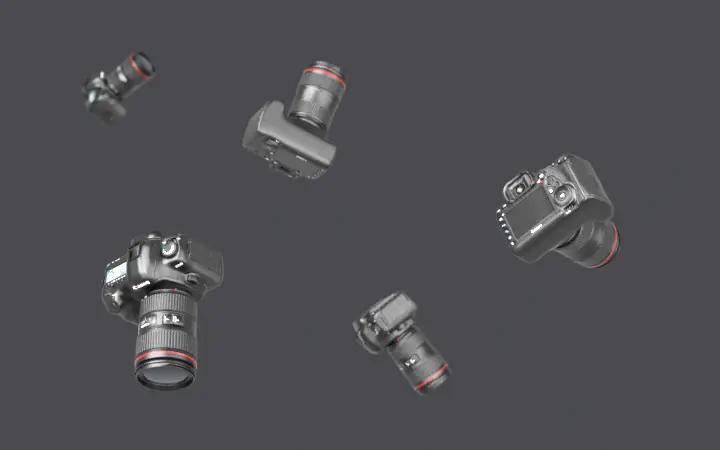
02.02BLENDER, SHADED AT FRAME 90 The same shot shaded and textured at frame ninety, three rigs carrying the bodies with motion blur switched on.
FLY IN, LANDSCAPE
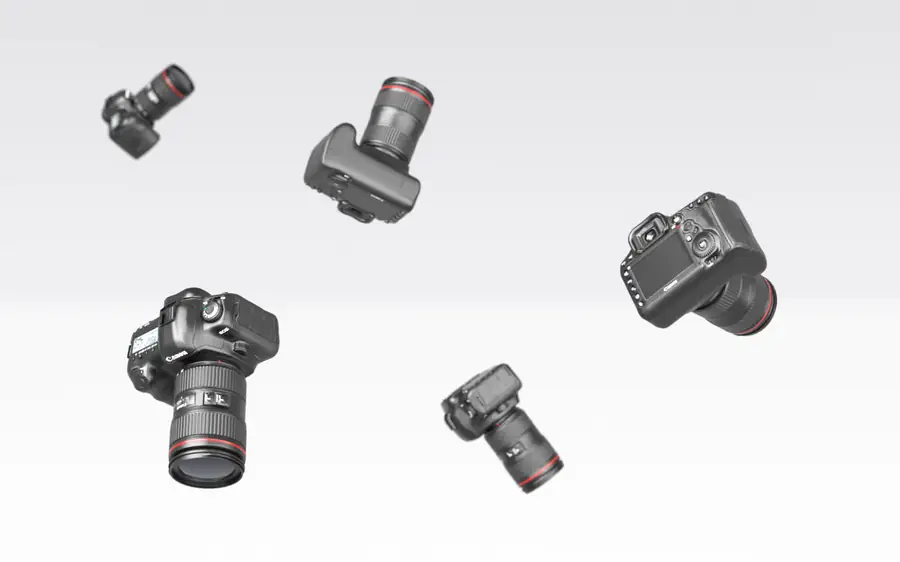
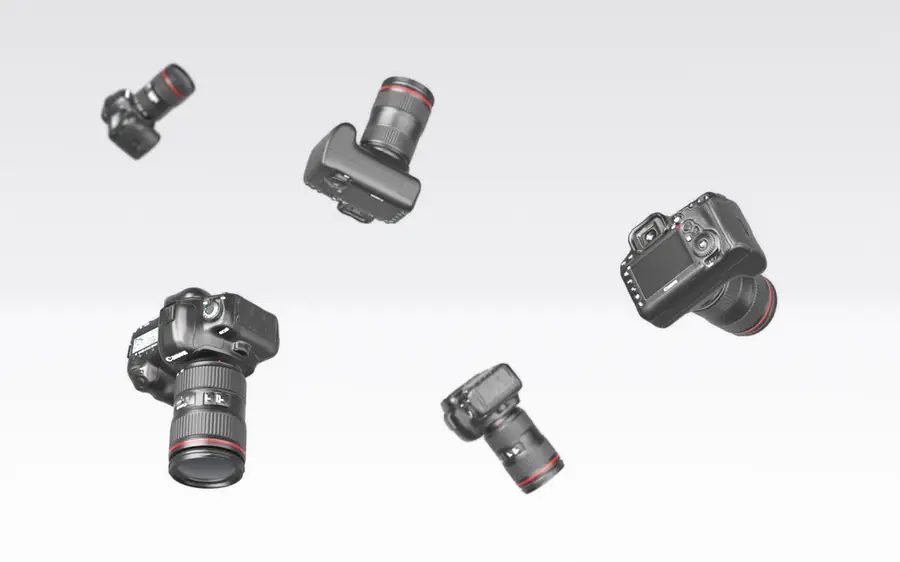
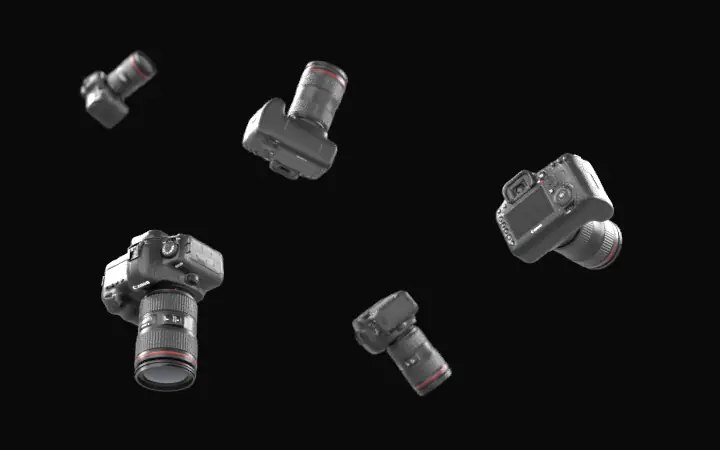
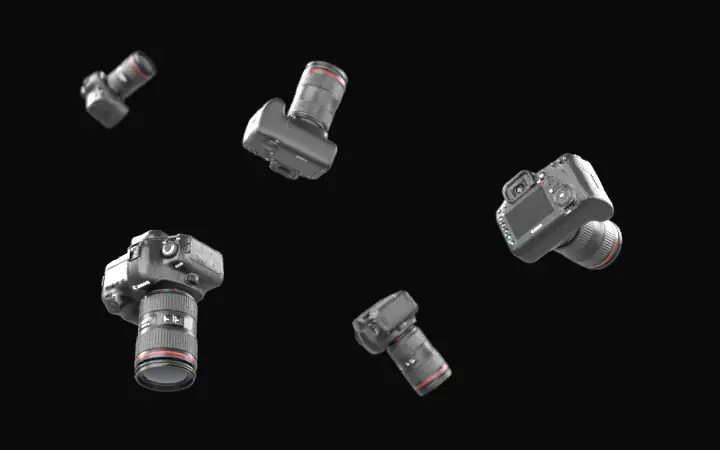
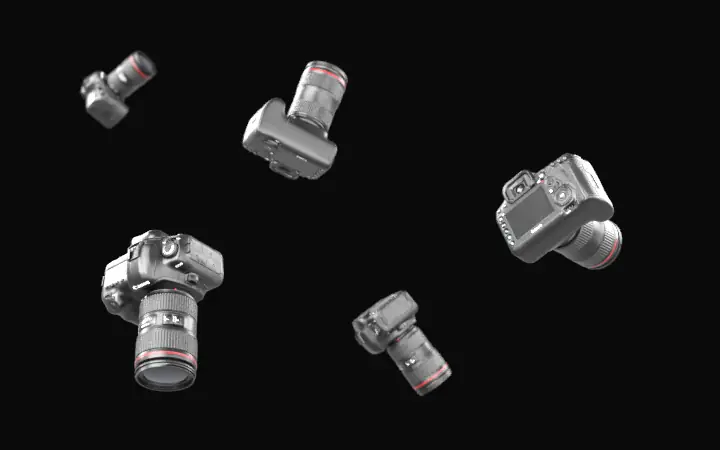
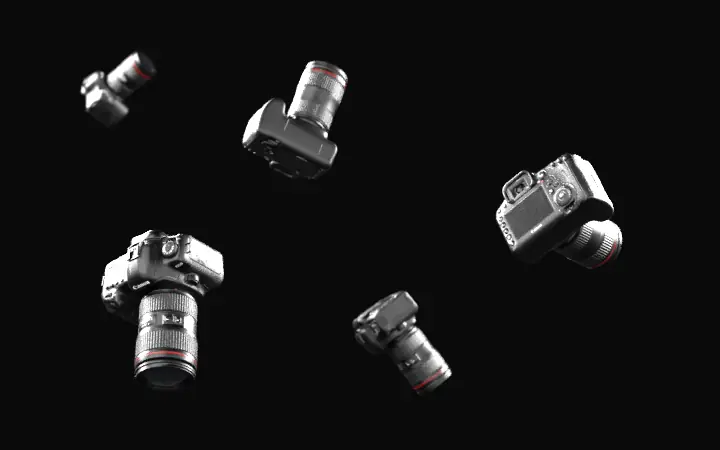
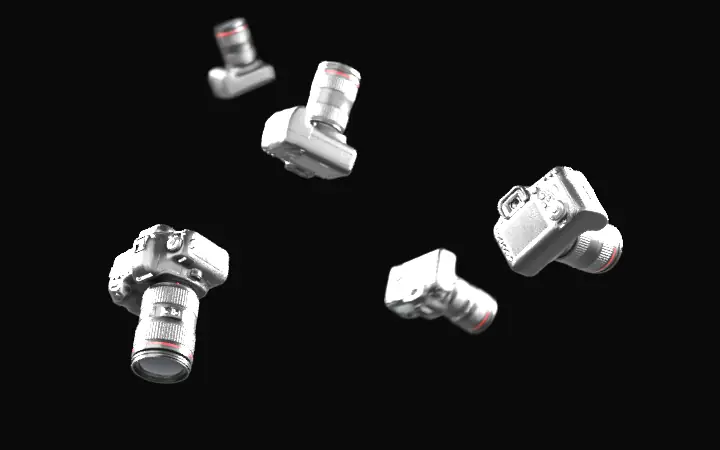
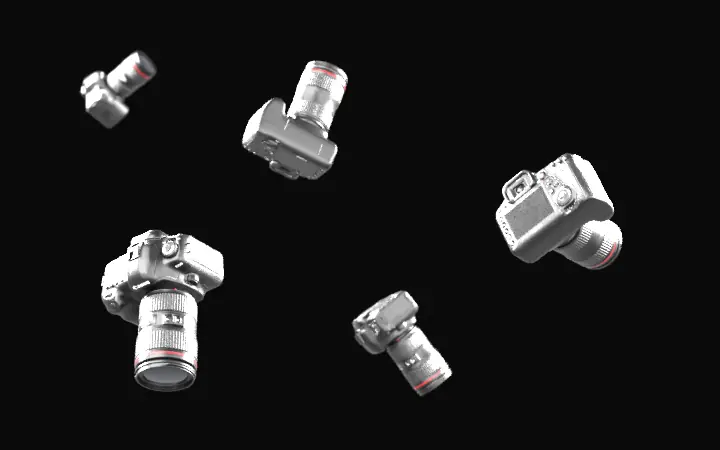
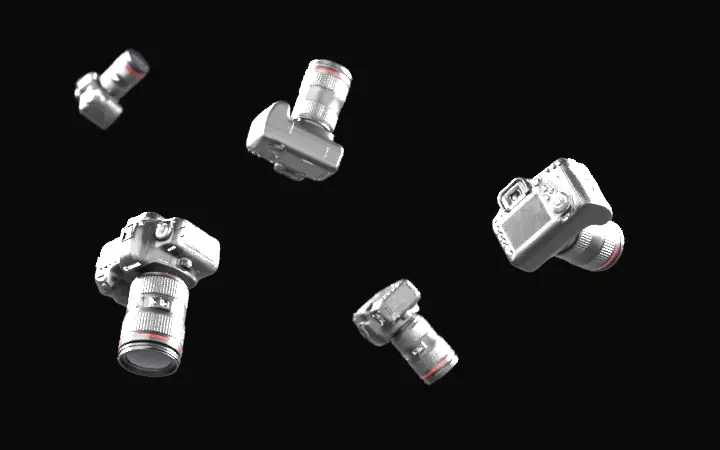
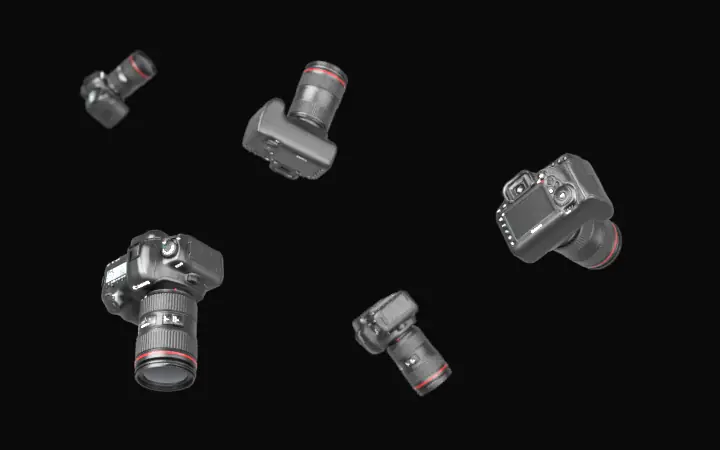
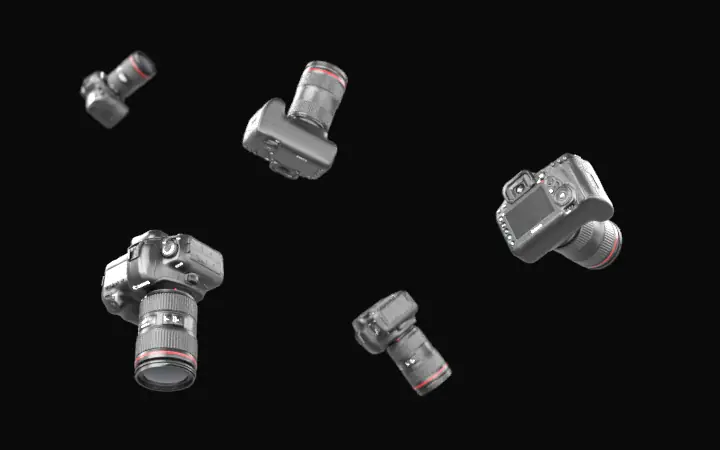
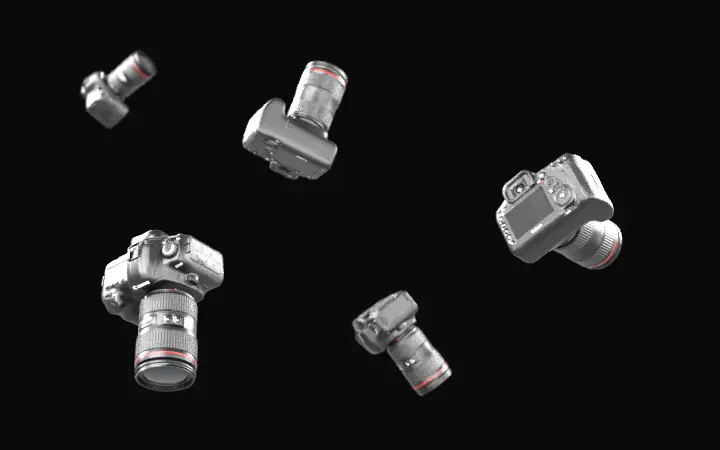
02.03FLY IN, LANDSCAPE Five camera bodies arrive from off screen, tumble, slow hard and settle into a floating arrangement.
FLY IN, PORTRAIT
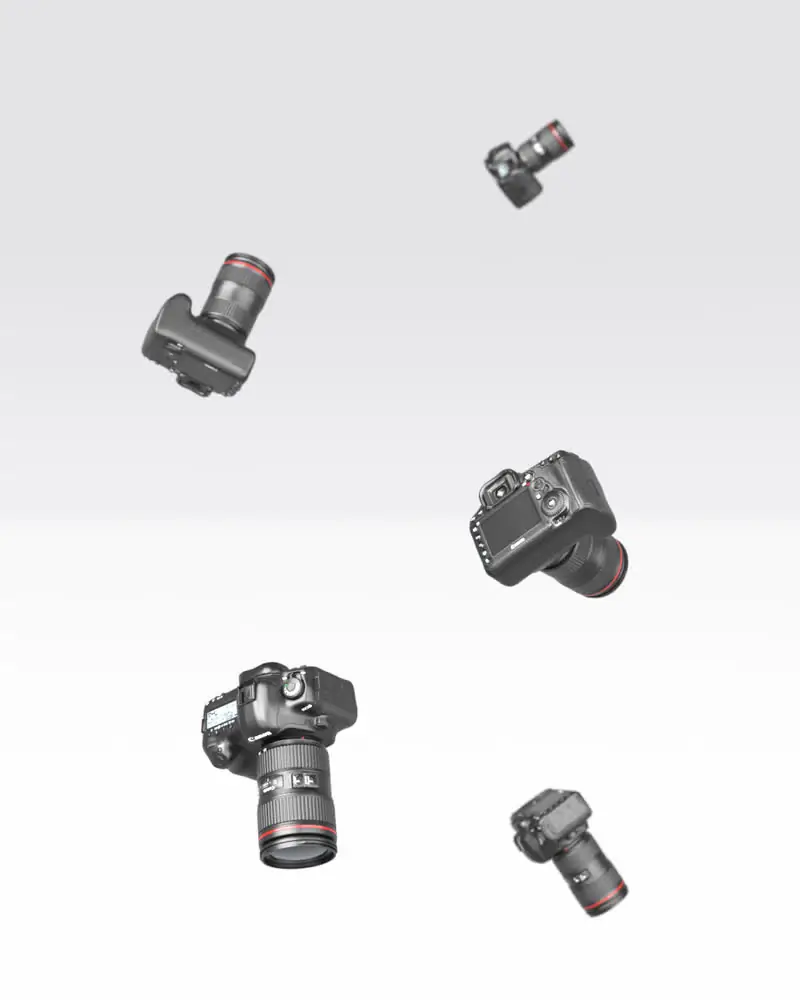
02.04FLY IN, PORTRAIT The same flight laid out taller, so a phone held upright never crops the outer cameras away.
EXPLODED ASSEMBLY
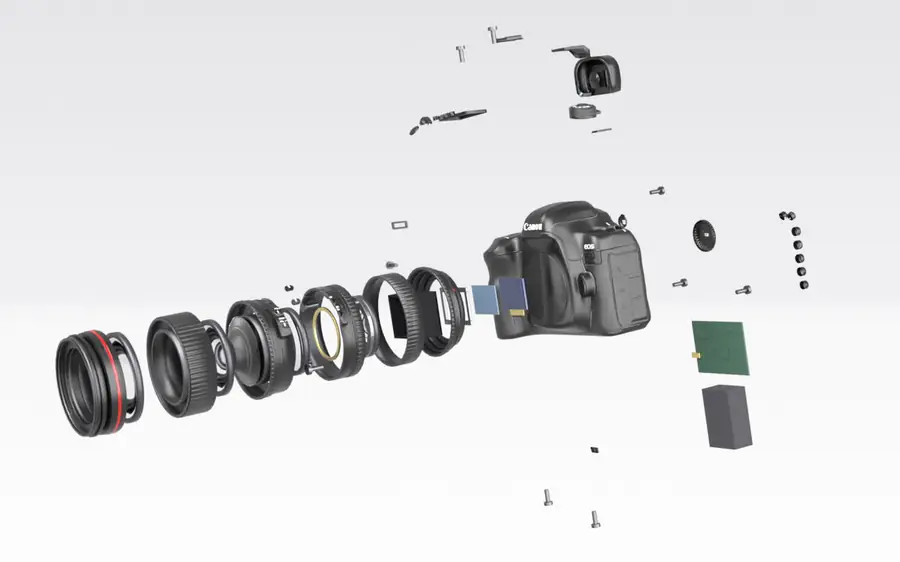
02.05EXPLODED ASSEMBLY The lens cut into six rings, four glass elements modelled from scratch, twelve screws leaving along their own axes.
FLY IN, SUPERSEDED
02.06FLY IN, SUPERSEDED The first render, later replaced. Fast moving edges tore under motion blur, so the whole clip was redone.
MOBILE POSTER
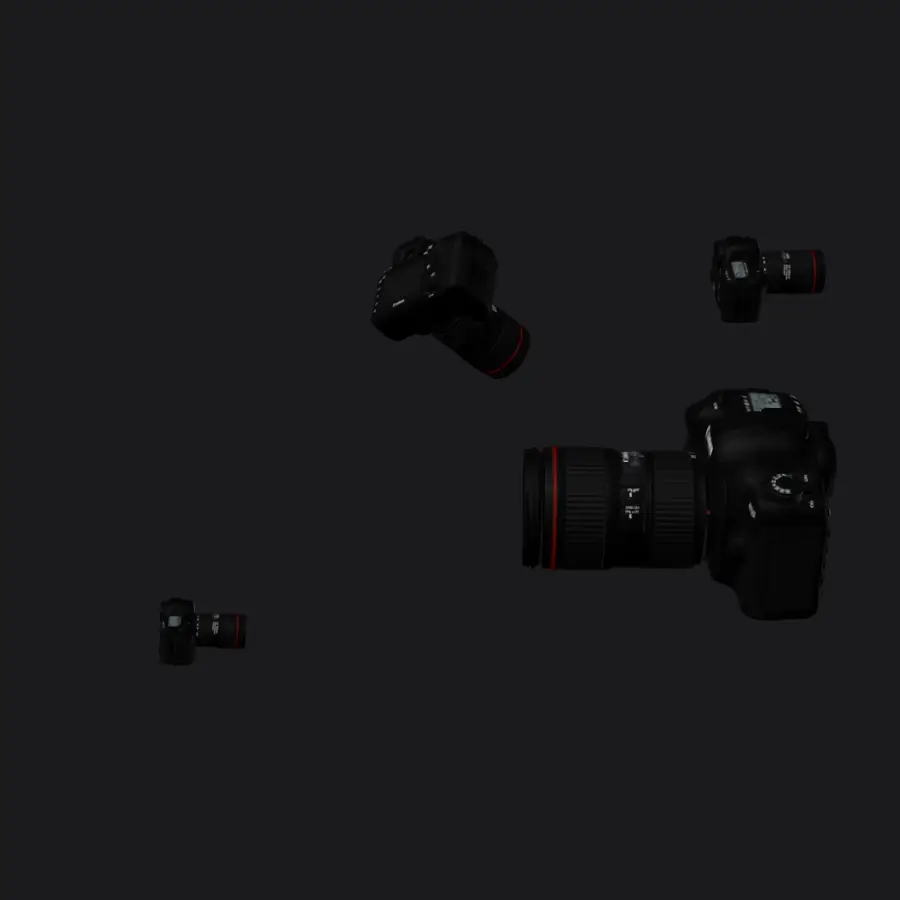
02.07MOBILE POSTER Shown instead of the animation on phones. Measured too dark against the page, so it still reads as empty.
TUNING RIG CONTROLS
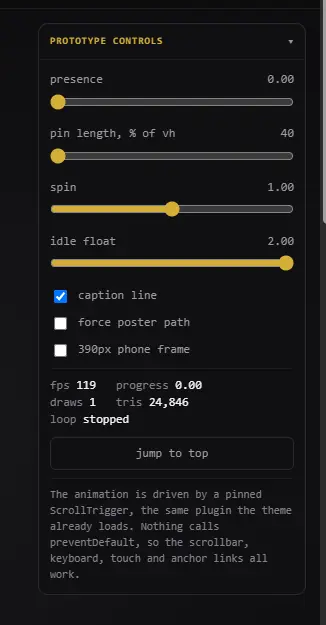
02.08TUNING RIG CONTROLS Sliders for presence, pin length, spin and idle float, with a live frame rate reading underneath.
BACKGROUND, SITE VALUE
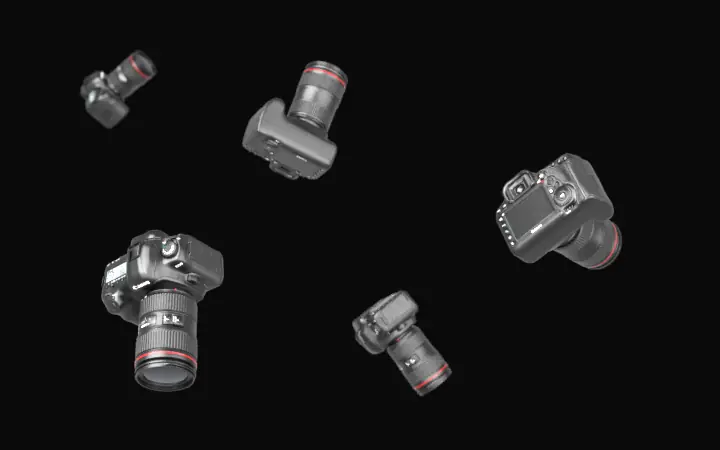
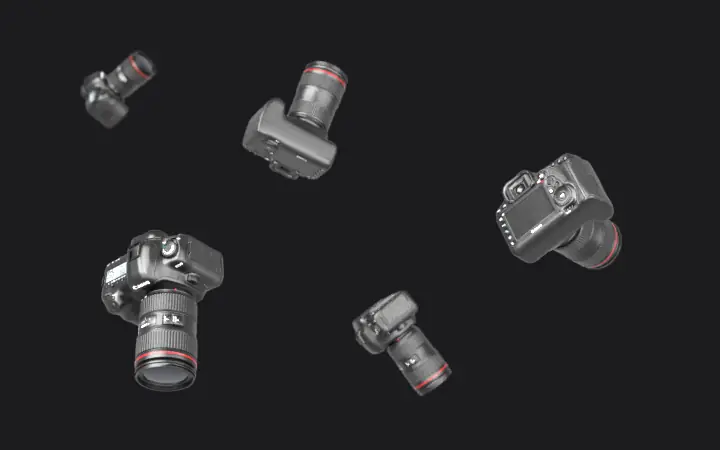
02.09BACKGROUND, SITE VALUE Tested against the near black the page actually uses, to see whether the bodies stay readable at all.
BACKGROUND, CHARCOAL
02.10BACKGROUND, CHARCOAL The same arrangement on a lighter wall, checking how much separation the bodies keep when the room brightens.
BACKGROUND, MID GREY
02.11BACKGROUND, MID GREY On mid grey the cameras read easily, which pointed at page contrast rather than the lighting being wrong.
EXPOSURE, LOWEST
02.12EXPOSURE, LOWEST The dimmest of four exposure steps, looking for the point where the shape stops being legible.
EXPOSURE, MIDDLE
02.13EXPOSURE, MIDDLE Middle exposure. The lens barrels and the red ring separate cleanly without the bodies turning flat grey.
EXPOSURE, FULL
02.14EXPOSURE, FULL Full exposure. Too bright for the page, but useful as the top end of the range being judged.
LOW KEY, VARIANT A
02.15LOW KEY, VARIANT A First low key lighting pass, keeping most of the body in shadow and letting one edge carry it.
LOW KEY, VARIANT C
02.16LOW KEY, VARIANT C Third pass, and the version that reads best on black without ever looking lit from the front.
COMPOSITION, EARLY
02.17COMPOSITION, EARLY The arrangement early in the flight, bodies still spread wide and turning towards their final angles.
COMPOSITION, MIDDLE
02.18COMPOSITION, MIDDLE Halfway through. The group has drawn in and the largest body is close to where it stops.
COMPOSITION, SETTLED
02.19COMPOSITION, SETTLED The settled frame the visitor actually holds on, which is what the composition was judged against.
RIM LIGHT, OFF
02.20RIM LIGHT, OFF No rim light. The bodies lose their outline against a dark page and merge with the background.
RIM LIGHT, SOFT
02.21RIM LIGHT, SOFT A soft rim. Just enough to draw an edge without adding a highlight that looks stuck on.
RIM LIGHT, MEDIUM
02.22RIM LIGHT, MEDIUM A stronger rim. Cleaner separation, at the cost of looking more like a product shot than a page.
03 Source material and the live page MODELS, TEXTURE MAPS, SHIPPED RESULT 20 images

What the hero was actually built from. Manual diagrams read for the lens parts, photogrammetry texture sets measured before choosing a model, and the finished section on the live site.

Measured Mapped Shipped

Open the whole board
LIVE, WITH COPY BLOCK
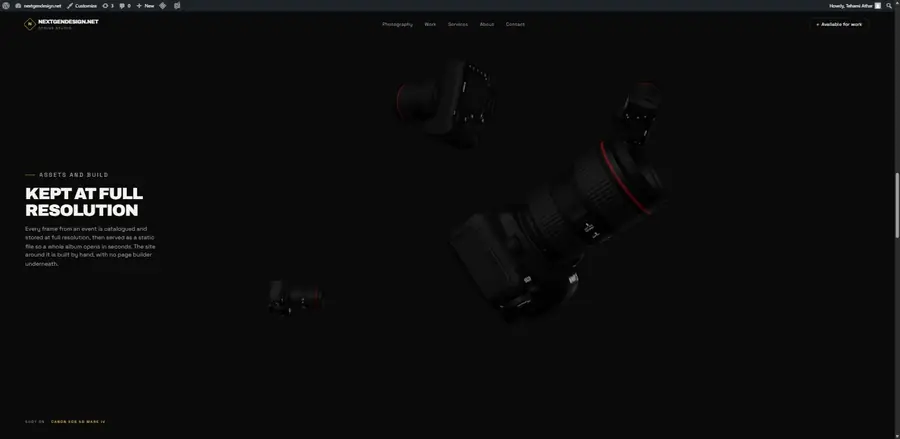
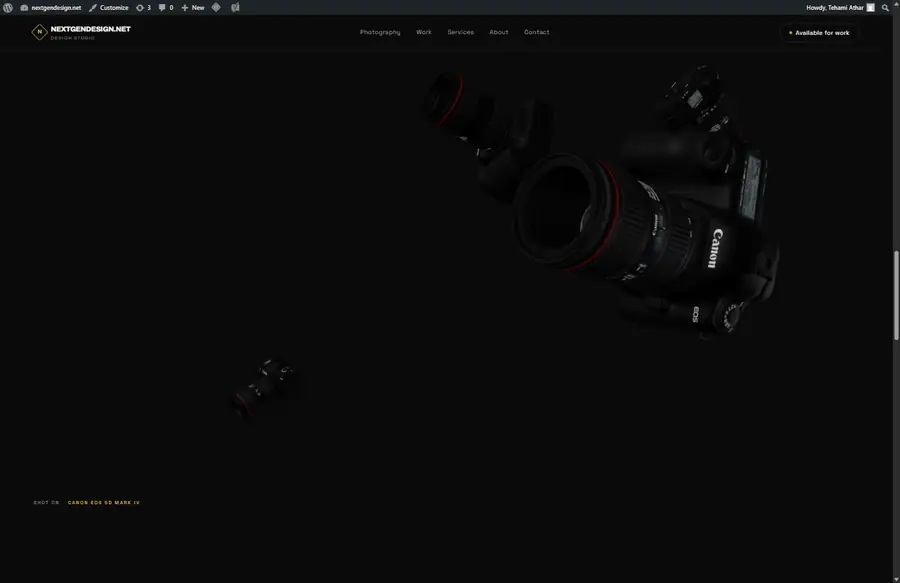
03.01LIVE, WITH COPY BLOCK The hero on the home page with the copy block on the left, vertically centred over the animation.
LIVE, SETTLED
03.02LIVE, SETTLED Further into the scroll. The cameras settle upper right and the caption names the body along the bottom.
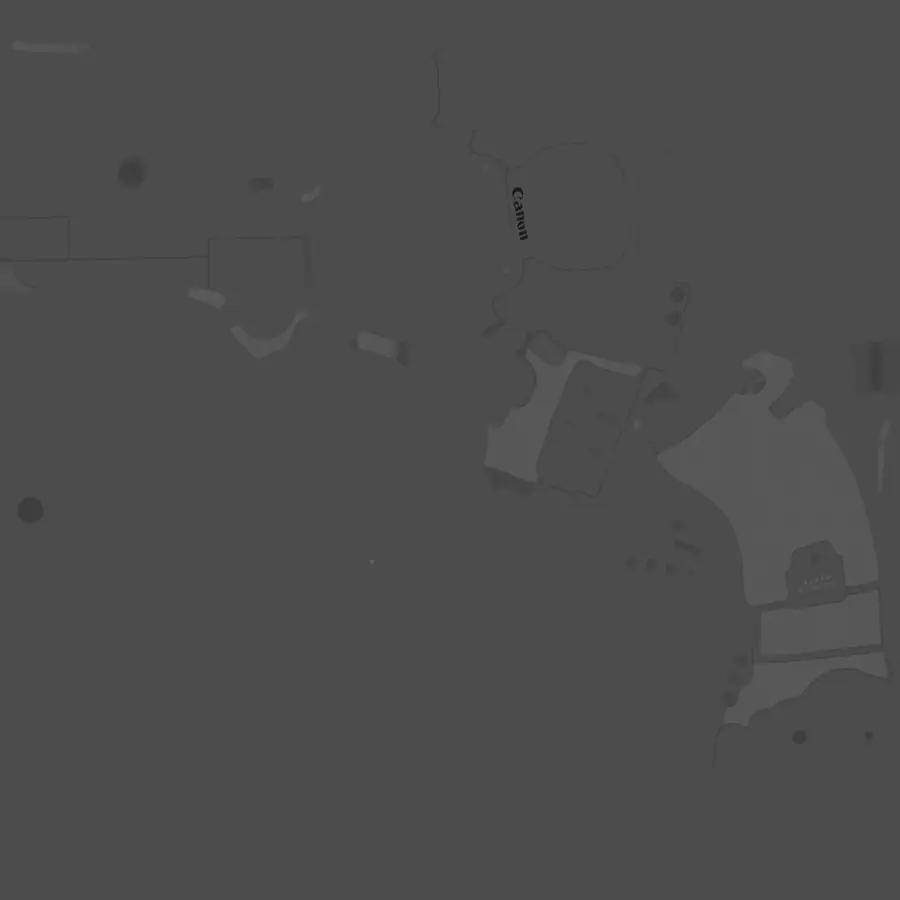
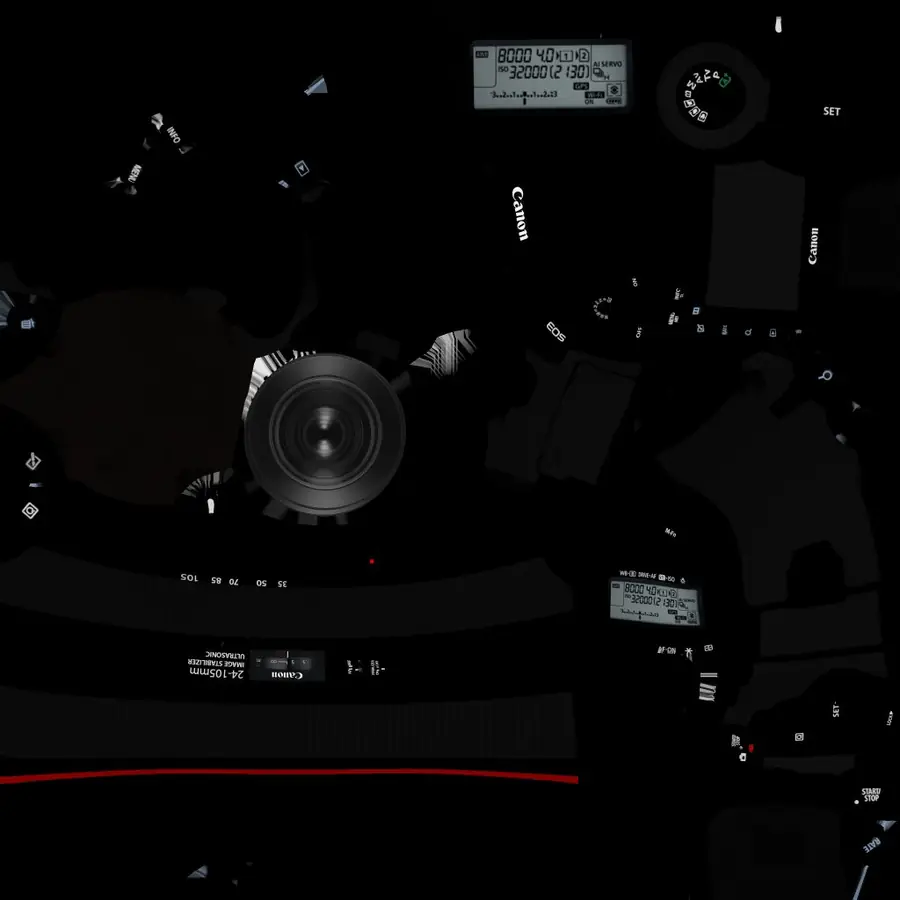
CANON DIFFUSE MAP
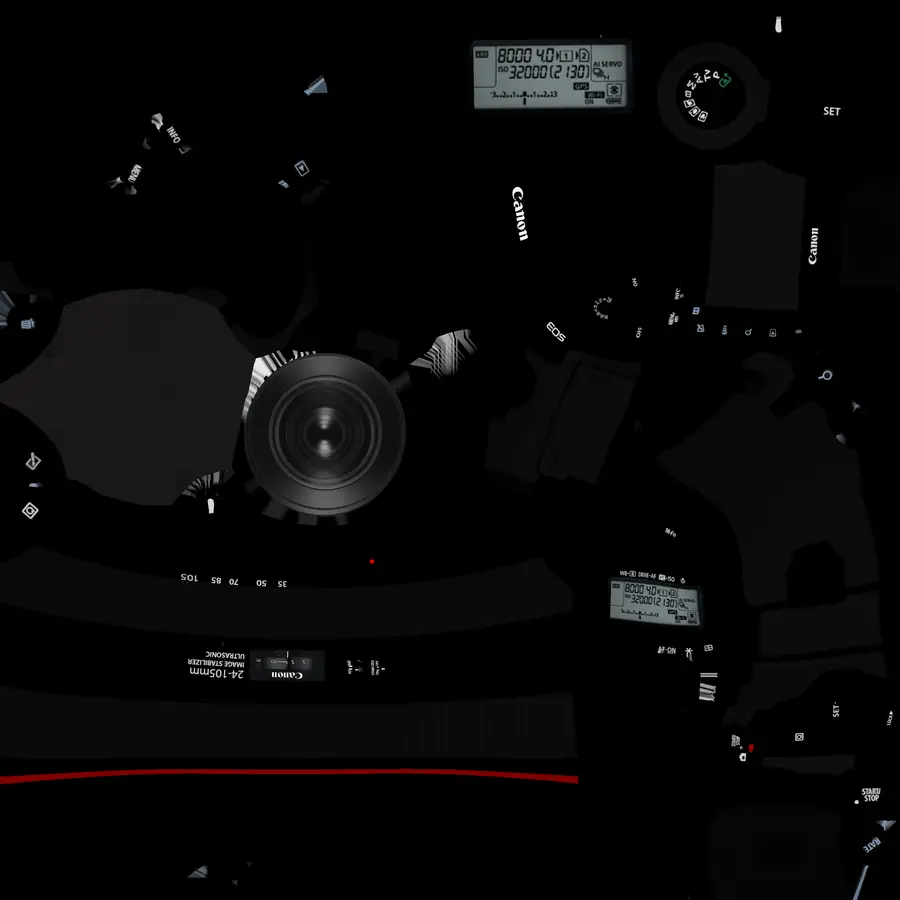
03.03CANON DIFFUSE MAP The colour map for the Canon body, flattened out. Every dial, badge and the red ring live here.
CANON NORMAL MAP
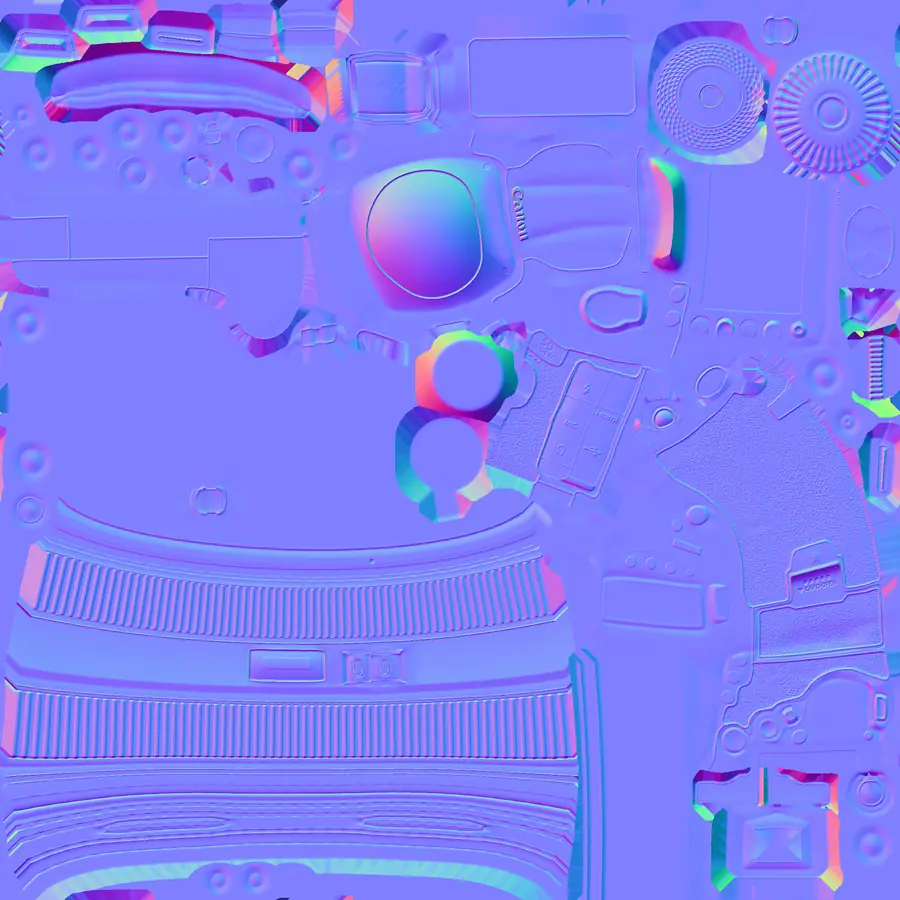
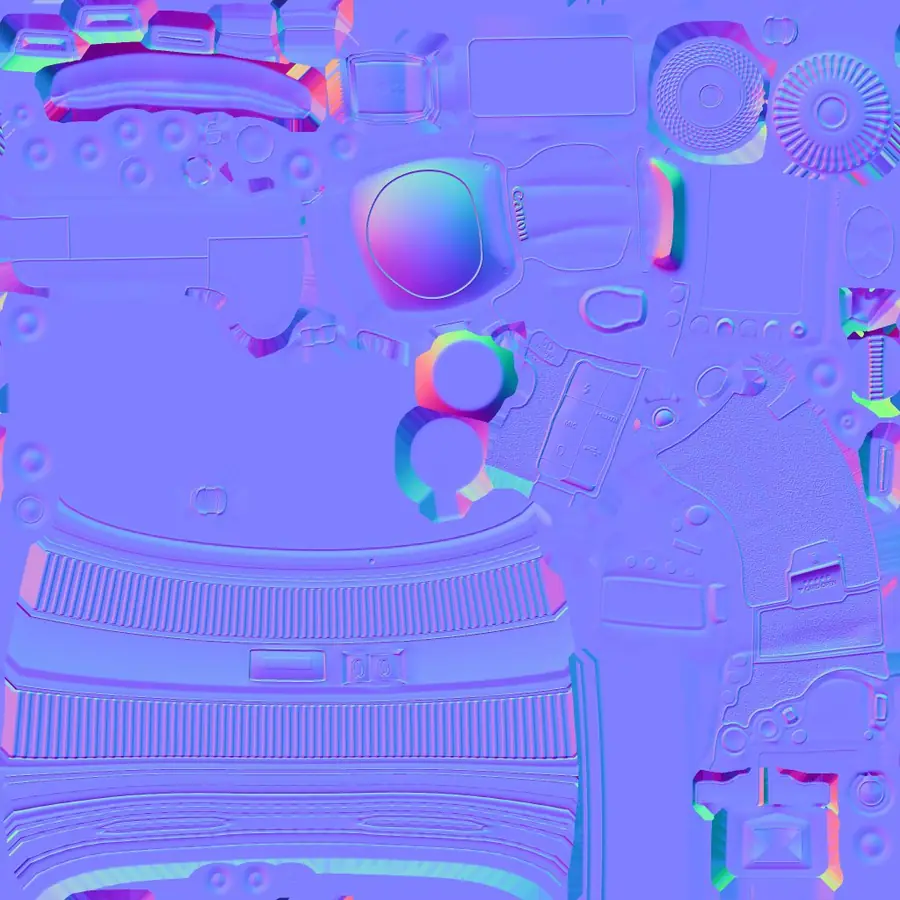
03.04CANON NORMAL MAP Surface detail stored as colour. This is what gives the grip its texture without adding any geometry.
CANON GLOSSINESS MAP
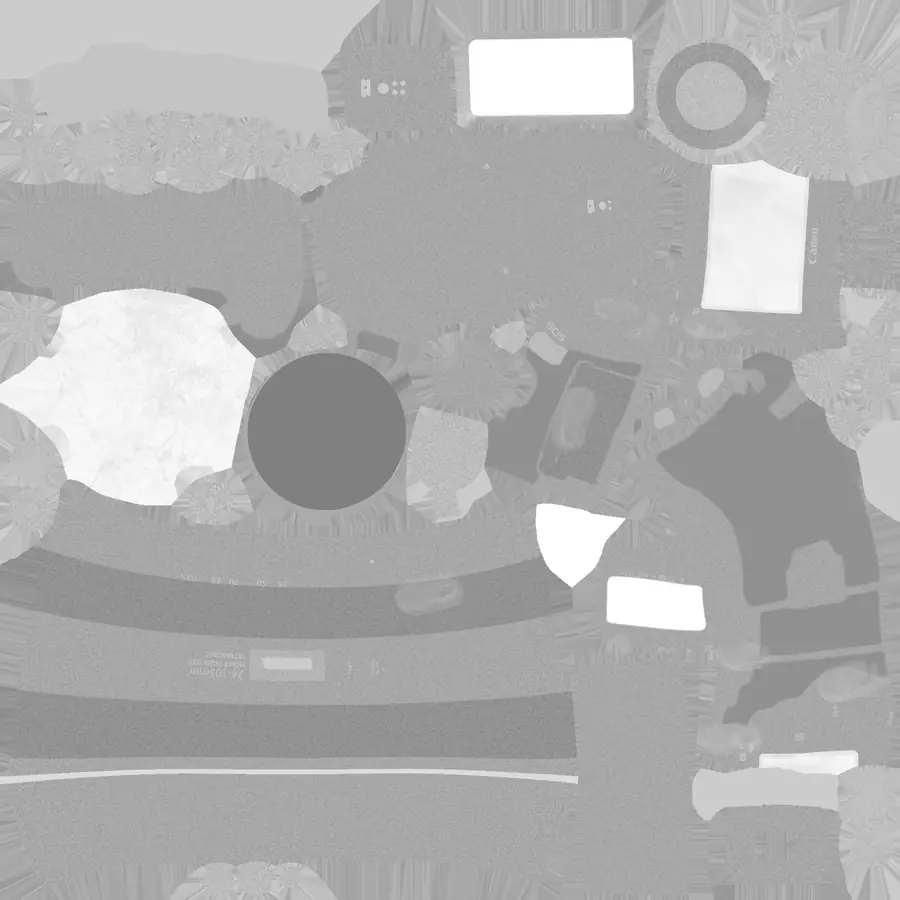
03.05CANON GLOSSINESS MAP Where the body is shiny and where it is matte, which decides how the light behaves on it.
CANON HEIGHT MAP
03.06CANON HEIGHT MAP Fine relief, mostly unused in the end. Kept because it was the fuller of the two texture folders.
CANON SPECULAR MAP
03.07CANON SPECULAR MAP Almost empty. A useful check that the model shipped a real texture set rather than a token one.
CANON OPACITY MAP
03.08CANON OPACITY MAP Nearly all solid, with one soft cut out. The reason the model needed no transparency work at all.
SHIPPED COLOUR MAP
03.09SHIPPED COLOUR MAP The same colour map cut down to the size that actually ships to a visitor, at forty five kilobytes.
SHIPPED DETAIL MAP
03.10SHIPPED DETAIL MAP The detail map as shipped. The largest single texture the page downloads, and worth every kilobyte.
NIKKOR LENS SCAN TEXTURE
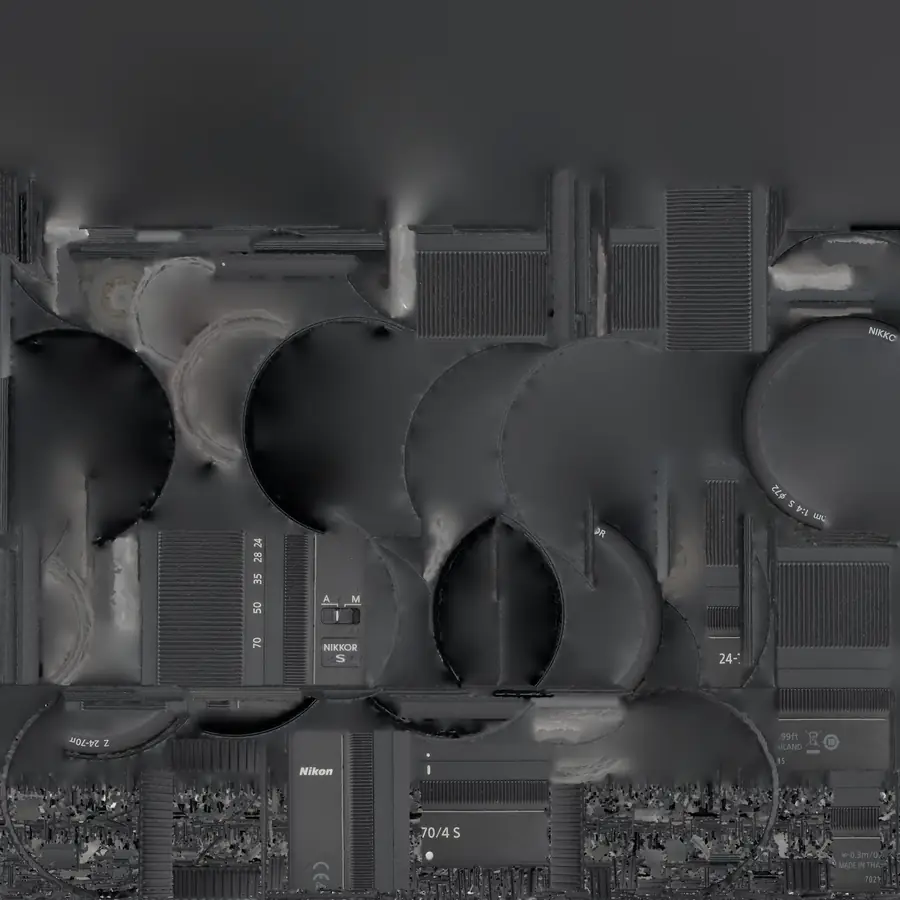
03.11NIKKOR LENS SCAN TEXTURE A four thousand pixel scan of the separate lens. Detailed, and never used once the Canon was chosen.
NIKON Z6 SCAN TEXTURE
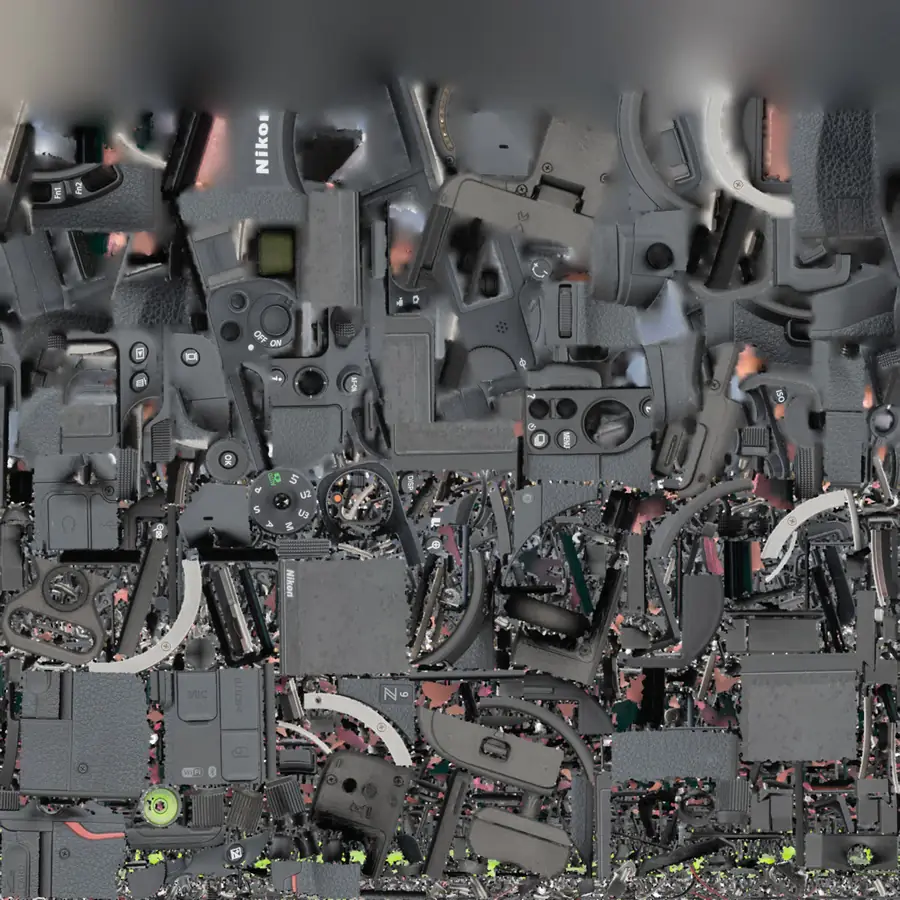
03.12NIKON Z6 SCAN TEXTURE The rejected model, a fifty eight megabyte colour scan with the lighting already baked into it.
THE REFERENCE PRODUCT SHOT
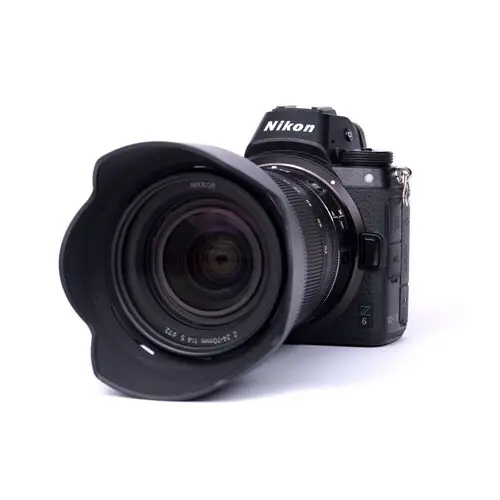
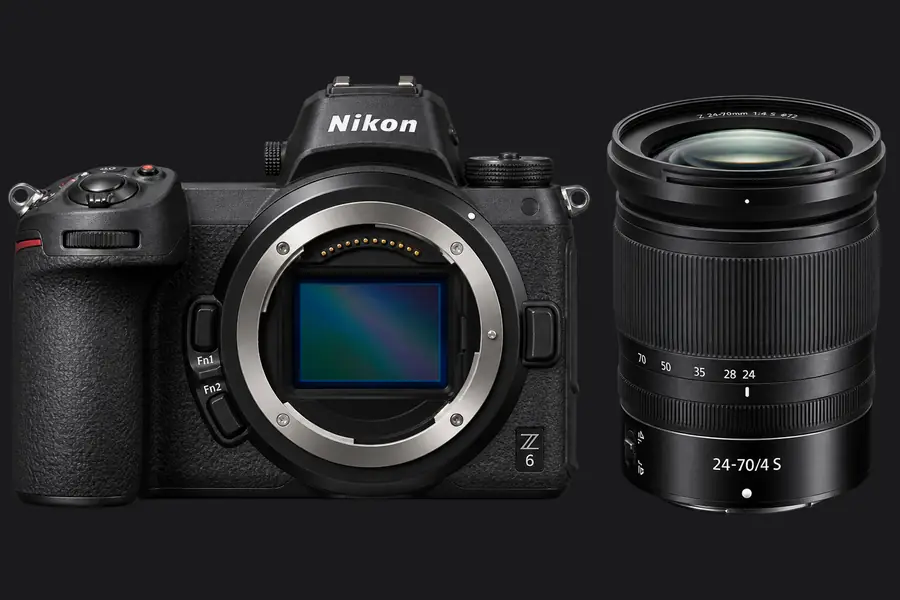
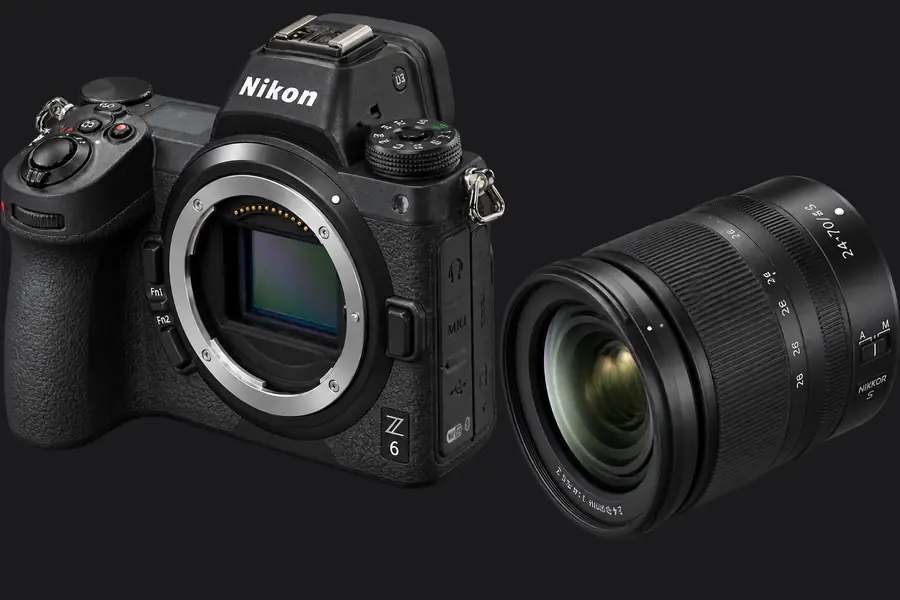
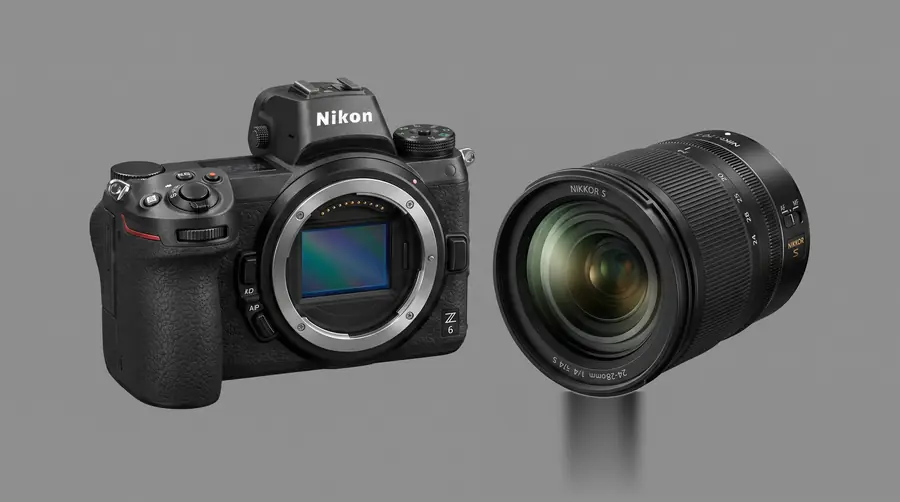
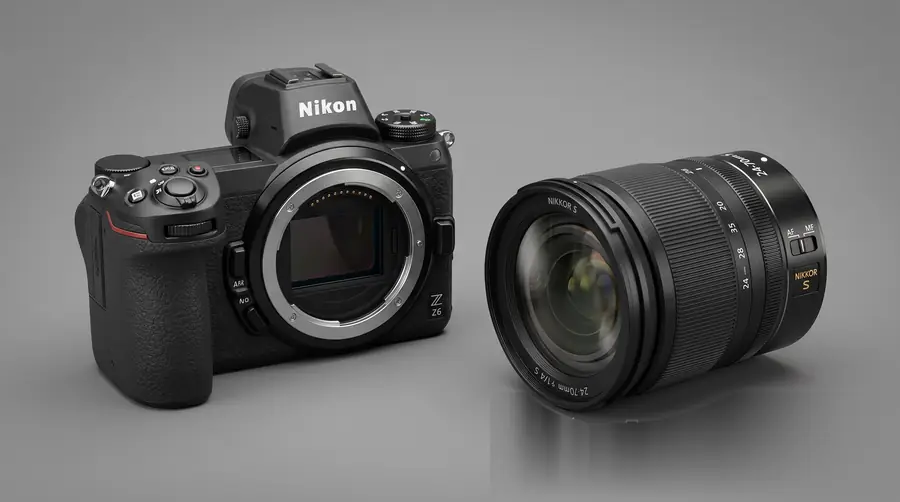
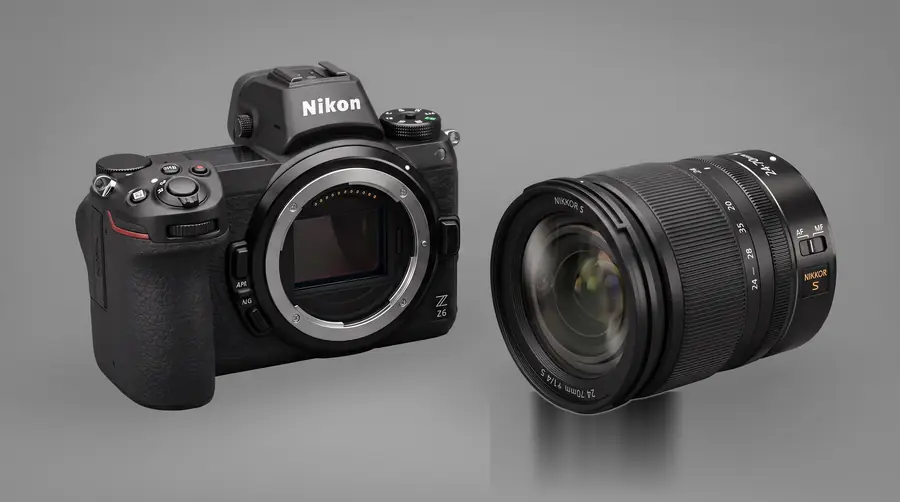
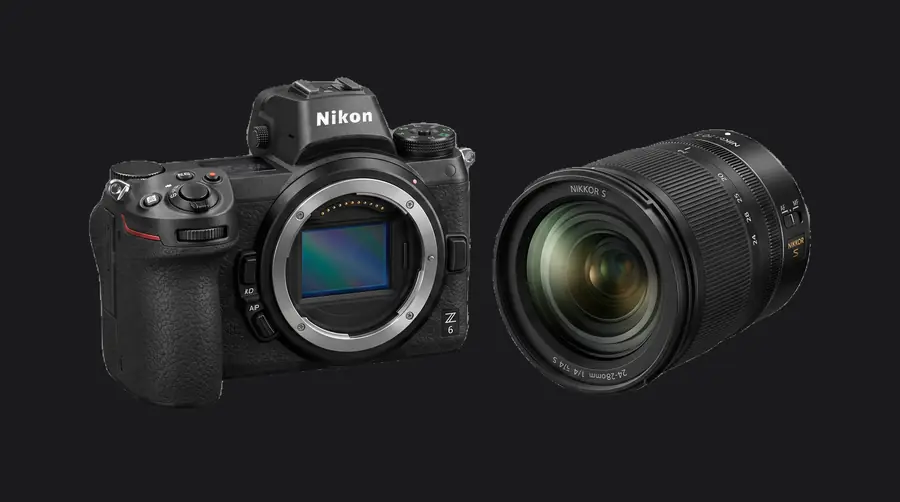
03.13THE REFERENCE PRODUCT SHOT The Nikon body and lens as a plain product photograph, the flat clean look the hero was aiming at.
MANUAL, FULL PARTS PAGE
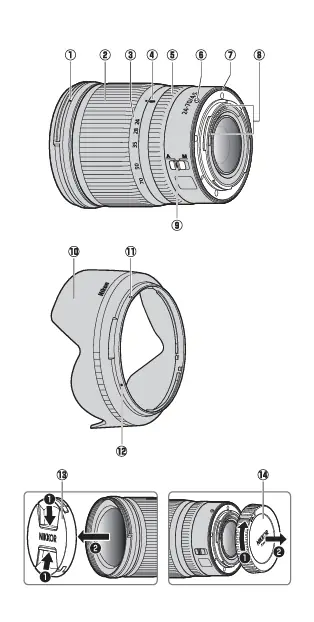
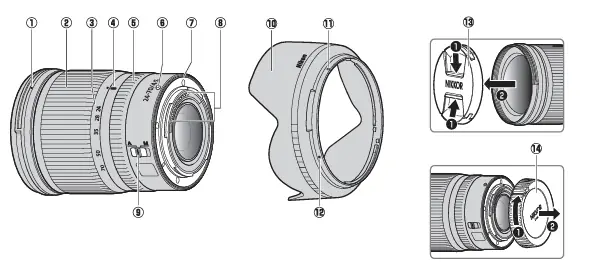
03.14MANUAL, FULL PARTS PAGE The lens manual page numbering every ring, switch and cap. Read to work out what could be taken apart.
MANUAL, PARTS OVERVIEW
03.15MANUAL, PARTS OVERVIEW A wider view of the same page. The hood, both caps and the mount all called out separately.
MANUAL, HOOD FITTING
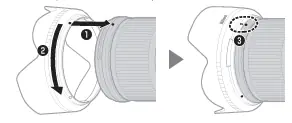
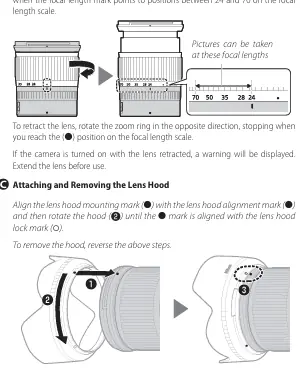
03.16MANUAL, HOOD FITTING How the hood mounts and locks. Useful for knowing which pieces rotate rather than pull straight off.
MANUAL, HOOD REMOVAL
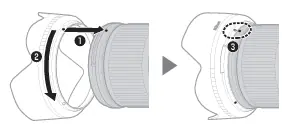
03.17MANUAL, HOOD REMOVAL The reverse of the same move, which is where the direction of each exploded part came from.
MANUAL, ZOOM TRAVEL
03.18MANUAL, ZOOM TRAVEL How far the barrel extends and retracts. This is what the six ring cut had to respect.
MANUAL, FOCAL SCALE
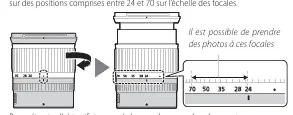
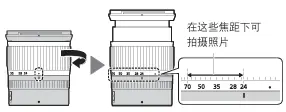
03.19MANUAL, FOCAL SCALE The focal length scale, showing which positions are usable. A small detail that told the barrel apart.
MANUAL, FULL PAGE
03.20MANUAL, FULL PAGE The whole page with its instructions, kept as the source rather than only the cropped diagrams.
04 Reference and abandoned paths WHAT SET THE BRIEF, WHAT DID NOT SURVIVE 18 images

Generated stills that set the exploded camera direction, and the early concept grids from the first recording pass that the sixteen chosen windows replaced.

Explored Rejected Kept

Open the whole board
FLAT LAY, FRONT ON
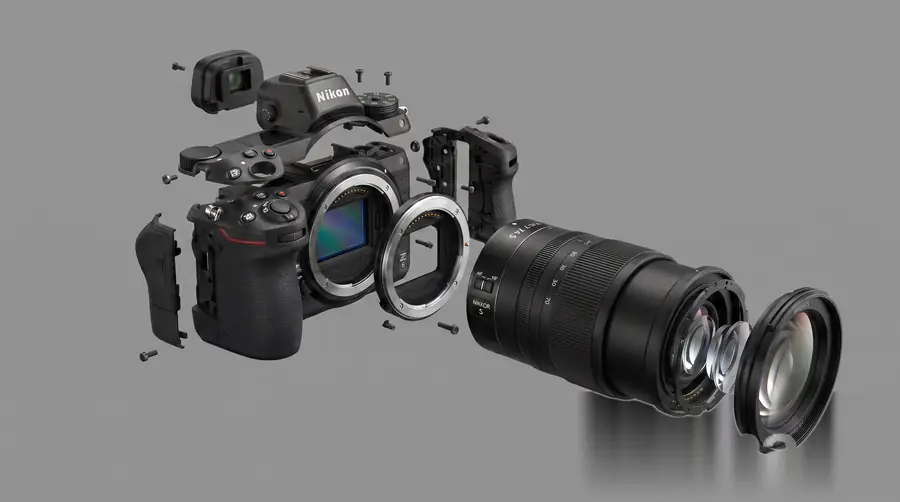
04.01FLAT LAY, FRONT ON Body and lens straight on, sensor open. The cleanest read of the two pieces the hero would use.
FLAT LAY, ANGLED
04.02FLAT LAY, ANGLED The same pair turned slightly. Enough perspective to show depth without losing the flat product feel.
EXPLODED, GREY A
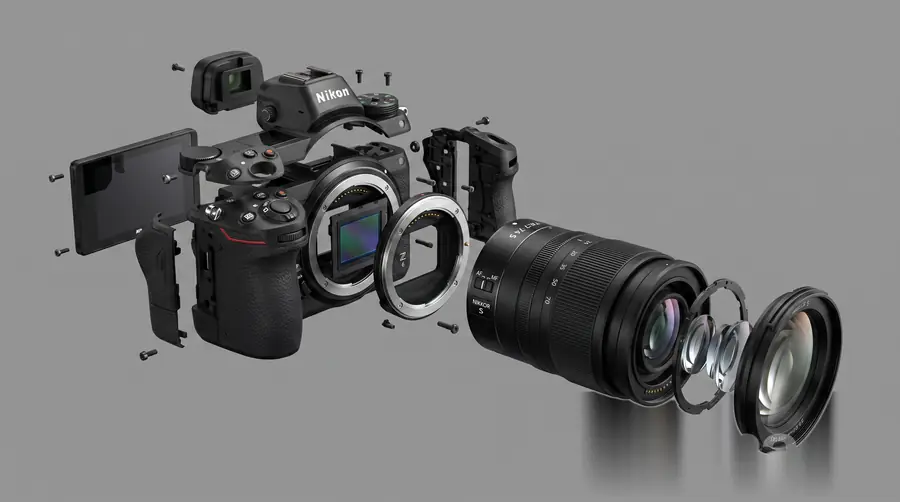
04.03EXPLODED, GREY A The image that set the brief. Body opened out with the lens elements stepping away along one axis.
EXPLODED, GREY B
04.04EXPLODED, GREY B A second pass with the rear screen swung out, which is why the shipped explode separates the back.
EXPLODED, CUT OUT
04.05EXPLODED, CUT OUT The same explode with the background removed, used to judge how it would sit on a dark page.
PAIR ON GREY
04.06PAIR ON GREY Body and lens on a grey wall with a soft floor shadow. The lighting the Blender scene copied.
PAIR, THREE QUARTER
04.07PAIR, THREE QUARTER A three quarter view on a darker wall. Closest of the set to how the hero eventually lit up.
PAIR, STUDIO GREY
04.08PAIR, STUDIO GREY Studio lighting, tighter shadow. Kept as the reference for how hard the key light should read.
PAIR, CUT OUT
04.09PAIR, CUT OUT Background removed, ready to drop onto any colour. Used for quick composition tests before any modelling began.
PAIR, HIGH CONTRAST CUT OUT
04.10PAIR, HIGH CONTRAST CUT OUT A harder edged cut out of the same pair, useful for checking silhouette rather than surface detail.
EARLY GRID, FIRST SWEEP
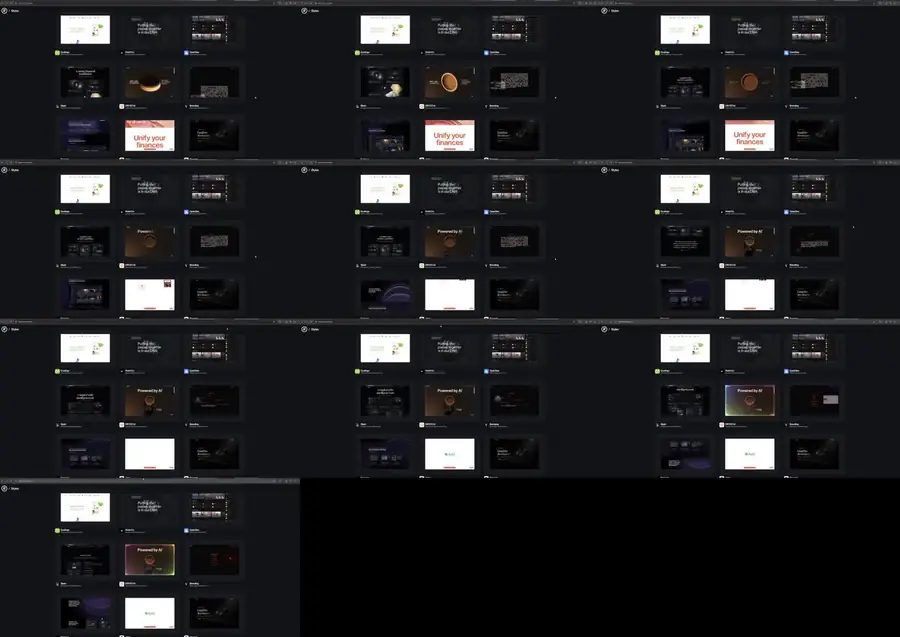
04.11EARLY GRID, FIRST SWEEP The first sweep of page concepts, dozens at thumbnail size, before anything was chosen or named.
EARLY GRID, SECOND SWEEP
04.12EARLY GRID, SECOND SWEEP More of the same sweep. Warmer palettes appear here, and two of them survived into the final sixteen.
EARLY GRID, THIRD SWEEP
04.13EARLY GRID, THIRD SWEEP A mixed sweep with pale cards among the dark. Most were dropped for reading like a generic software page.
EARLY GRID, FOURTH SWEEP
04.14EARLY GRID, FOURTH SWEEP A denser set with more imagery. This is where the dark gallery direction started to win.
EARLY GRID, FIFTH SWEEP
04.15EARLY GRID, FIFTH SWEEP The last of the dark sweeps, and the closest of the grids to the set that finally shipped.
EARLY GRID, OTHER BRAND A
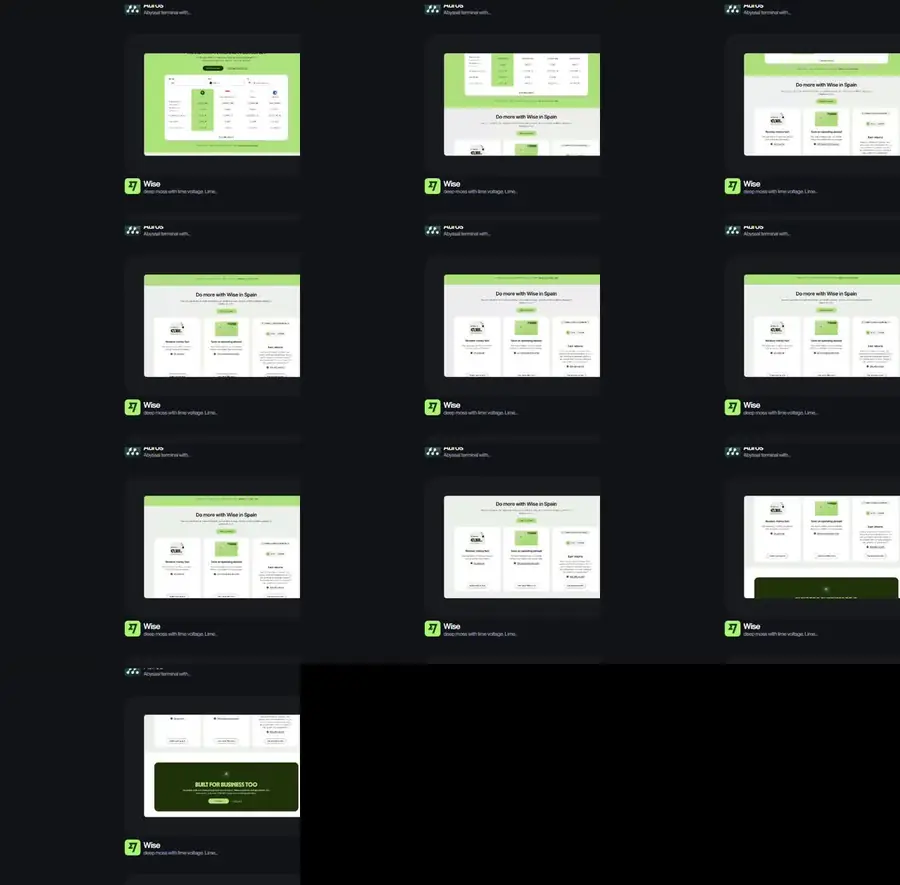
04.16EARLY GRID, OTHER BRAND A Concepts generated against a different brand entirely, kept only as evidence of how the pipeline behaved.
EARLY GRID, OTHER BRAND B
04.17EARLY GRID, OTHER BRAND B More of the same. Bright green and boxed layouts, nothing that suited a private photograph archive.
EARLY GRID, OTHER BRAND C
04.18EARLY GRID, OTHER BRAND C The last grid. Photograph led layouts that were closer in spirit, but wrong in tone for the studio.

Outside the browser

3D Designing

25 Blender projects from the studio archive, sorted into 6 boards by what each one was testing. 125 frames in total: finished renders, wireframe passes, and the panels that show how the scene was actually put together.

25 projects 6 boards 125 frames Modelled and rendered here
01 Things falling apart on purpose BLENDER / RIGID BODY AND FLUID 4 projects

Four scenes built on Blender's solvers rather than on keyframes. Stacked geometry, fractured sculpture, bricks and guided fluid, each one set up, baked, then framed at the moment the simulation reads clearest.

Solved Baked Shattered

Open the whole board
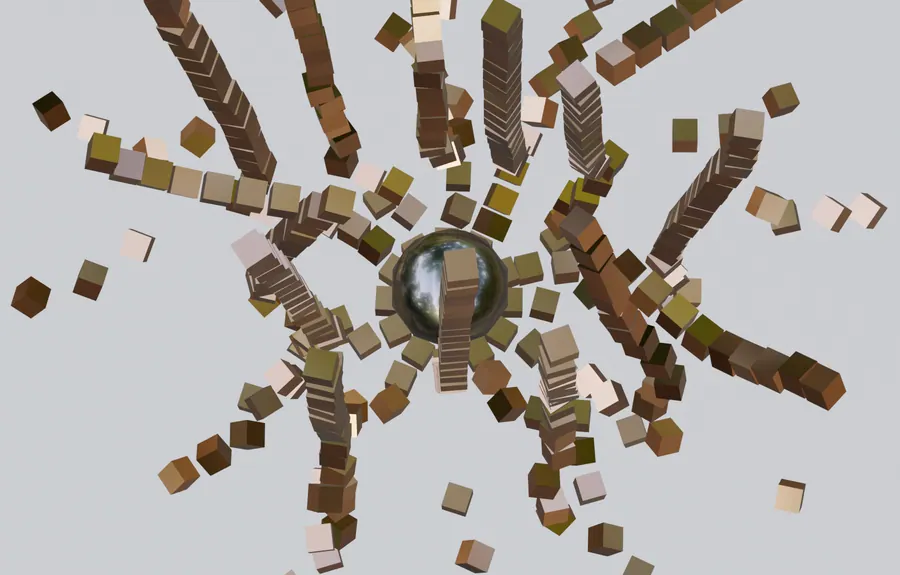
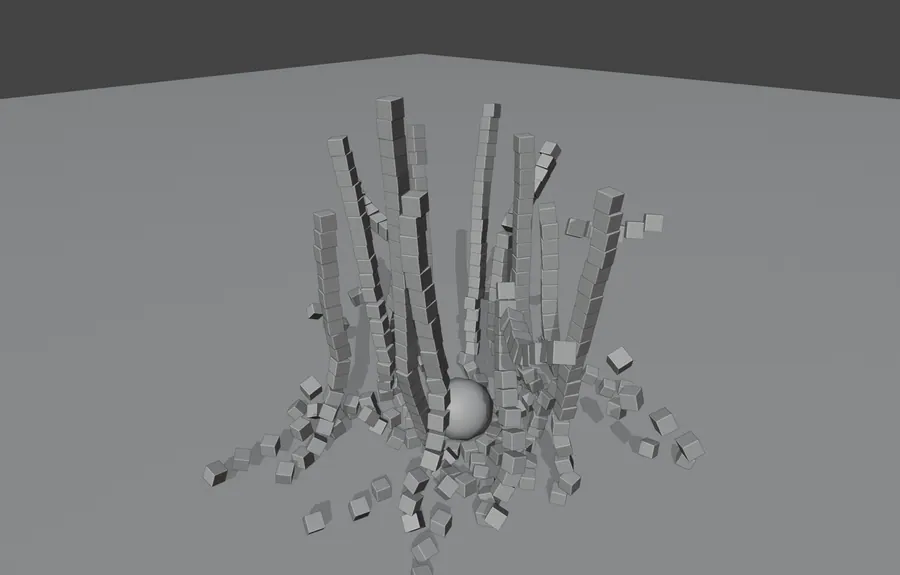
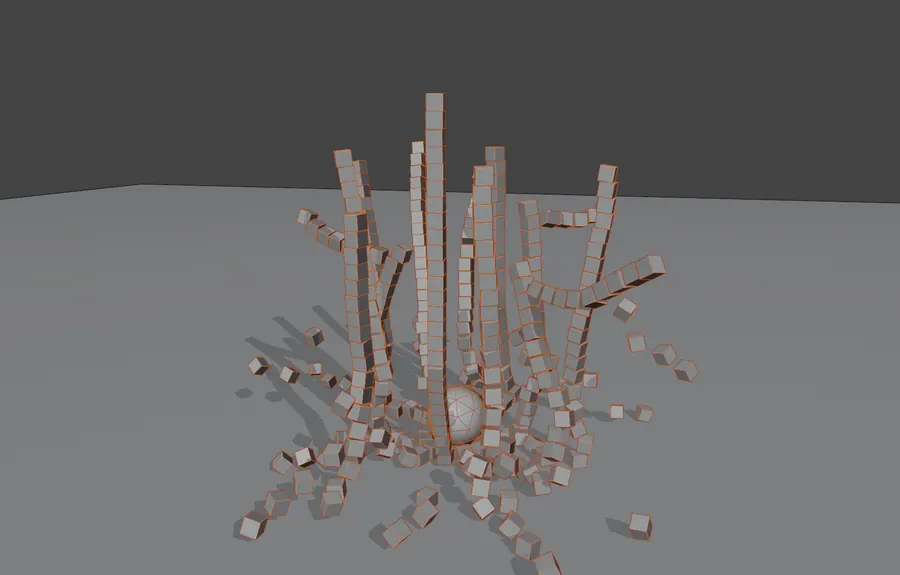
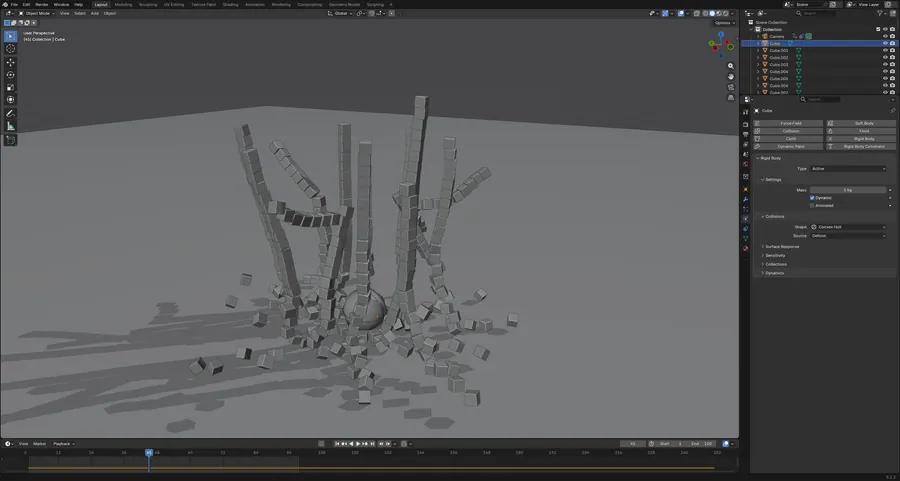
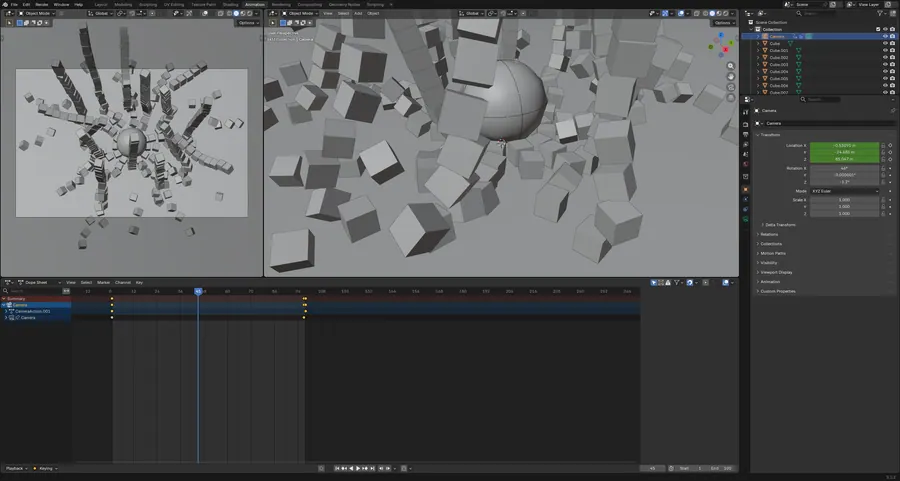
B01.01BALL DROPPING

349 cubes stacked in columns and dropped onto a chrome ball with the rigid body solver. Tested collision shapes, mass and substep tuning.

351 objects · 349 active rigid bodies · 100 frames · HDRI world

BALL DROPPING, SCENE CAMERA, FRAME 45
01.1SCENE CAMERA, FRAME 45
BALL DROPPING, SOLID SHADING, MID COLLAPSE
01.2SOLID SHADING, MID COLLAPSE
BALL DROPPING, WIREFRAME OVERLAY
01.3WIREFRAME OVERLAY
BALL DROPPING, RIGID BODY SETTINGS
01.4RIGID BODY SETTINGS
BALL DROPPING, CAMERA TRACK AND TIMELINE
01.5CAMERA TRACK AND TIMELINE

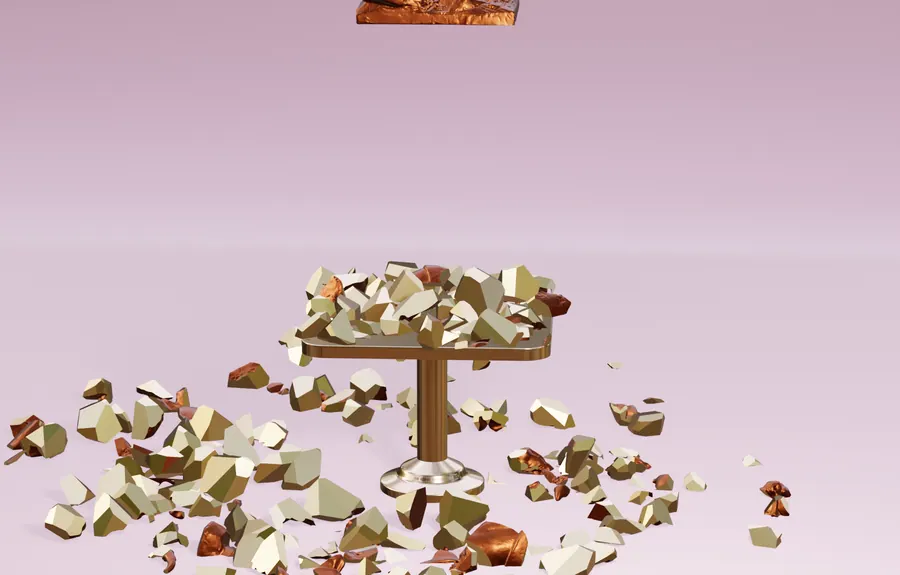
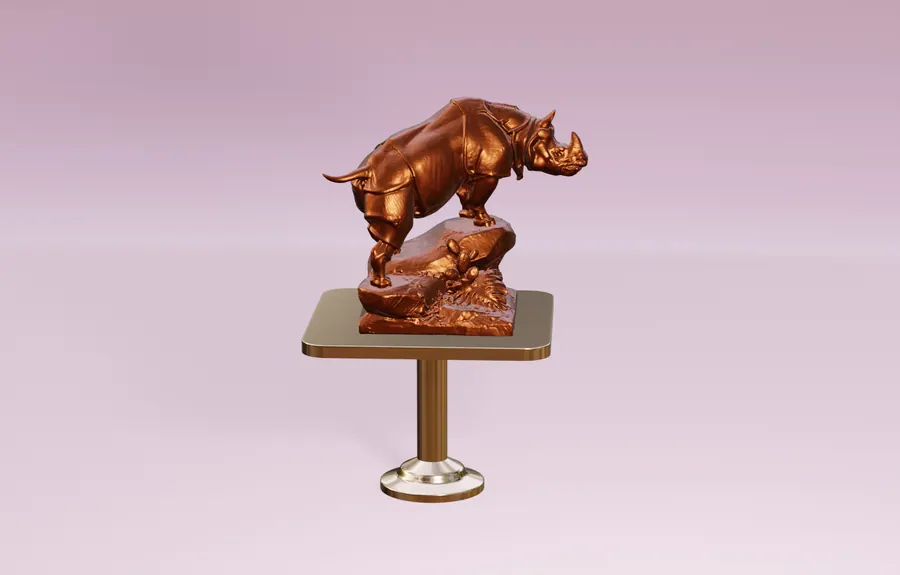
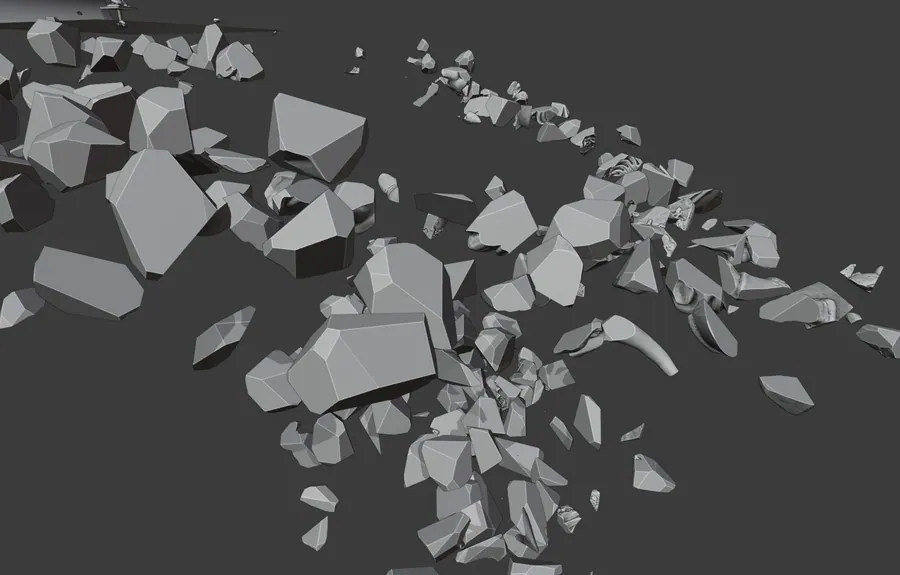
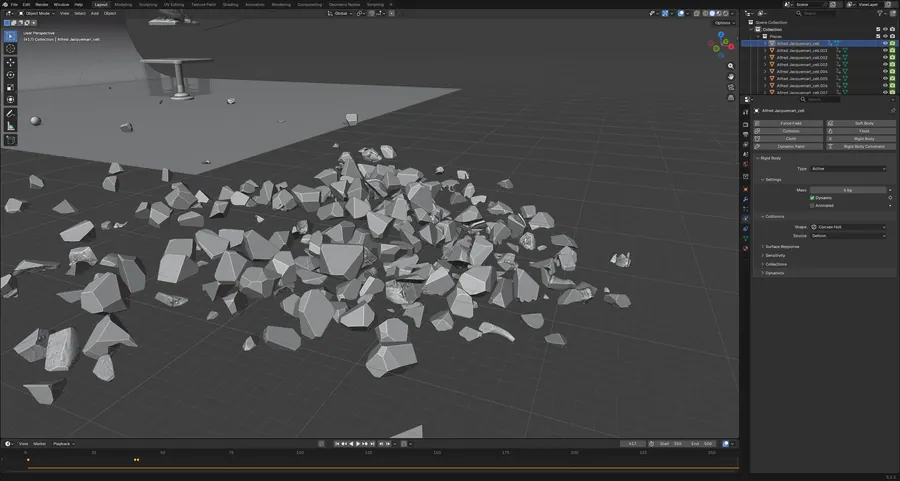
B01.02RHINO RIGID BODY

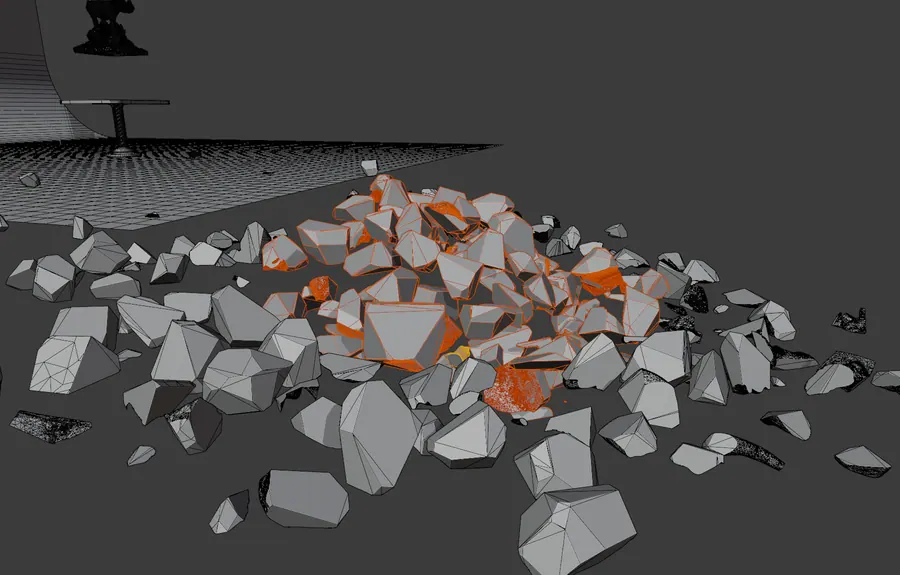
A rhino sculpture cell fractured into 299 rigid bodies with separate inside and outside materials, dispersing across 150 frames.

307 objects · 299 active rigid bodies · 747,950 verts · frames 350 to 500

RHINO RIGID BODY, FRAME 350, CELLS AT THE PEDESTAL
02.1FRAME 350, CELLS AT THE PEDESTAL
RHINO RIGID BODY, FRAME 480, SOURCE SCULPTURE
02.2FRAME 480, SOURCE SCULPTURE
RHINO RIGID BODY, CELL FIELD, SOLID SHADING
02.3CELL FIELD, SOLID SHADING
RHINO RIGID BODY, WIREFRAME OVERLAY
02.4WIREFRAME OVERLAY
RHINO RIGID BODY, PER CELL RIGID BODY SETTINGS
02.5PER CELL RIGID BODY SETTINGS

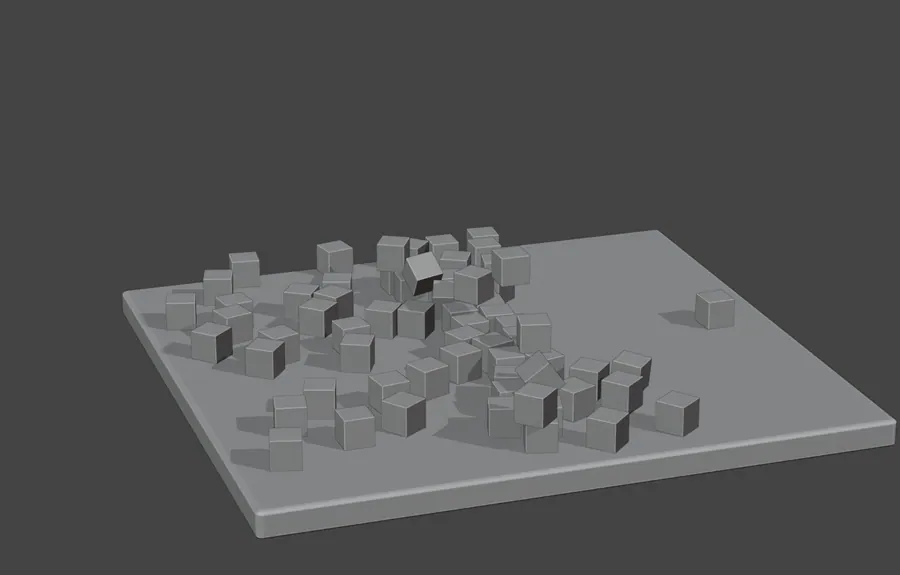
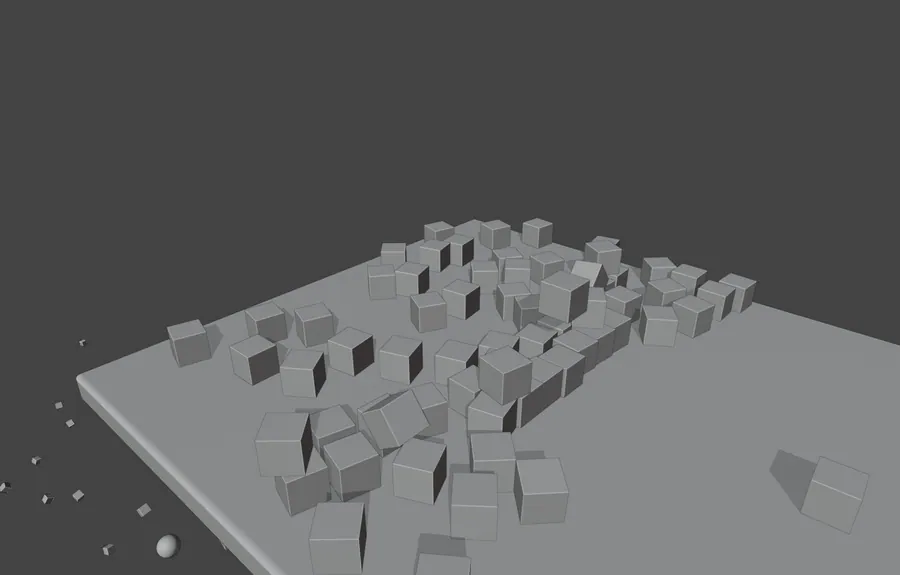
B01.03BRICK SIMULATION

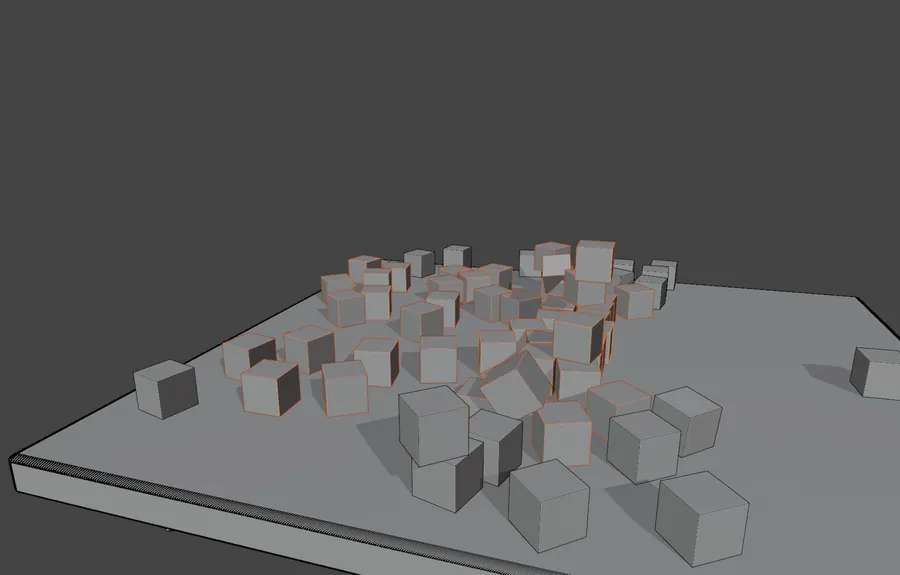
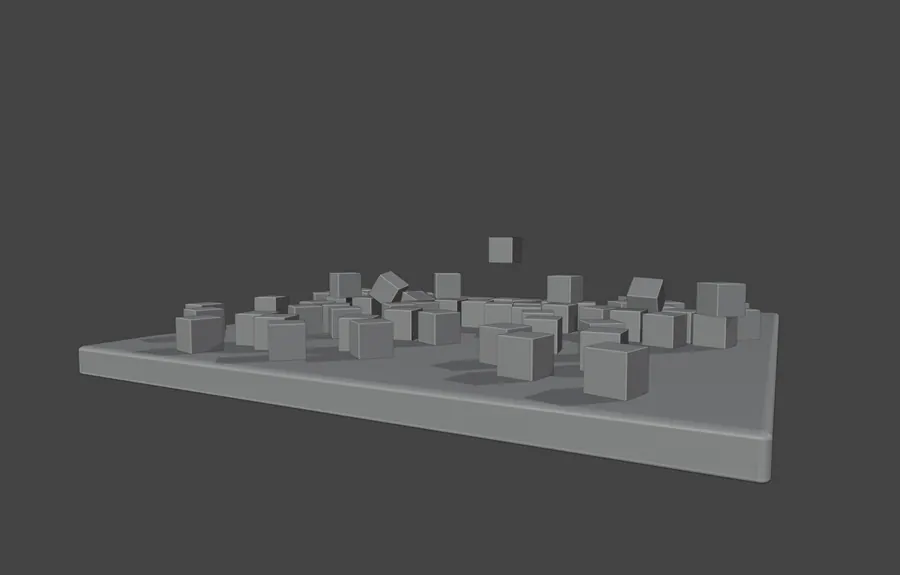
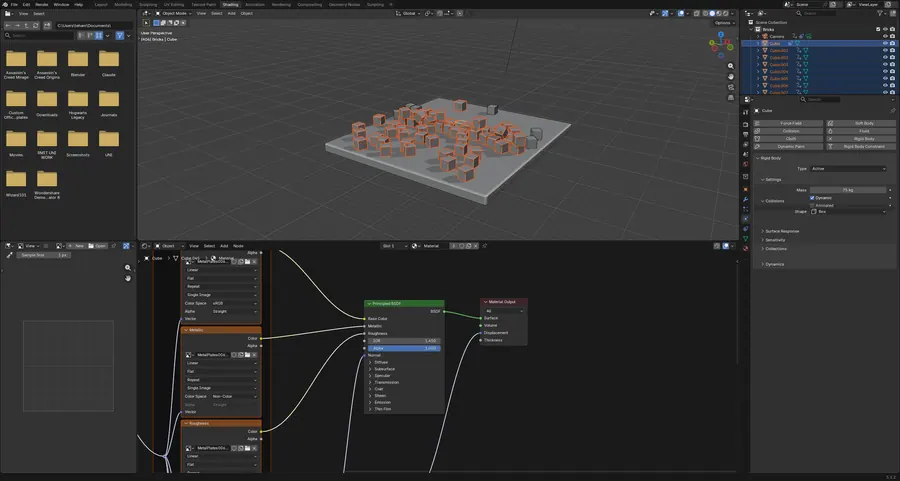
109 rigid body bricks scatter off a plate at 60fps. Wood and metal PBR sets with normal and displacement maps drive the surfaces.

114 objects · 109 active rigid bodies · 60 fps · 2 PBR texture sets

BRICK SIMULATION, SCENE CAMERA, FRAME 406
03.1SCENE CAMERA, FRAME 406
BRICK SIMULATION, BRICKS LEAVING THE PLATE
03.2BRICKS LEAVING THE PLATE
BRICK SIMULATION, WIREFRAME OVERLAY
03.3WIREFRAME OVERLAY
BRICK SIMULATION, LOW ANGLE PASS
03.4LOW ANGLE PASS
BRICK SIMULATION, WOOD AND METAL NODE TREES
03.5WOOD AND METAL NODE TREES

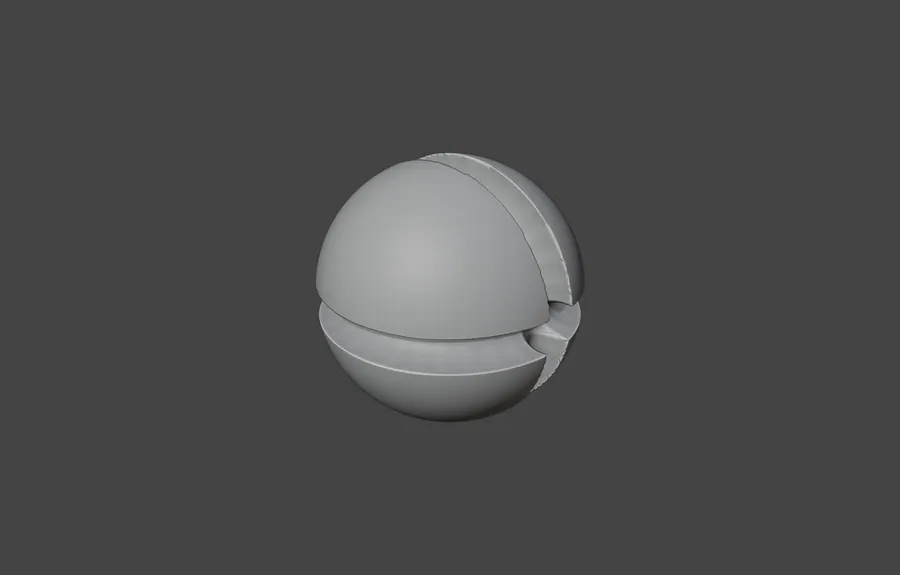
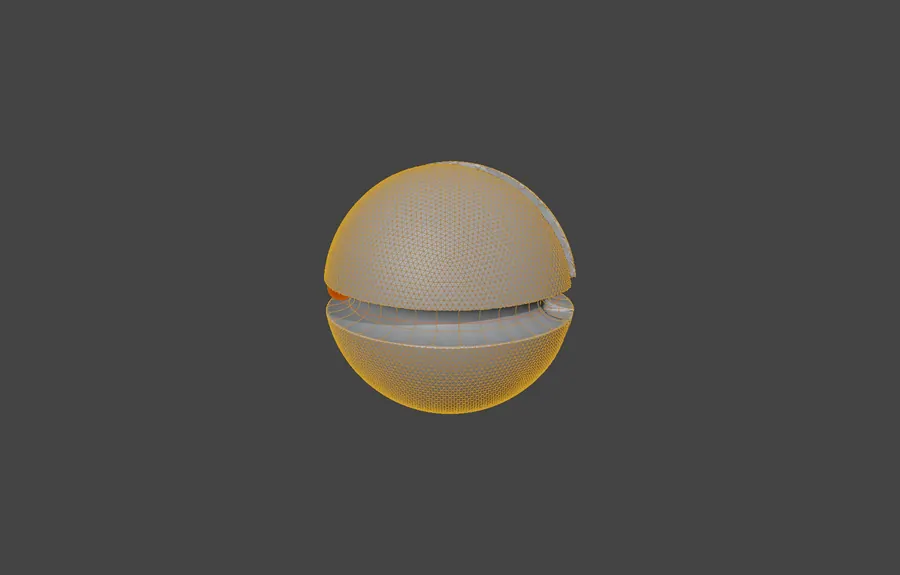
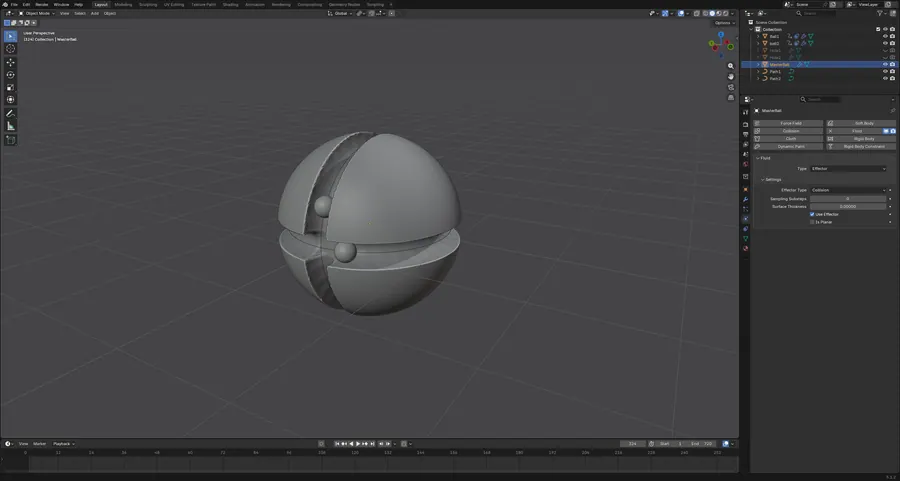
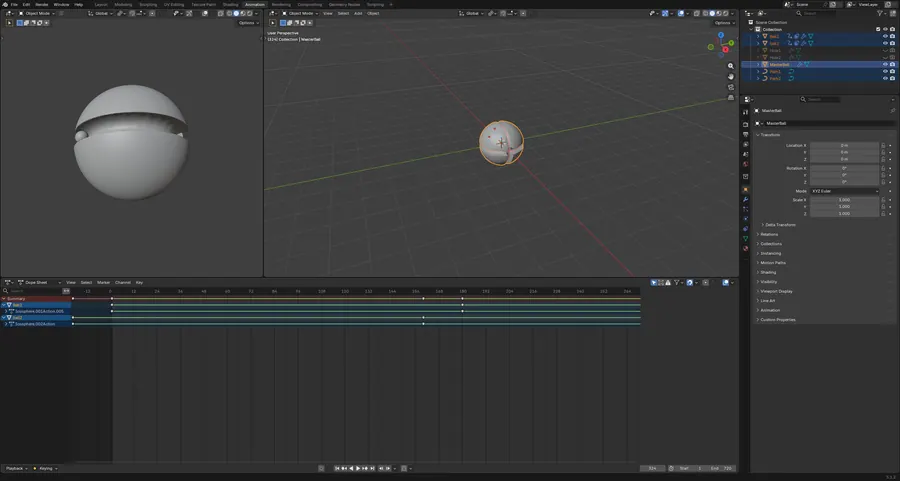
B01.04BALLS

Balls run along curve paths with clamp-to constraints while skin and fluid modifiers build the trails. Tested path animation against modifier stacks.

7 objects · 3 fluid, 2 skin, 1 curve modifier · 720 frames

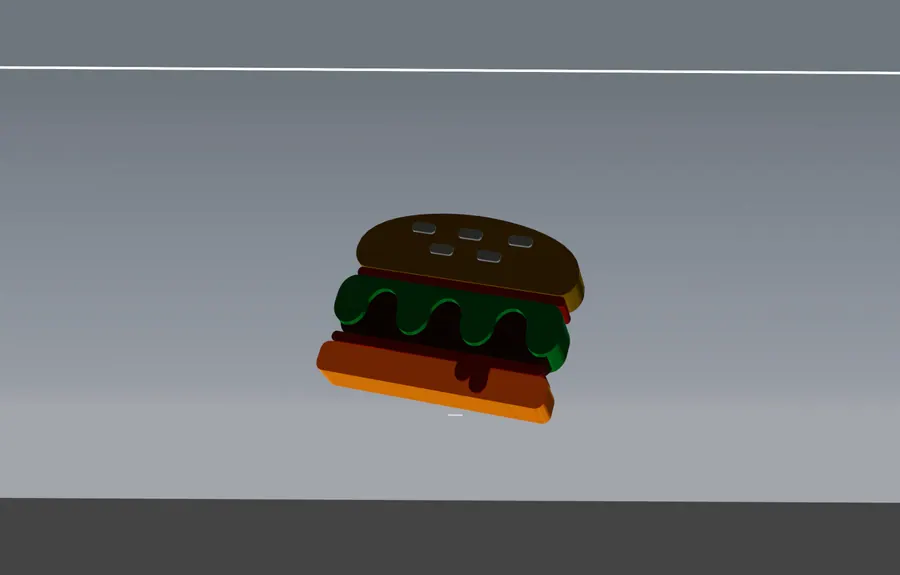
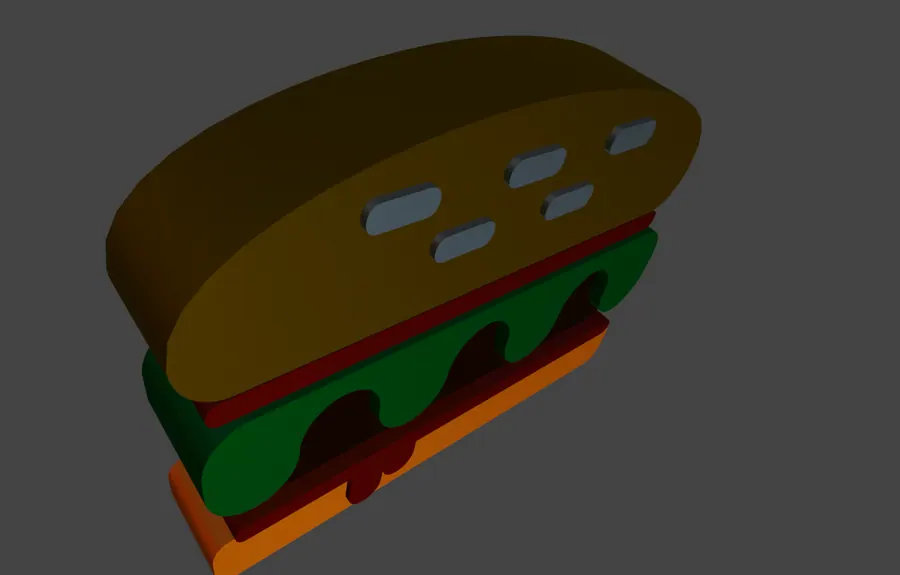
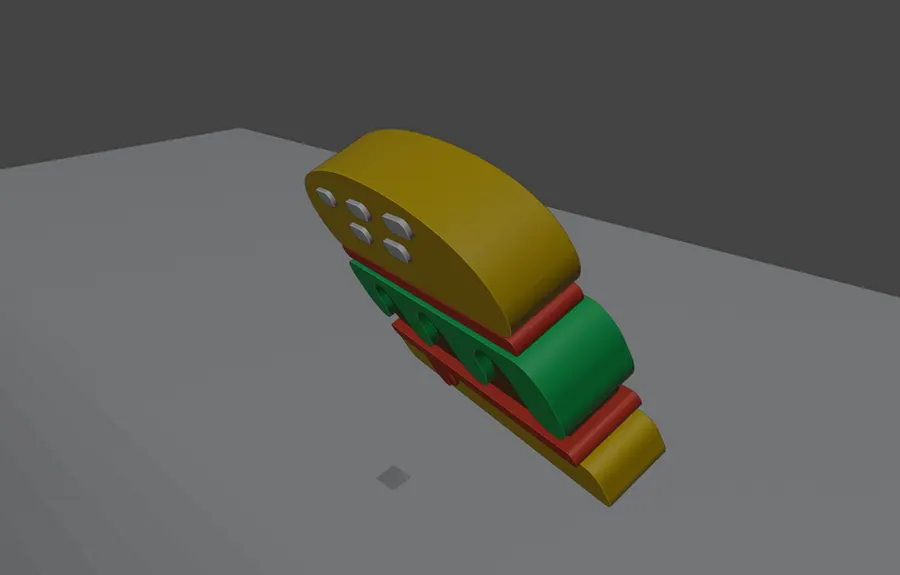
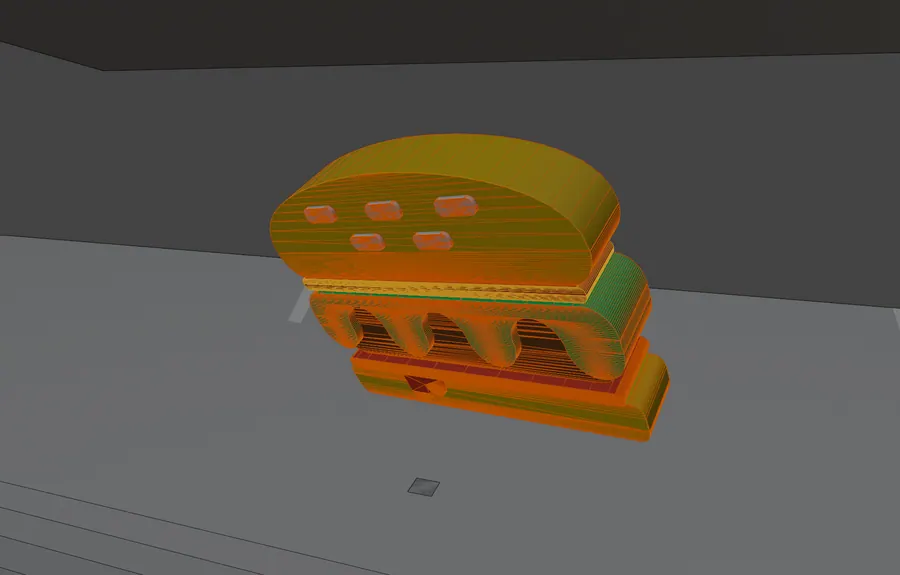
BALLS, MATERIAL PREVIEW
04.1MATERIAL PREVIEW
BALLS, SOLID SHADING
04.2SOLID SHADING
BALLS, WIREFRAME OVERLAY
04.3WIREFRAME OVERLAY
BALLS, FLUID MODIFIER PANEL
04.4FLUID MODIFIER PANEL
BALLS, PATH KEYS IN THE DOPE SHEET
04.5PATH KEYS IN THE DOPE SHEET
02 Surfaces that answer back BLENDER / CLOTH AND DEFORMATION 4 projects

Cloth, cached deformation and modifier driven twisting. The work here is in the control layer: which vertices are pinned, what drives them, and how a stack of modifiers holds its shape while it moves.

Pinned Cached Twisted

Open the whole board
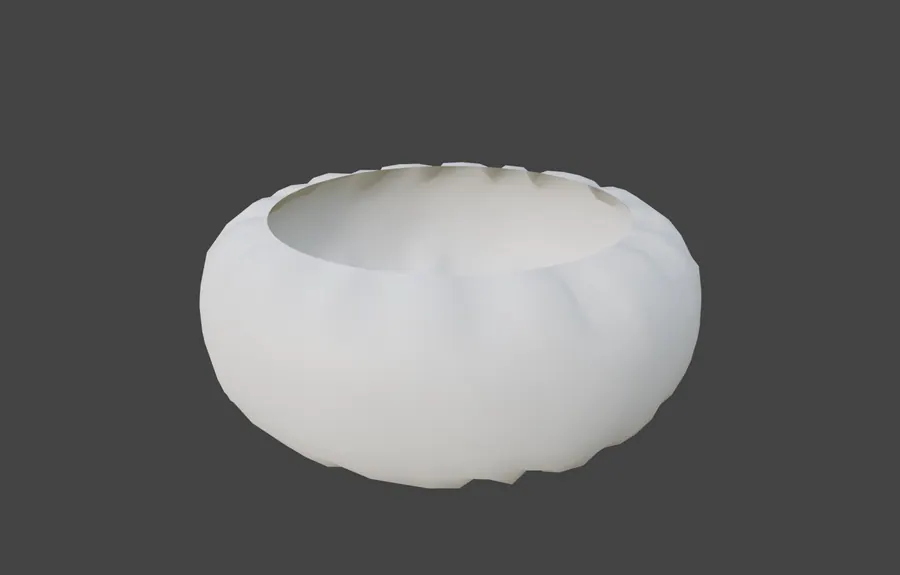
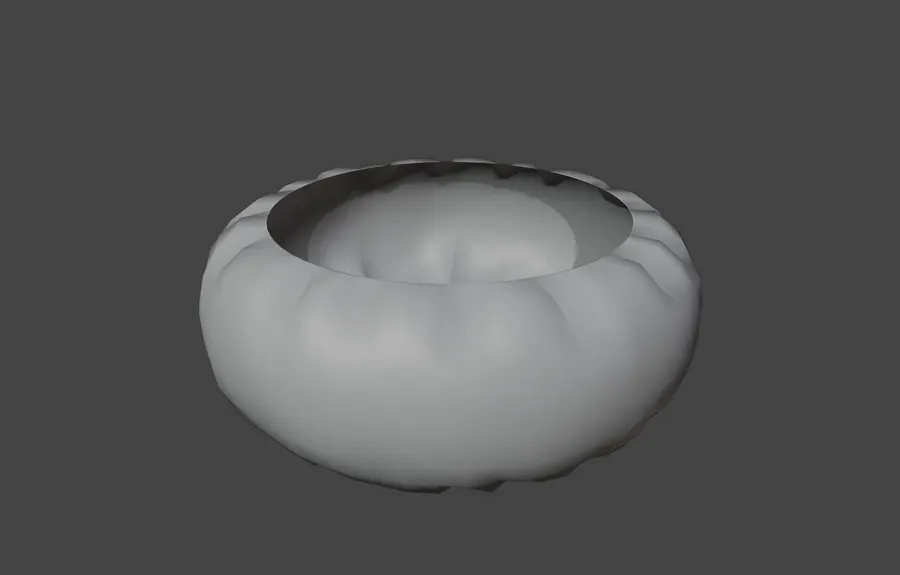
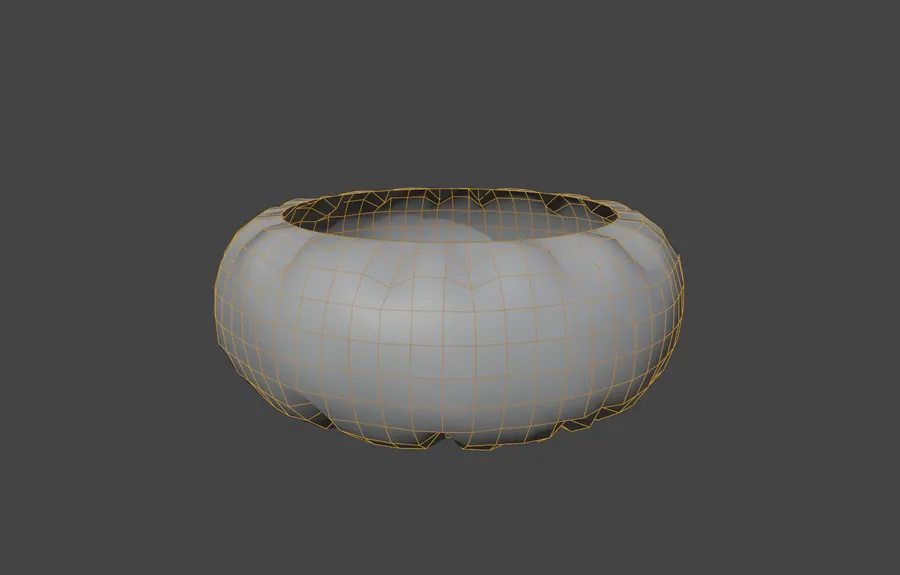
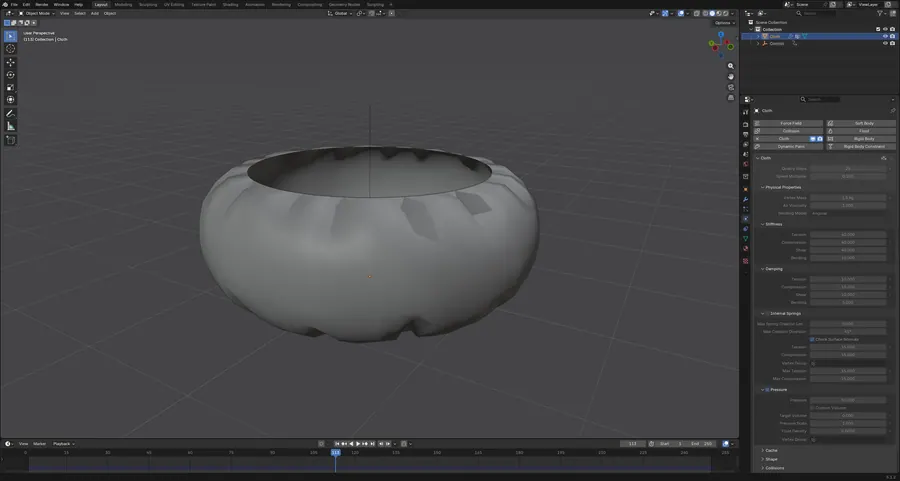
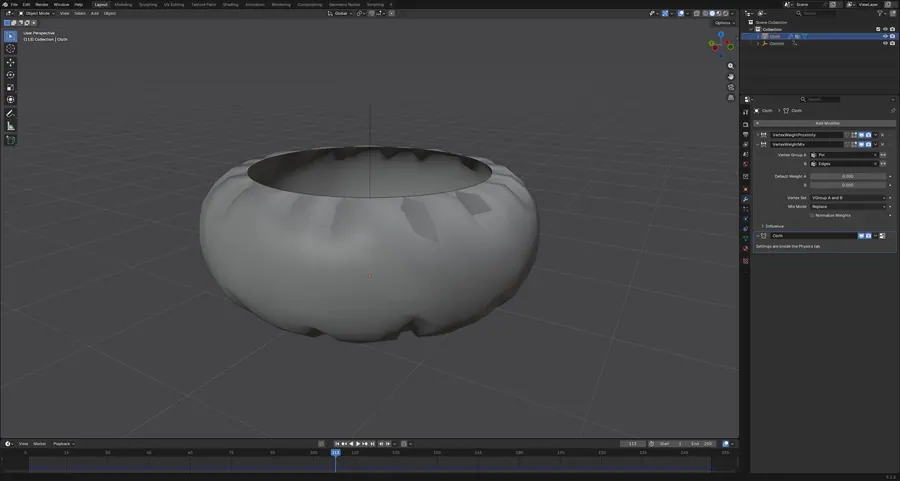
B02.01CLOTH SIM 2

Cloth pinned by a vertex group that a weight proximity modifier rewrites as an empty moves. Pin control without keyframing single vertices.

1 cloth object · 704 verts · 2 vertex groups · 250 frames

CLOTH SIM 2, MATERIAL PREVIEW
01.1MATERIAL PREVIEW
CLOTH SIM 2, SOLID SHADING
01.2SOLID SHADING
CLOTH SIM 2, WIREFRAME OVERLAY
01.3WIREFRAME OVERLAY
CLOTH SIM 2, CLOTH SOLVER SETTINGS
01.4CLOTH SOLVER SETTINGS
CLOTH SIM 2, WEIGHT PROXIMITY INTO CLOTH
01.5WEIGHT PROXIMITY INTO CLOTH

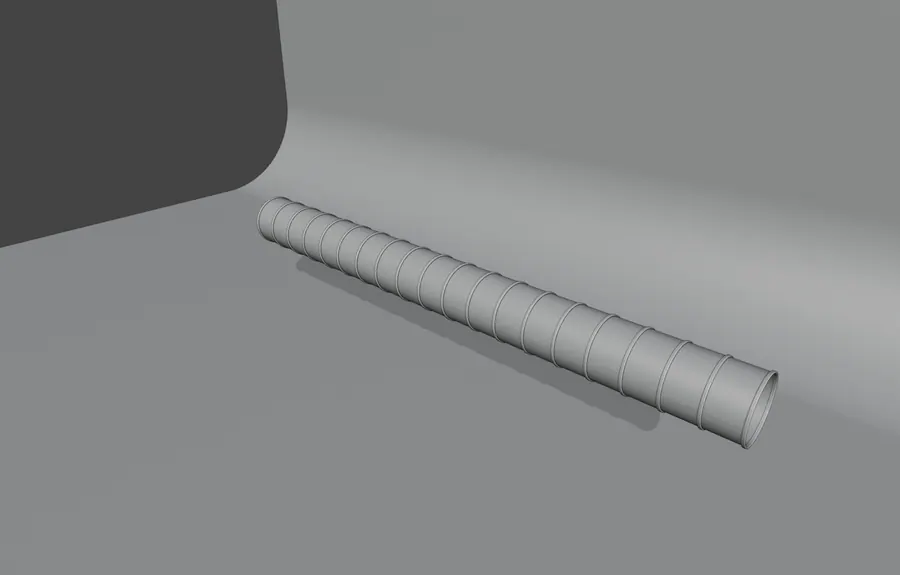
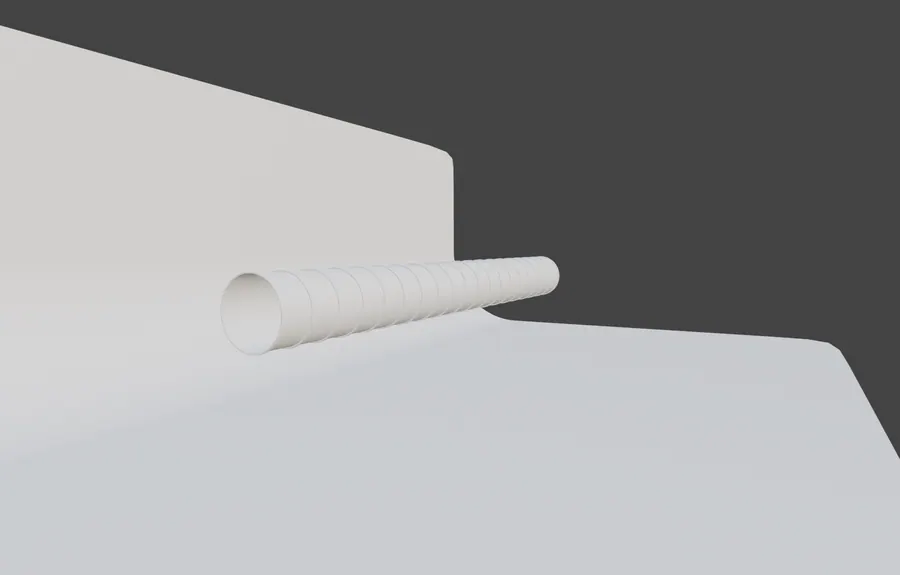
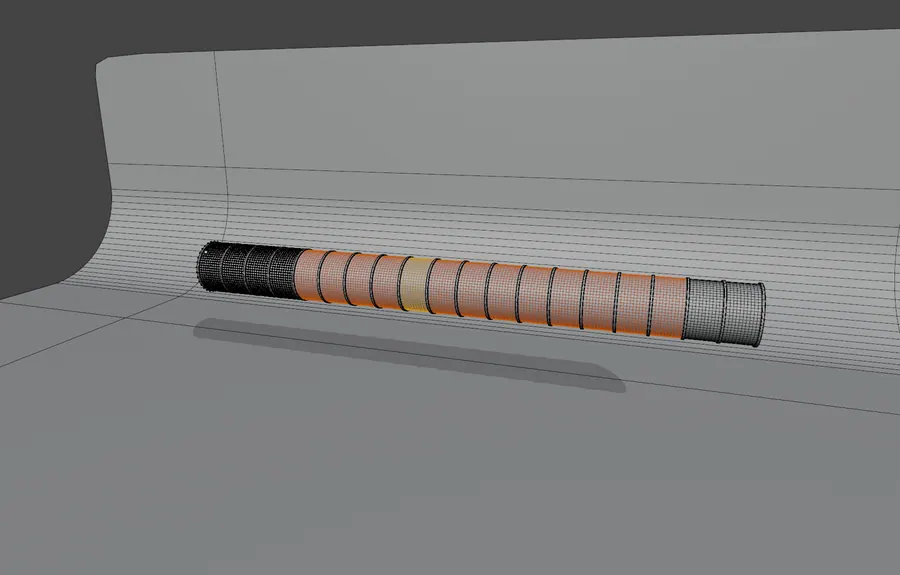
B02.02CLOTH SKELE

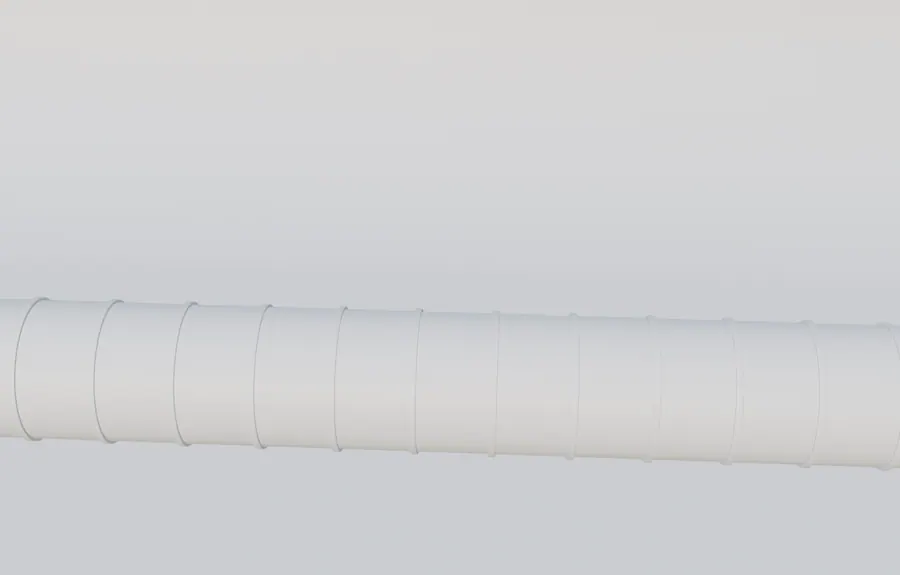
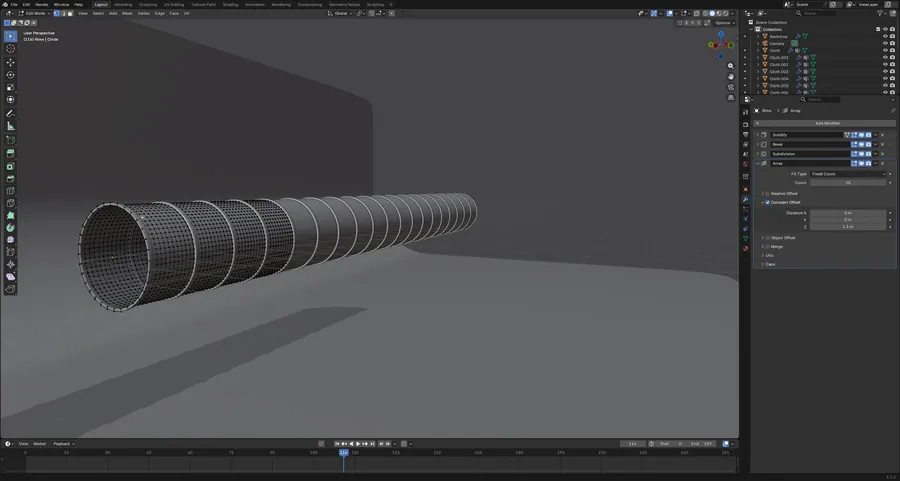
A segmented tube deformed by twelve mesh cache modifiers reading baked sequences, with subdivision on top. Cached deformation instead of live solving.

22 objects · 12 mesh cache modifiers · 21 subdivision · 38 vertex groups

CLOTH SKELE, SOLID SHADING, FRAME 116
02.1SOLID SHADING, FRAME 116
CLOTH SKELE, LOW ANGLE PASS
02.2LOW ANGLE PASS
CLOTH SKELE, WIREFRAME OVERLAY
02.3WIREFRAME OVERLAY
CLOTH SKELE, SCENE CAMERA
02.4SCENE CAMERA
CLOTH SKELE, MESH CACHE MODIFIER STACK
02.5MESH CACHE MODIFIER STACK

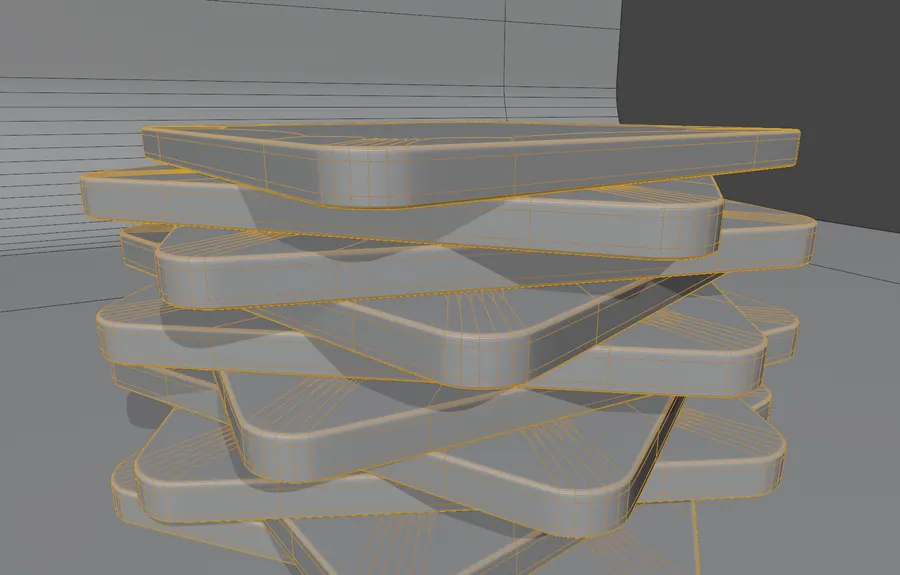
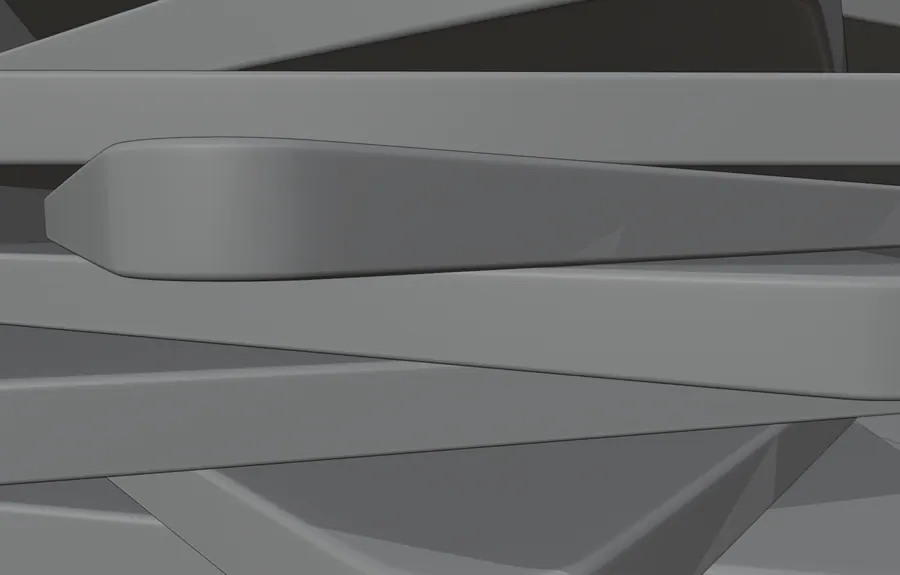
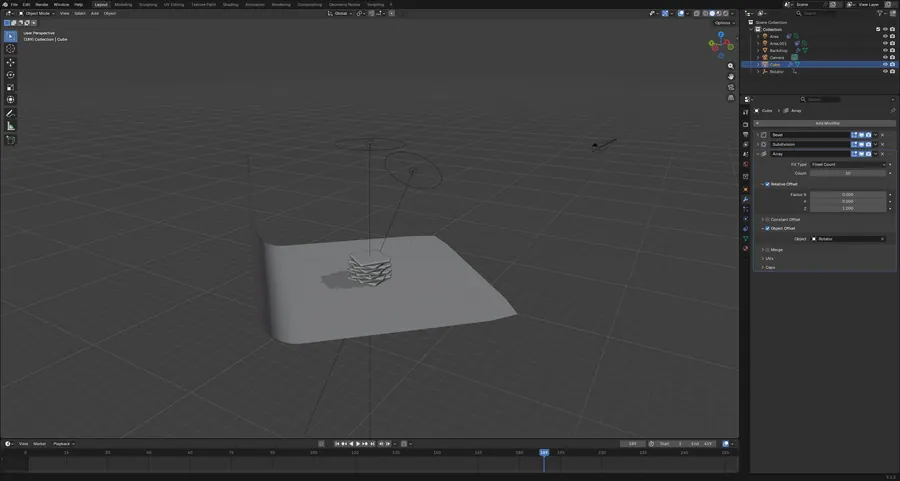
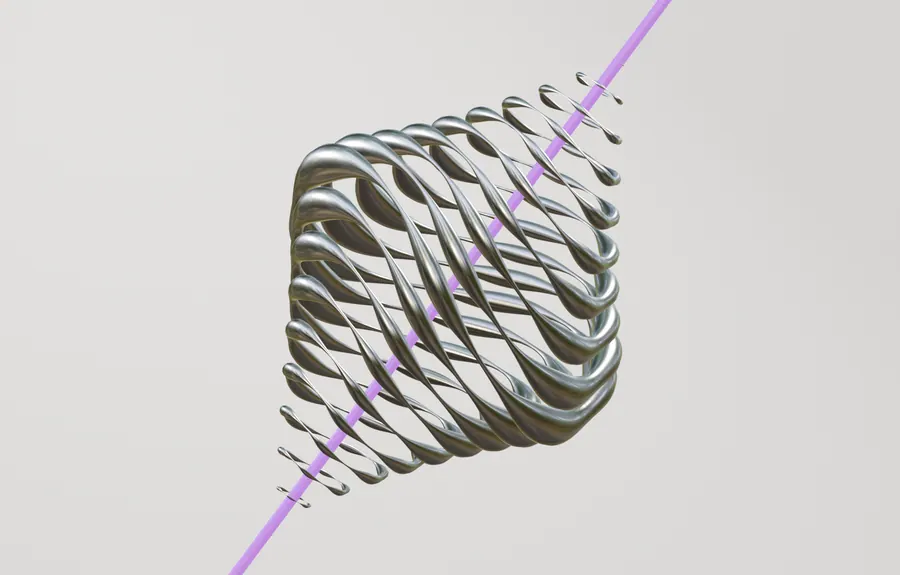
B02.03SATISFYING SQUARE

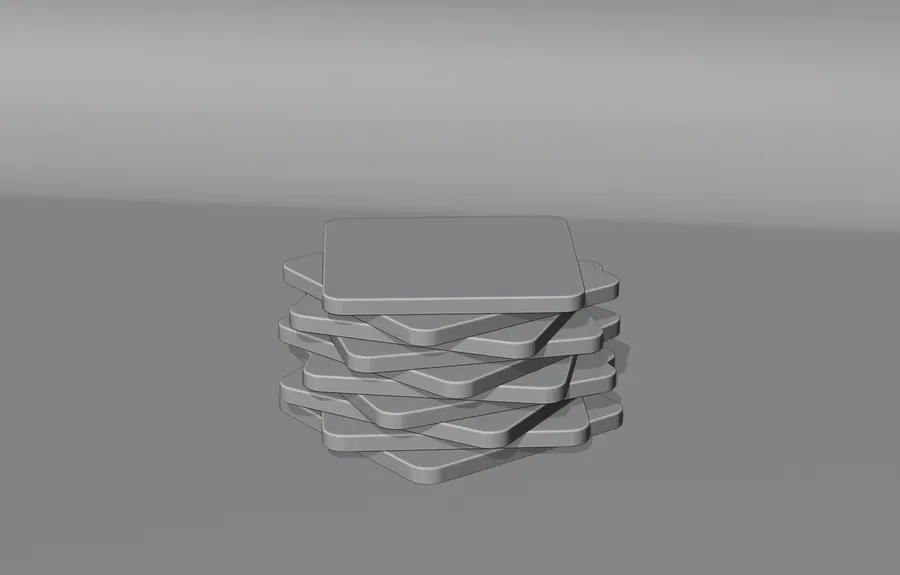
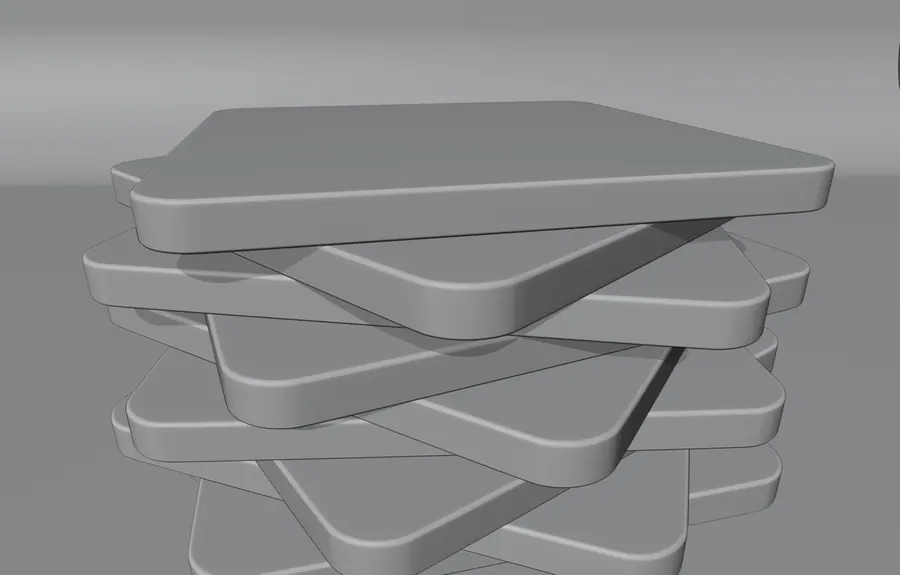
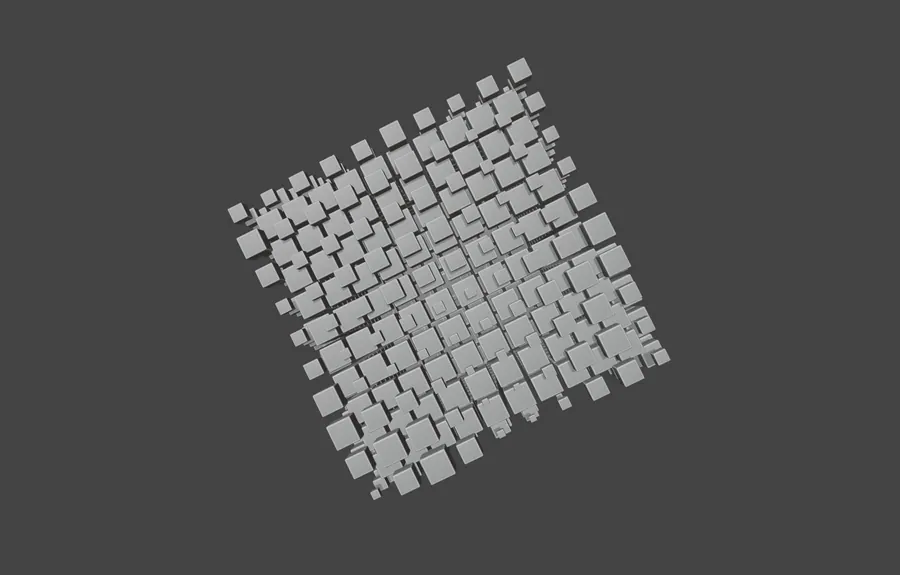
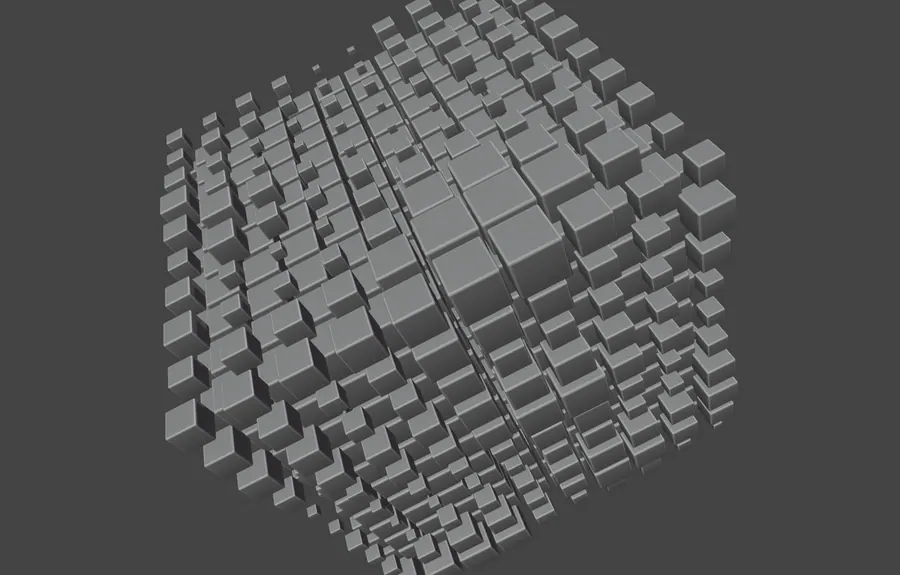
Bevelled plates arrayed and twisted by a rotator empty, finished with a layer weight iridescent shader. A short loop from one modifier stack.

6 objects · array and bevel · layer weight shader · 419 frames

SATISFYING SQUARE, SCENE CAMERA, FRAME 189
03.1SCENE CAMERA, FRAME 189
SATISFYING SQUARE, STACK IN SOLID SHADING
03.2STACK IN SOLID SHADING
SATISFYING SQUARE, WIREFRAME OVERLAY
03.3WIREFRAME OVERLAY
SATISFYING SQUARE, PLATE EDGE DETAIL
03.4PLATE EDGE DETAIL
SATISFYING SQUARE, ARRAY AND BEVEL PANEL
03.5ARRAY AND BEVEL PANEL

B02.04TWISTIES

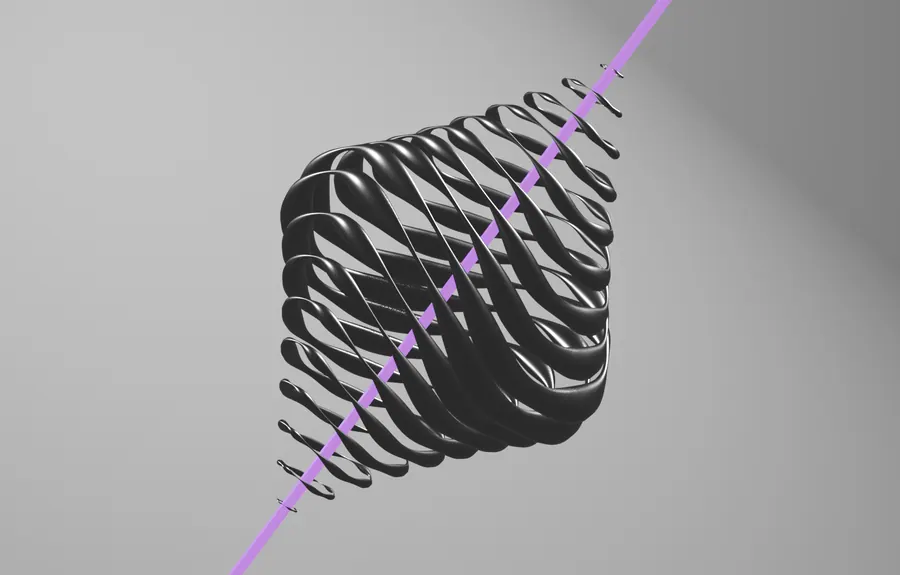
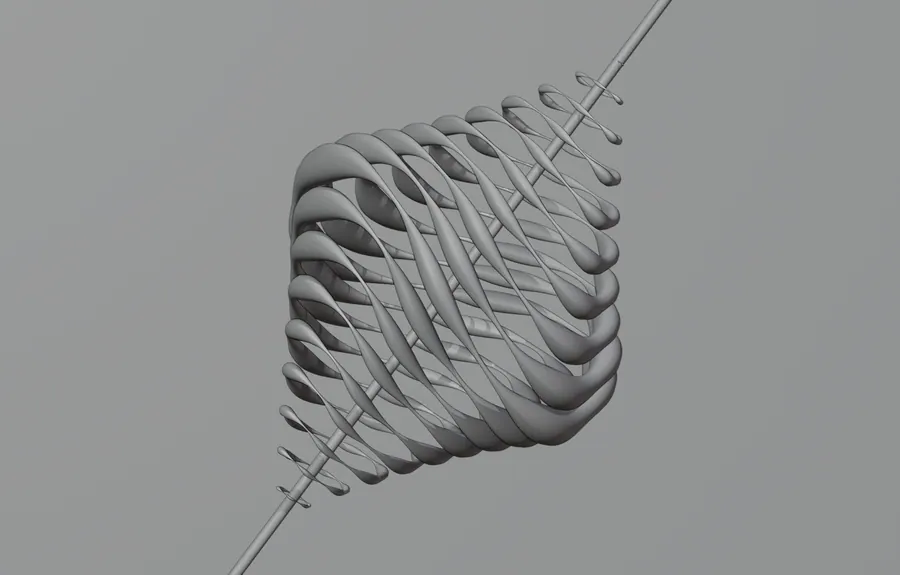
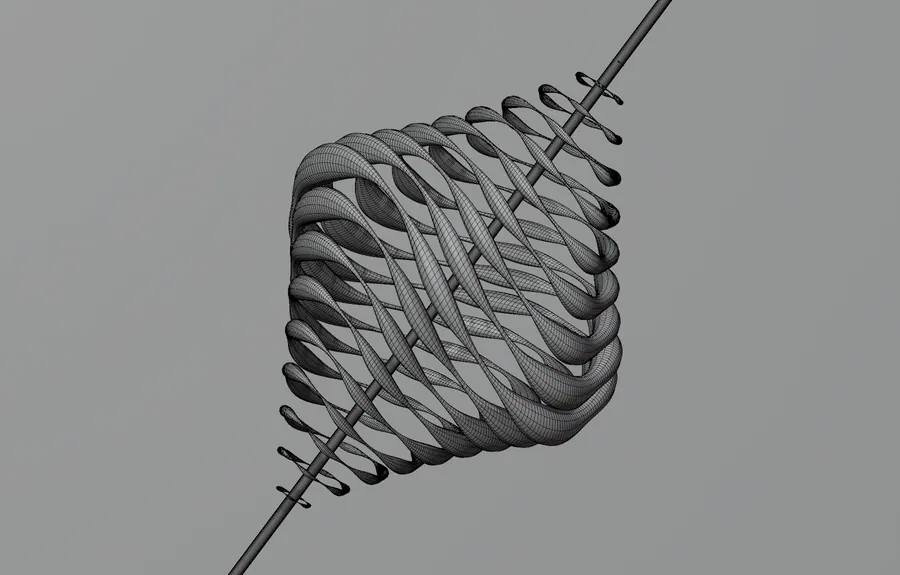
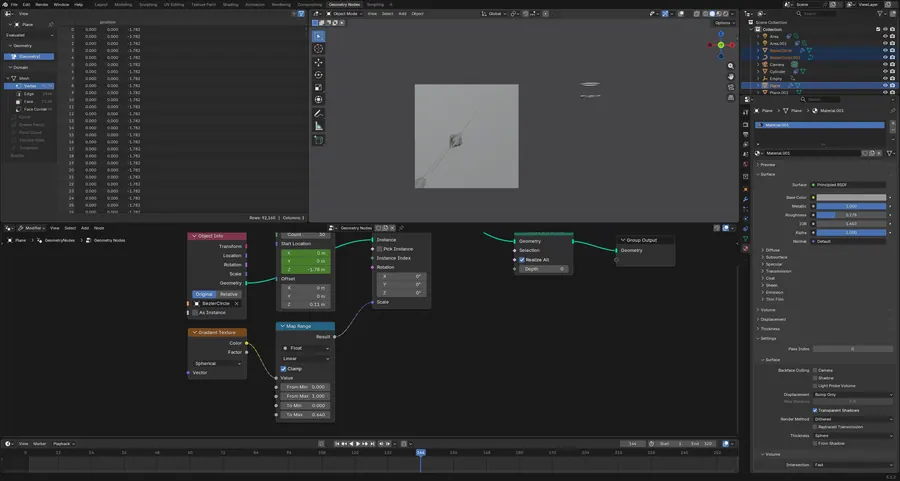
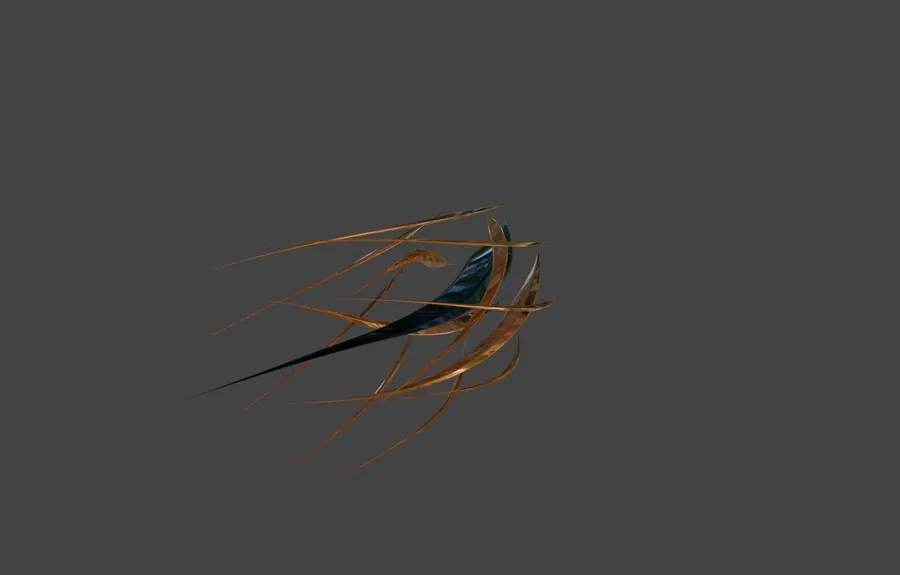
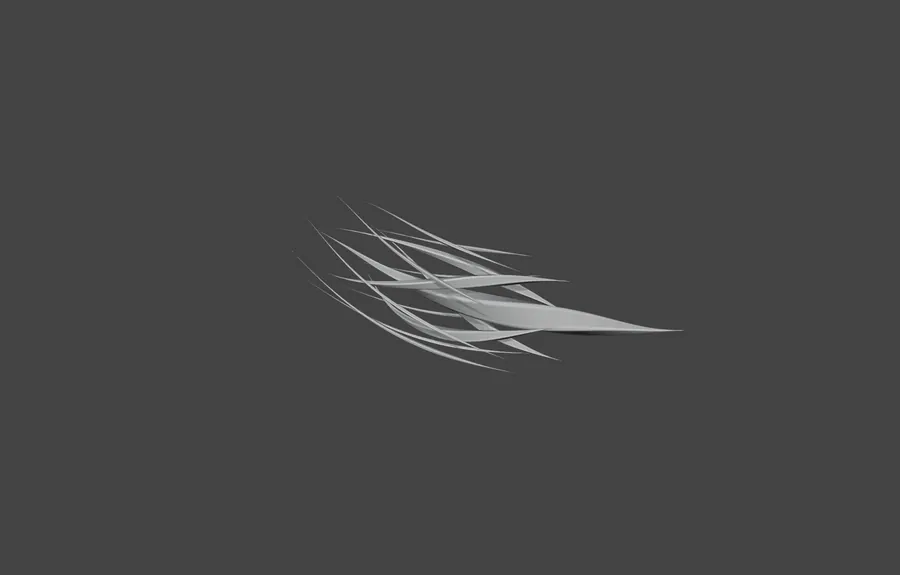
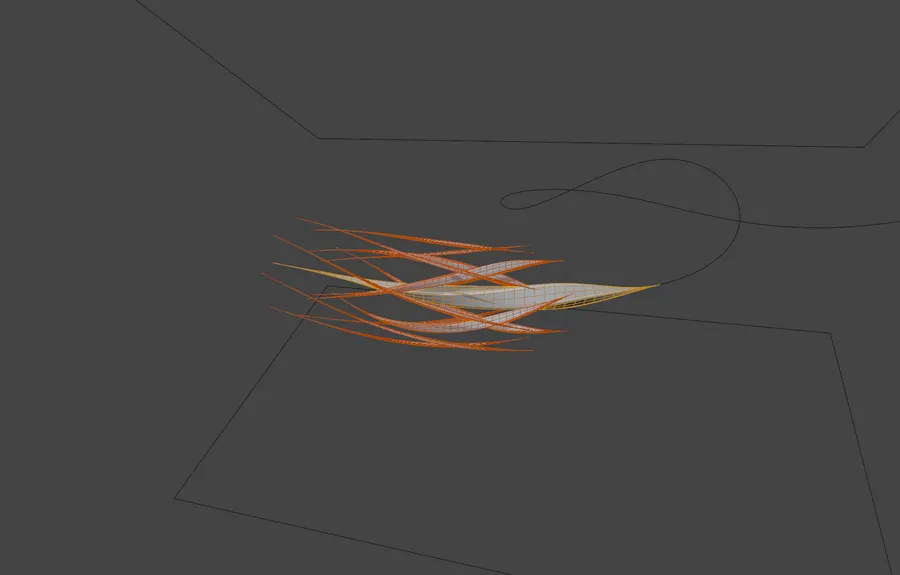
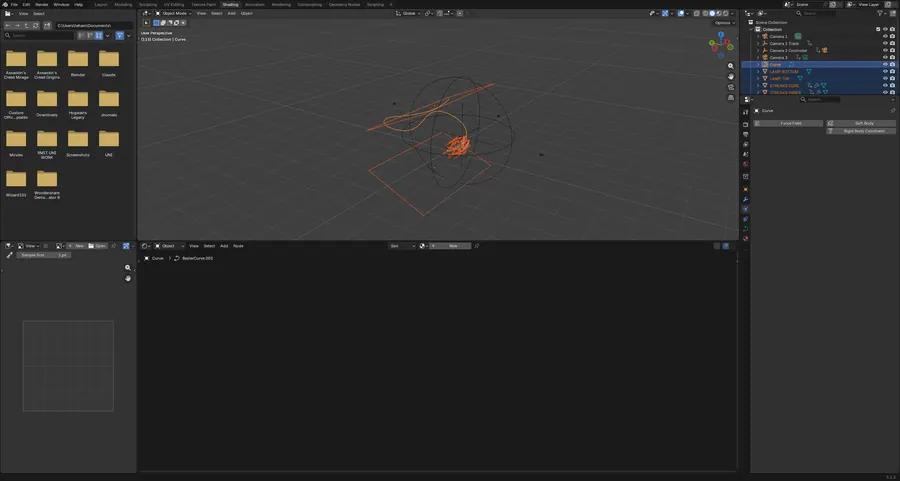
A plane twisted into stacked ribbons by geometry nodes with simple deform and displace, lit as a bright product loop.

10 objects · geometry nodes, simple deform, displace · 320 frames

TWISTIES, SCENE CAMERA, FRAME 144
04.1SCENE CAMERA, FRAME 144
TWISTIES, FRAME 240
04.2FRAME 240
TWISTIES, SOLID SHADING
04.3SOLID SHADING
TWISTIES, WIREFRAME OVERLAY
04.4WIREFRAME OVERLAY
TWISTIES, GEOMETRY NODE TREE
04.5GEOMETRY NODE TREE
03 Everything built from nodes BLENDER / SHADING AND MATERIALS 5 projects

Five material studies with almost no image textures between them. Interference colour, anisotropic metal, glass and liquid chrome, each one assembled from noise, gradients and ramps and judged against a studio HDRI.

Layered Sampled Lit

Open the whole board
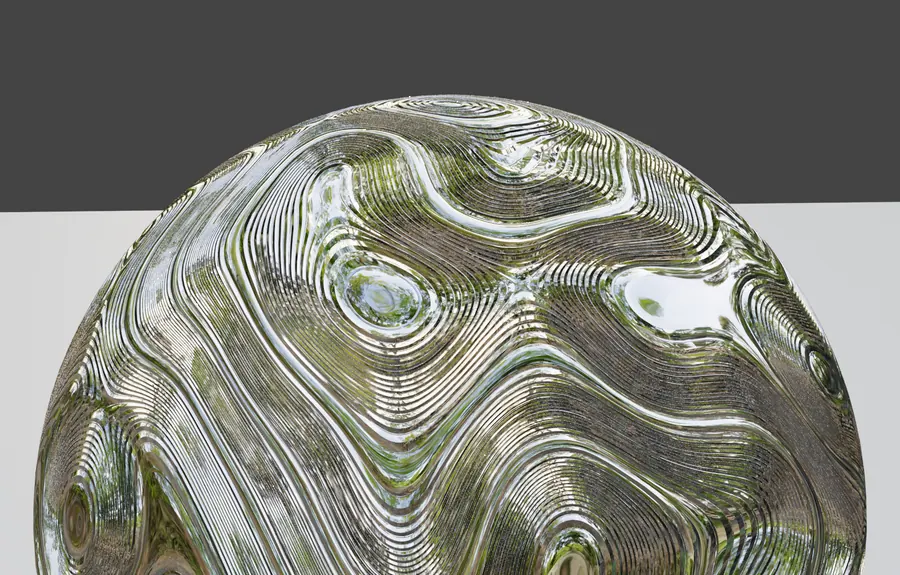
B03.01NACRE SHADER

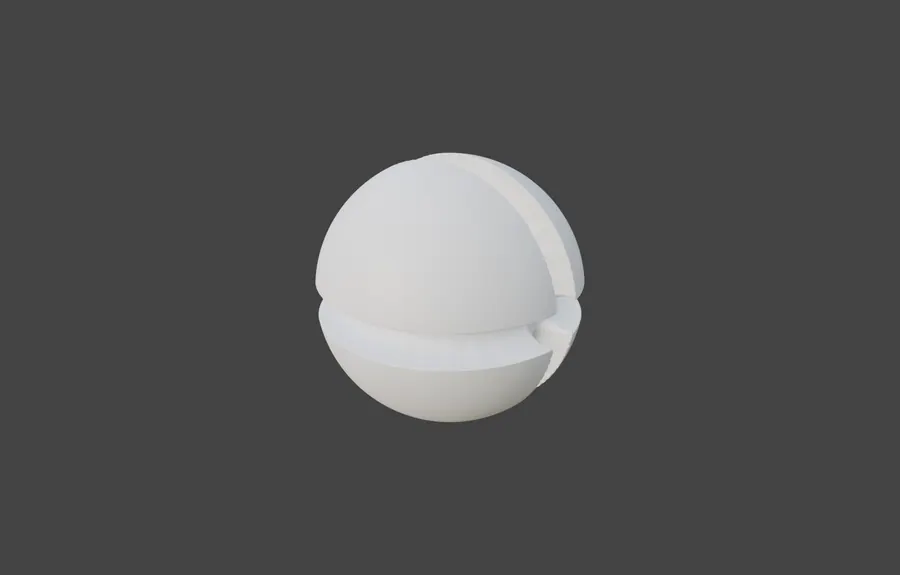
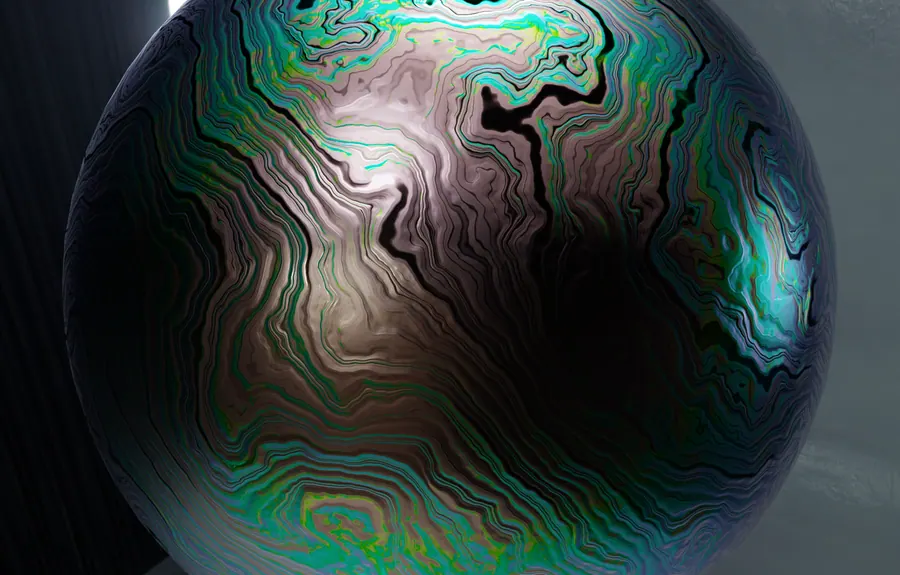
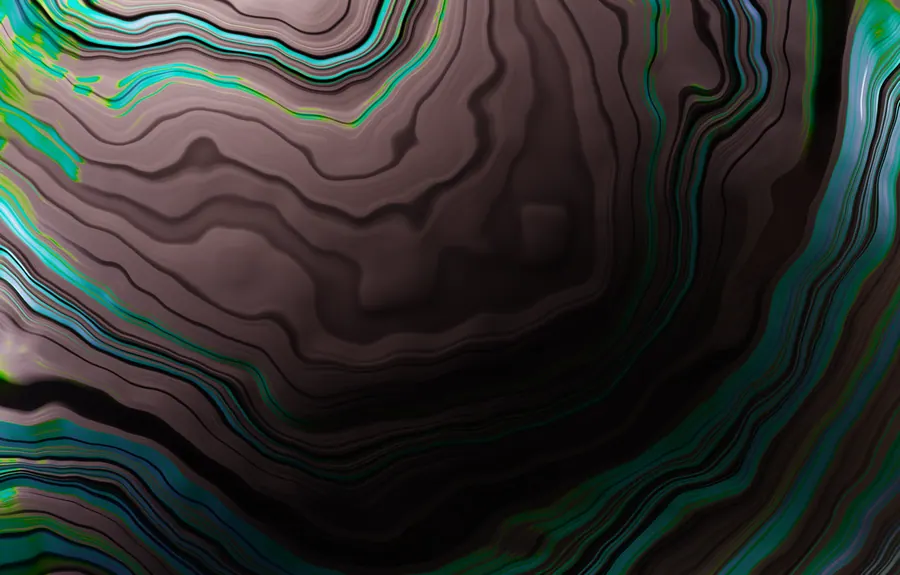
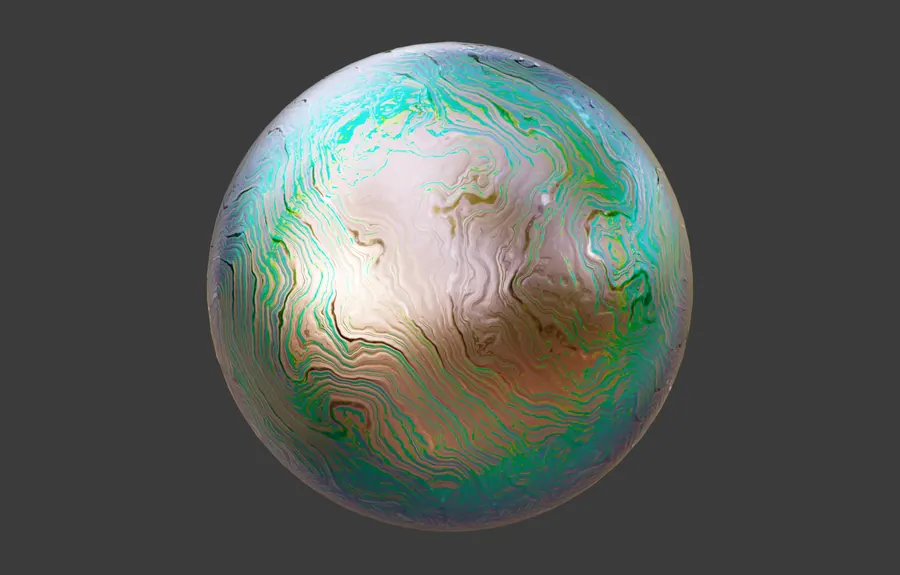
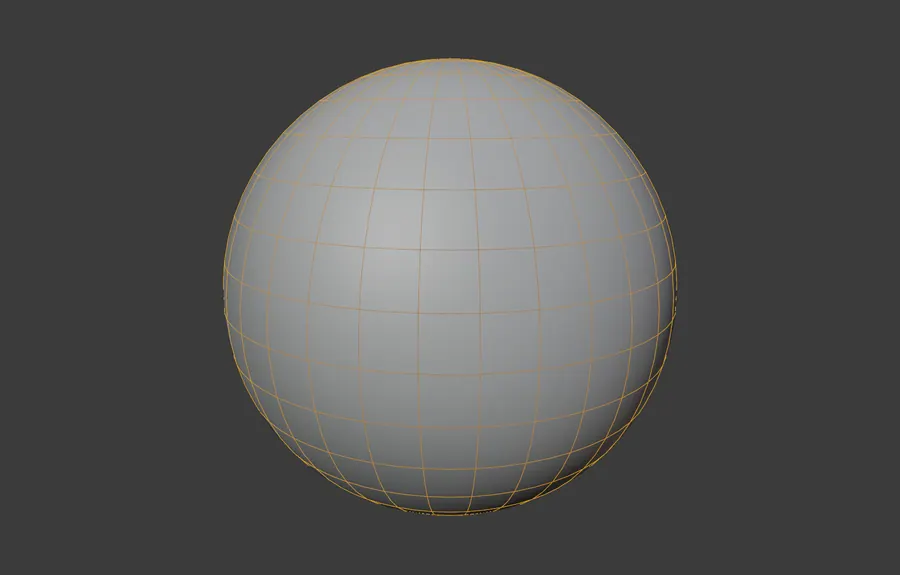
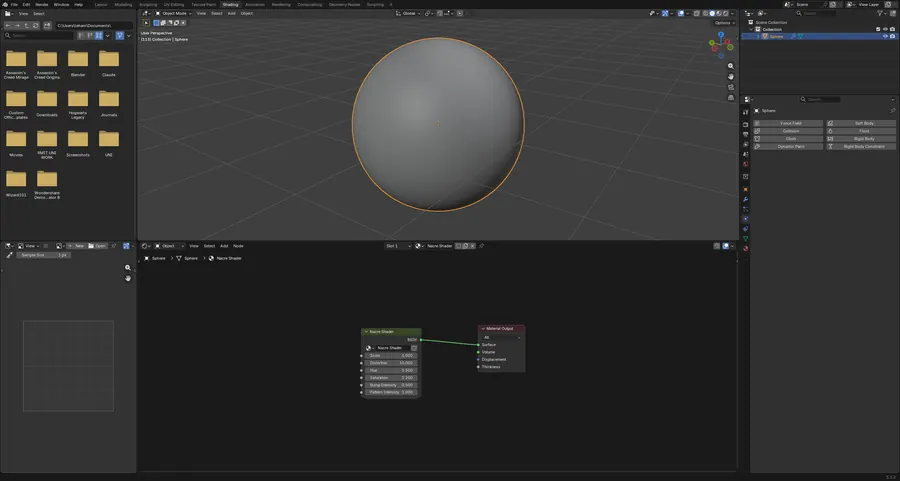
One sphere, one node group. Layered interference colour built from scratch to read as nacre, judged against an 8K studio HDRI.

1 object · 2 node groups · 8K HDRI · 482 verts

NACRE SHADER, HDRI LIT, FULL SPHERE
01.1HDRI LIT, FULL SPHERE
NACRE SHADER, SURFACE CLOSE UP
01.2SURFACE CLOSE UP
NACRE SHADER, STUDIO LIGHT PREVIEW
01.3STUDIO LIGHT PREVIEW
NACRE SHADER, WIREFRAME OVERLAY
01.4WIREFRAME OVERLAY
NACRE SHADER, NACRE NODE GROUP
01.5NACRE NODE GROUP

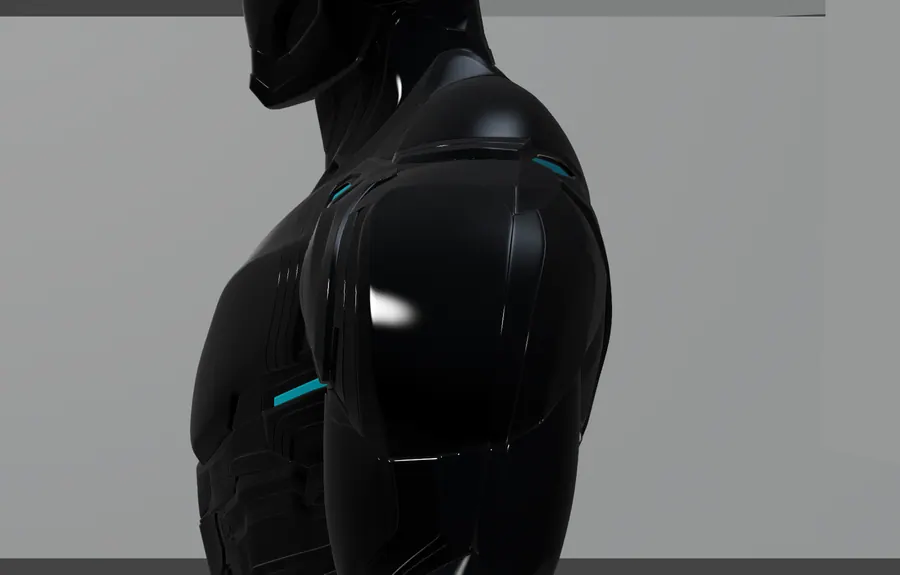
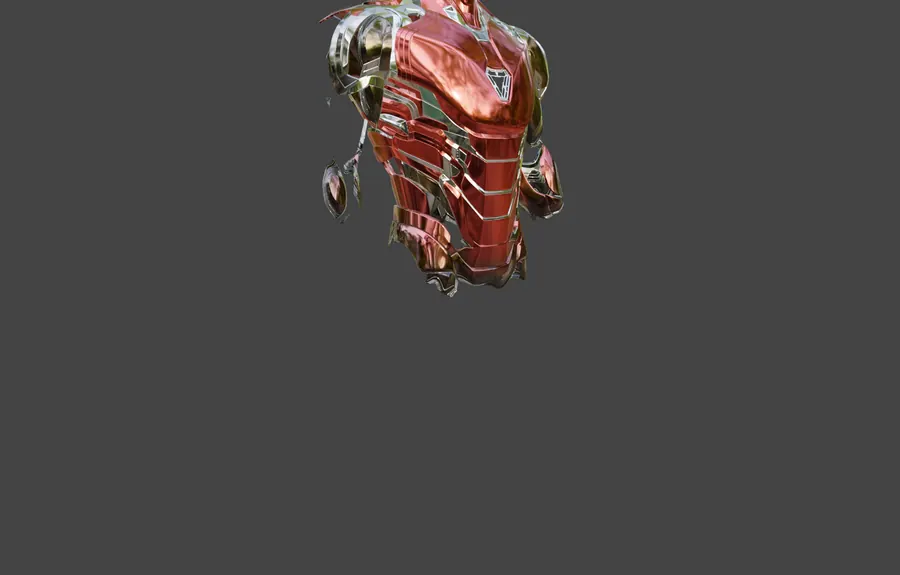
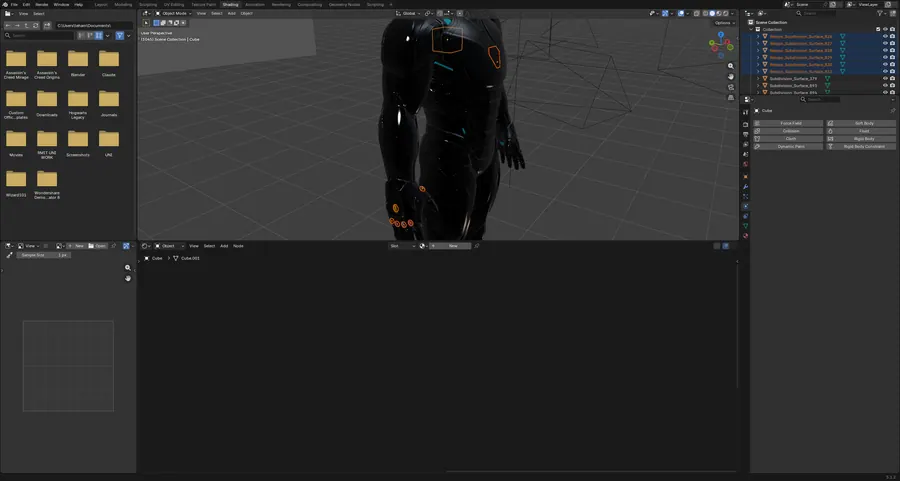
B03.02LIQUID METAL SUIT

1.24 million verts under a procedural liquid metal shader: noise into bump and normal maps, remapped through colour ramps, lit by HDRI.

21 objects · 1,240,466 verts · 13 materials · 4 cameras

LIQUID METAL SUIT, SCENE CAMERA, FRAME 1045
02.1SCENE CAMERA, FRAME 1045
LIQUID METAL SUIT, SECOND CAMERA
02.2SECOND CAMERA
LIQUID METAL SUIT, THIRD CAMERA
02.3THIRD CAMERA
LIQUID METAL SUIT, CHEST PLATE DETAIL
02.4CHEST PLATE DETAIL
LIQUID METAL SUIT, METAL SHADER NODE TREE
02.5METAL SHADER NODE TREE

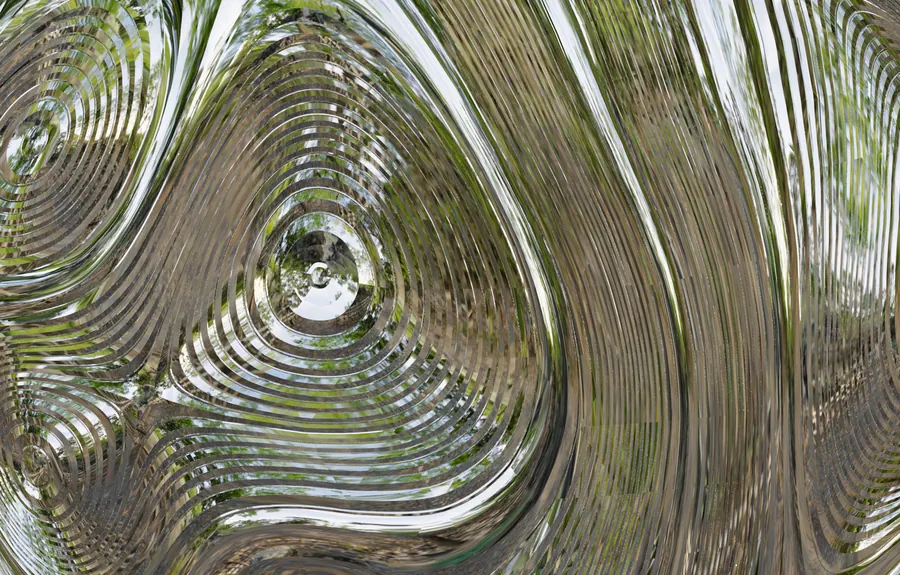
B03.03BALL TEXTURE

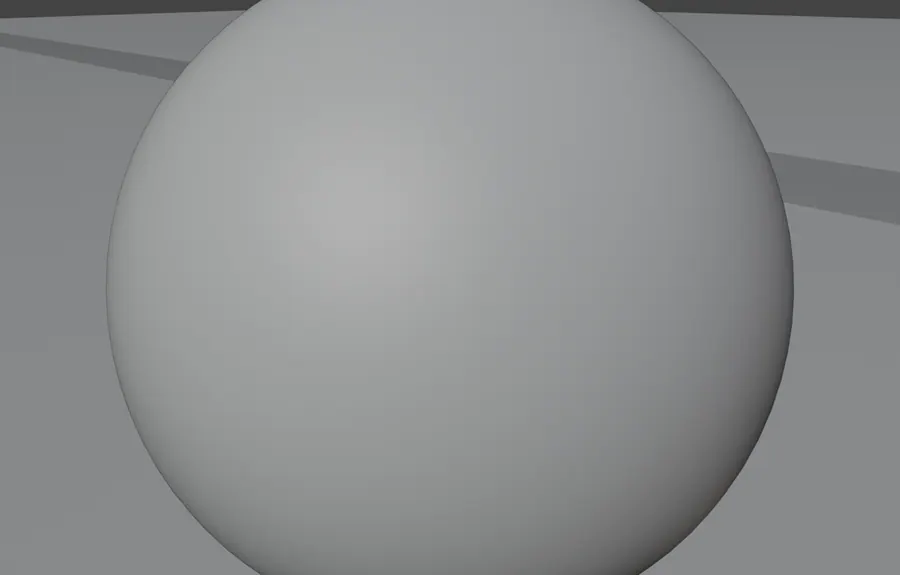
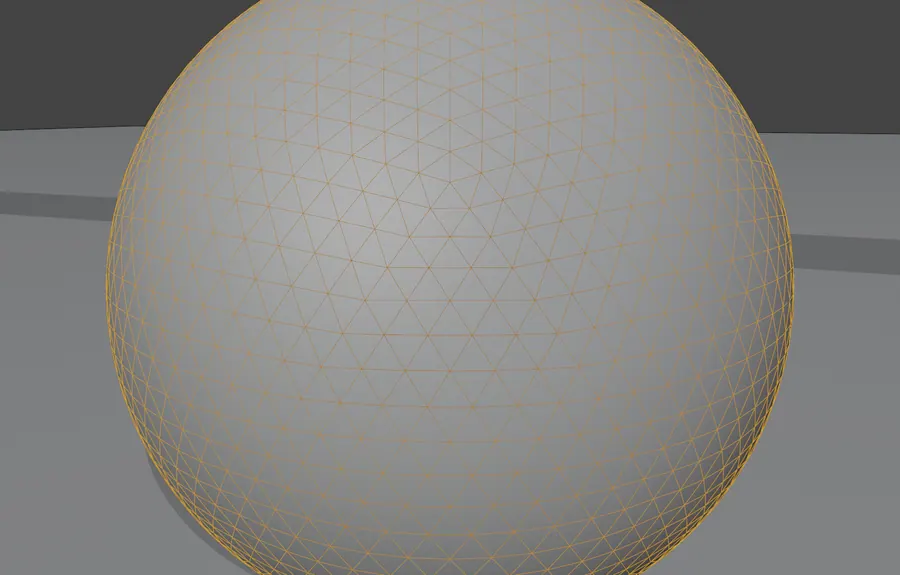
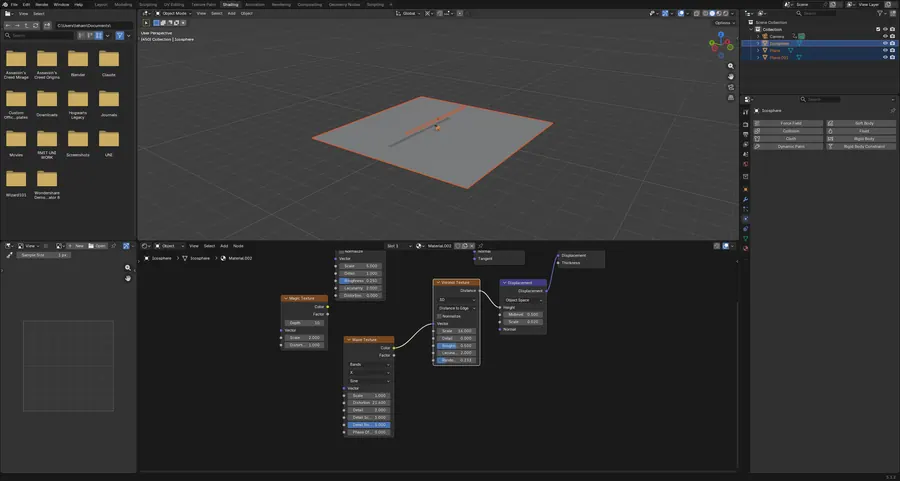
One sphere, no image textures. Magic, noise, voronoi and wave nodes feed an anisotropic shader with displacement. A procedural texturing exercise.

4 objects · 4 materials · procedural only · 1000 frame range

BALL TEXTURE, SCENE CAMERA, FRAME 450
03.1SCENE CAMERA, FRAME 450
BALL TEXTURE, SURFACE CLOSE UP
03.2SURFACE CLOSE UP
BALL TEXTURE, SOLID SHADING
03.3SOLID SHADING
BALL TEXTURE, WIREFRAME OVERLAY
03.4WIREFRAME OVERLAY
BALL TEXTURE, PROCEDURAL NODE TREE
03.5PROCEDURAL NODE TREE

B03.04CRYSTALS

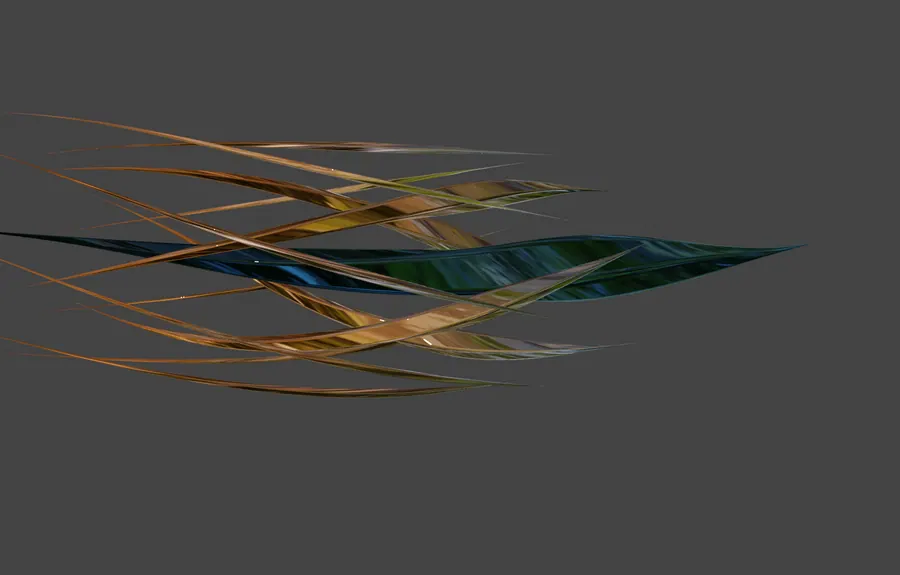
Glass streak shells built from simple deform and curve modifiers, coloured by a gradient into a colour ramp. Refraction and layered transparency.

11 objects · 3 simple deform, 3 curve modifiers · 3 cameras

CRYSTALS, SCENE CAMERA, FRAME 113
04.1SCENE CAMERA, FRAME 113
CRYSTALS, STREAK DETAIL
04.2STREAK DETAIL
CRYSTALS, SOLID SHADING
04.3SOLID SHADING
CRYSTALS, WIREFRAME OVERLAY
04.4WIREFRAME OVERLAY
CRYSTALS, GLASS AND GRADIENT NODES
04.5GLASS AND GRADIENT NODES

B03.053D VECTOR ASSETS

An SVG logo imported as eleven curves, extruded and given glass shaders under one emission strip. A vector to 3D workflow.

15 objects · 11 SVG curves · 14 materials · glass shaders

3D VECTOR ASSETS, SCENE CAMERA
05.1SCENE CAMERA
3D VECTOR ASSETS, LAYER DETAIL
05.2LAYER DETAIL
3D VECTOR ASSETS, SOLID SHADING
05.3SOLID SHADING
3D VECTOR ASSETS, WIREFRAME OVERLAY
05.4WIREFRAME OVERLAY
3D VECTOR ASSETS, IMPORTED CURVE DATA
05.5IMPORTED CURVE DATA
04 Panel lines and clean silhouettes BLENDER / HARD SURFACE MODELLING 3 projects

Vehicles and mechanical parts built from blueprint references. Mirror, array, solidify and bevel carry most of the geometry, so the test is whether the shape still reads correctly from every angle and in wireframe.

Mirrored Arrayed Bevelled

Open the whole board
B04.01TANK BLEND

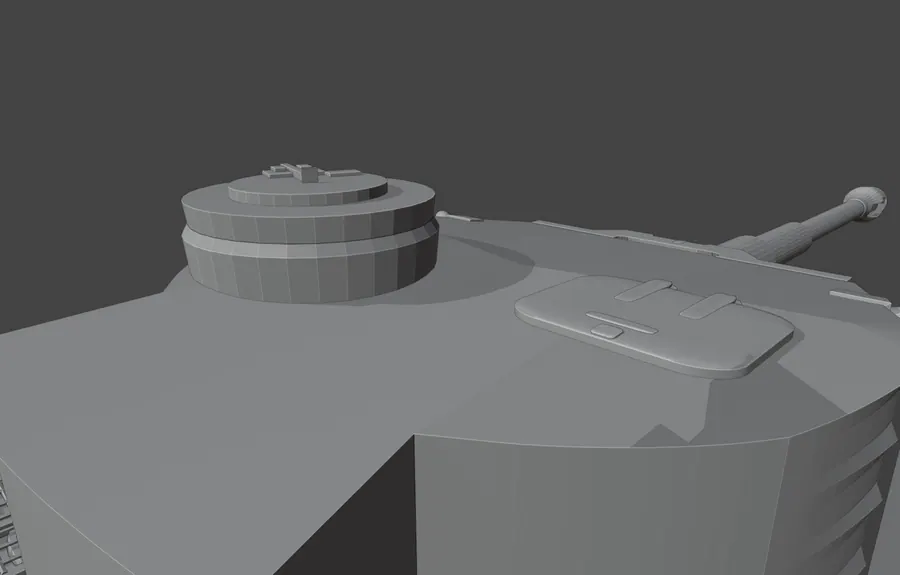
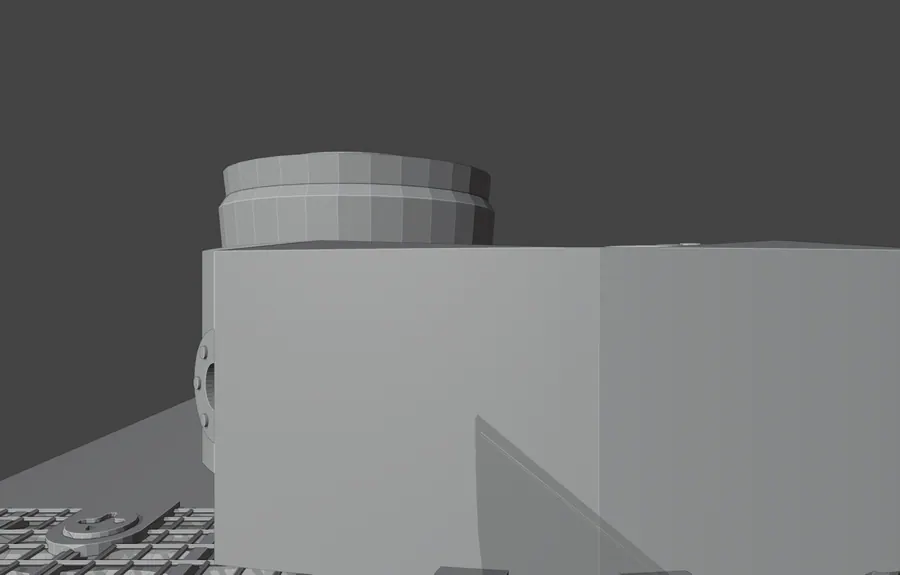
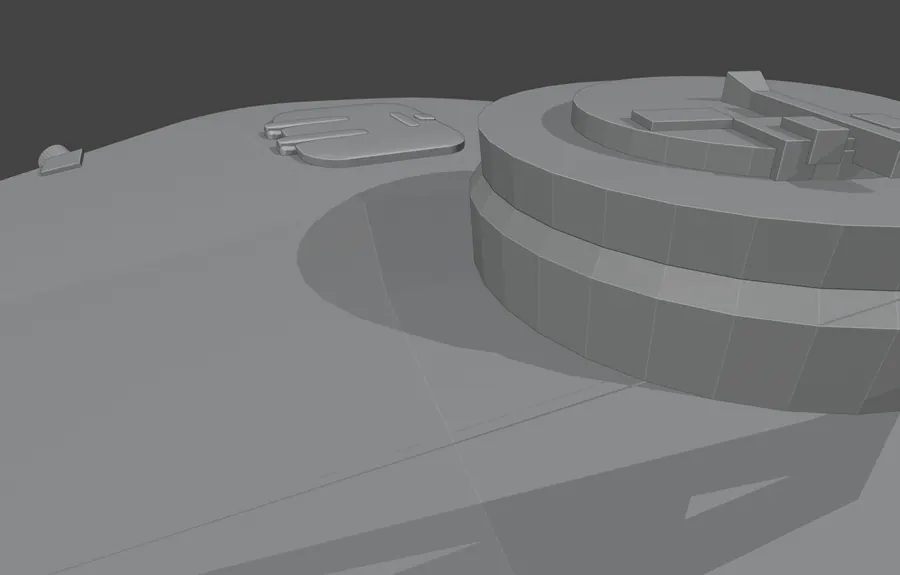
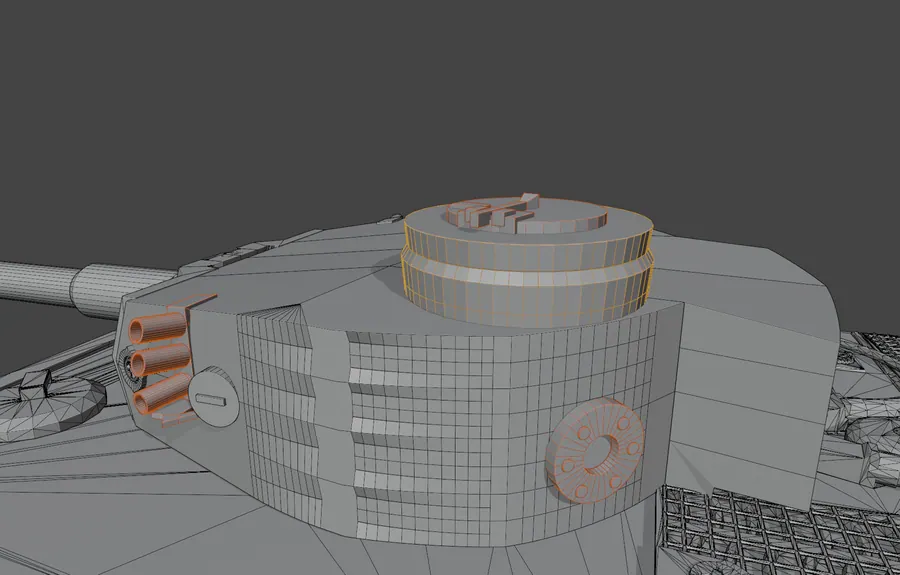
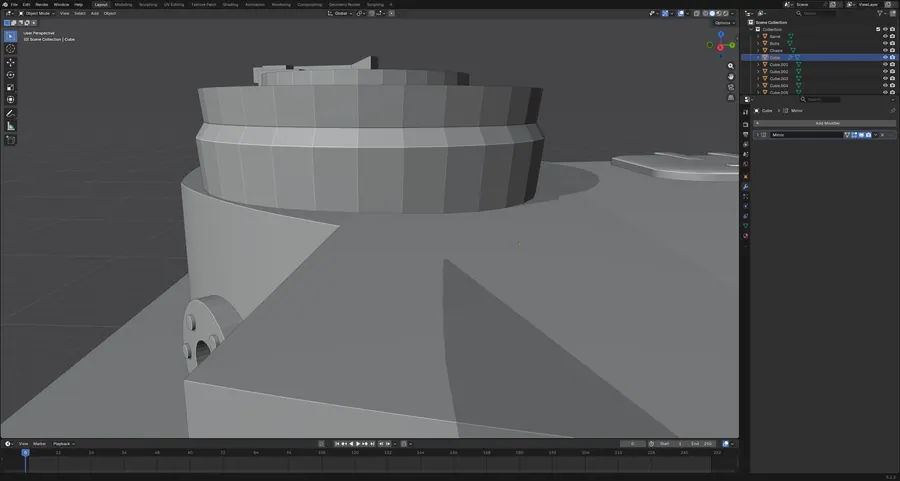
A Tiger tank modelled from blueprint photographs across 32 objects using mirror, array, solidify and bevel. Hard surface accuracy was the point.

36 objects · 56,667 verts · mirror, array, solidify, bevel

TANK BLEND, FRONT THREE QUARTER
01.1FRONT THREE QUARTER
TANK BLEND, SIDE PROFILE
01.2SIDE PROFILE
TANK BLEND, TURRET DETAIL
01.3TURRET DETAIL
TANK BLEND, WIREFRAME OVERLAY
01.4WIREFRAME OVERLAY
TANK BLEND, MODIFIER STACK
01.5MODIFIER STACK

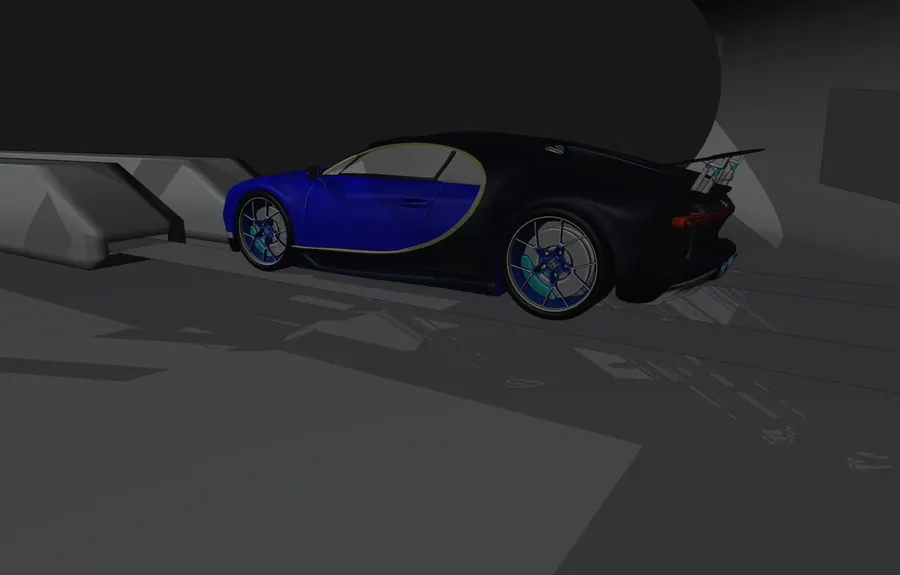
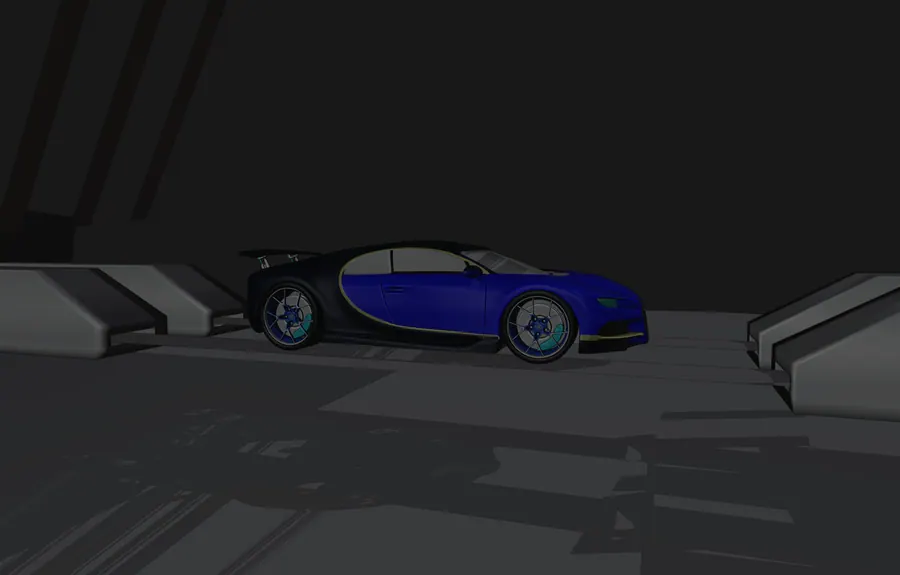
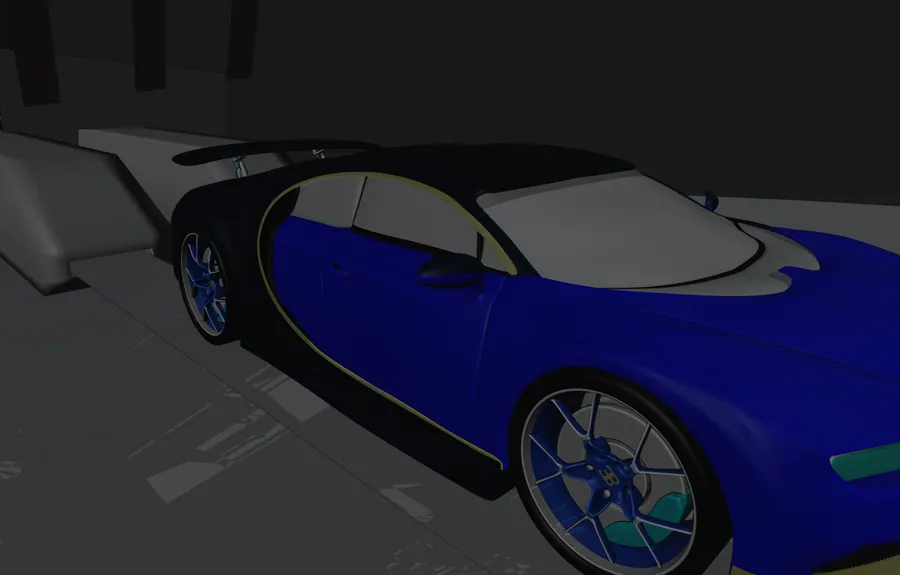
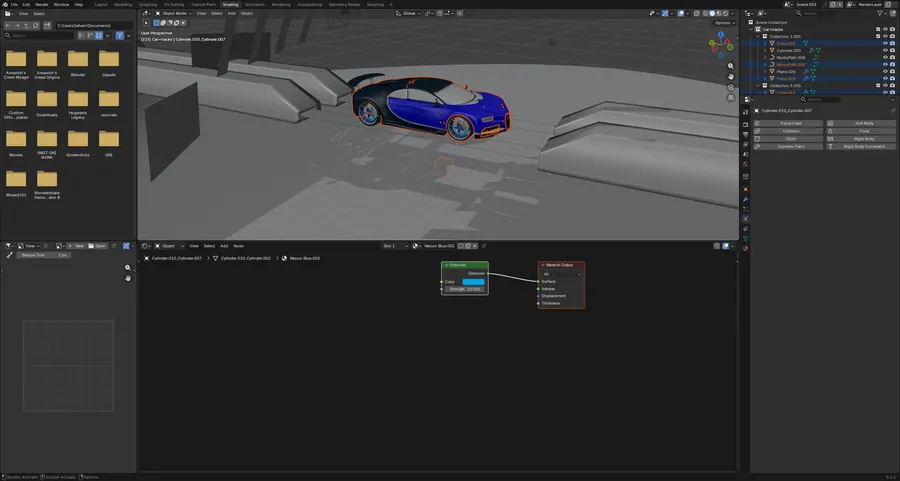
B04.02CAR AND CAMERA

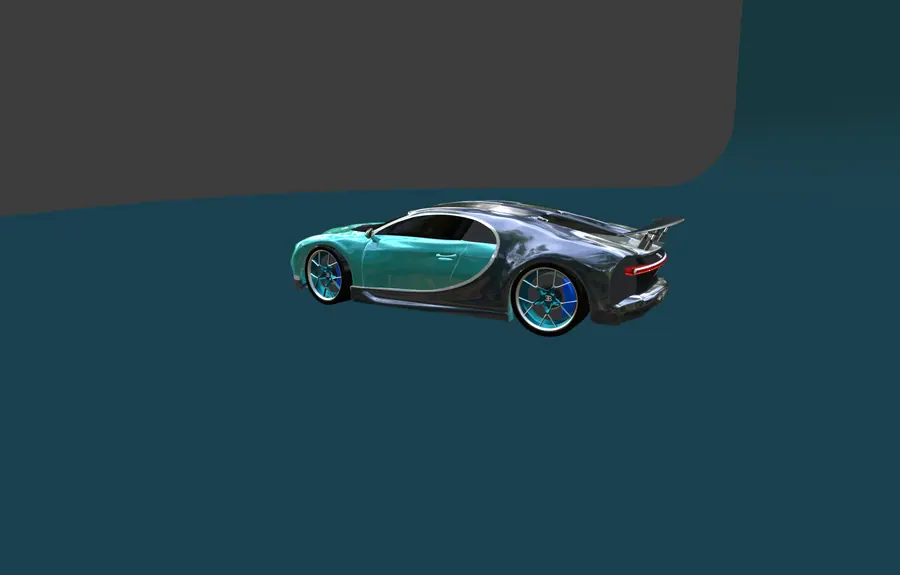
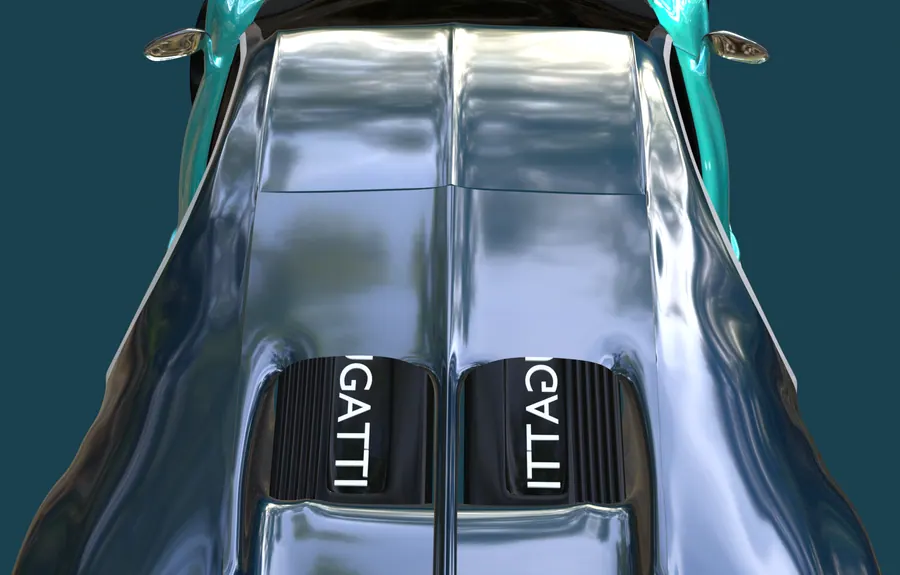
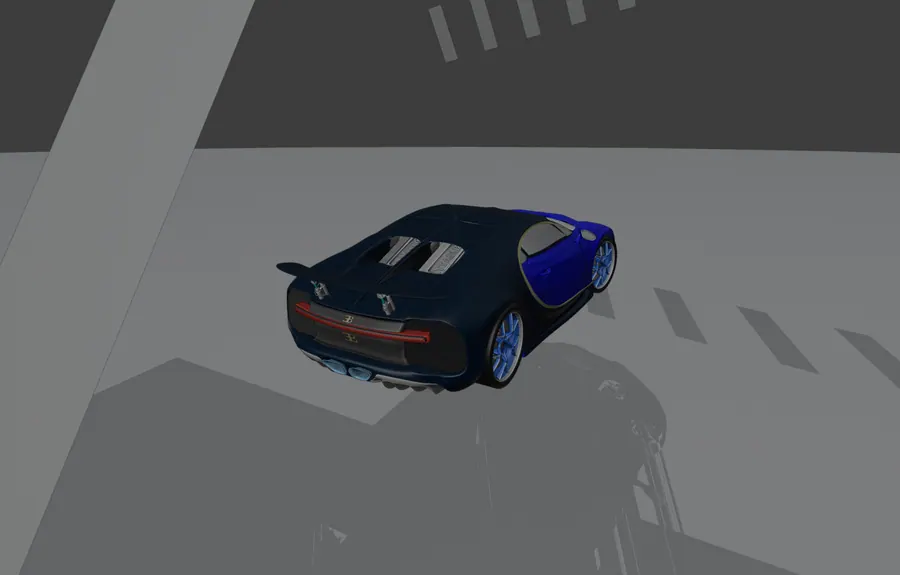
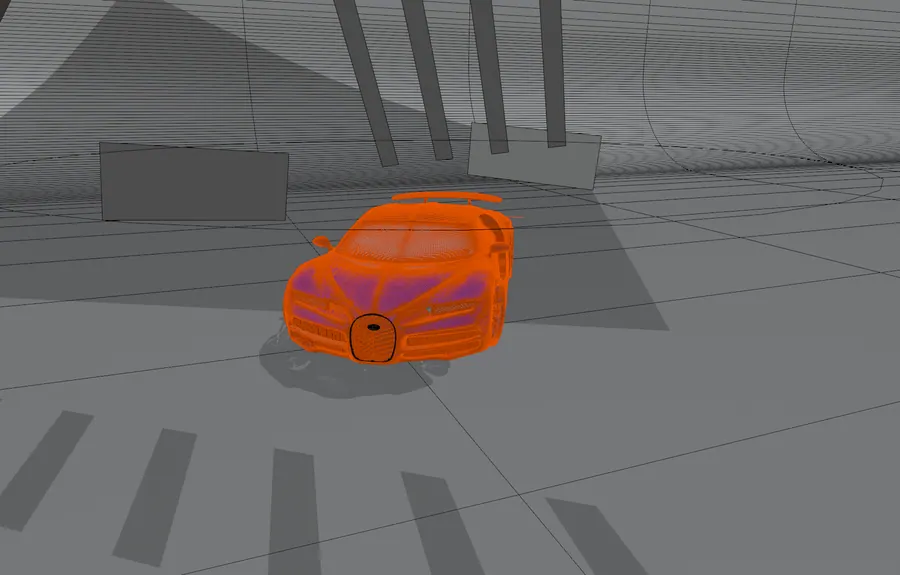
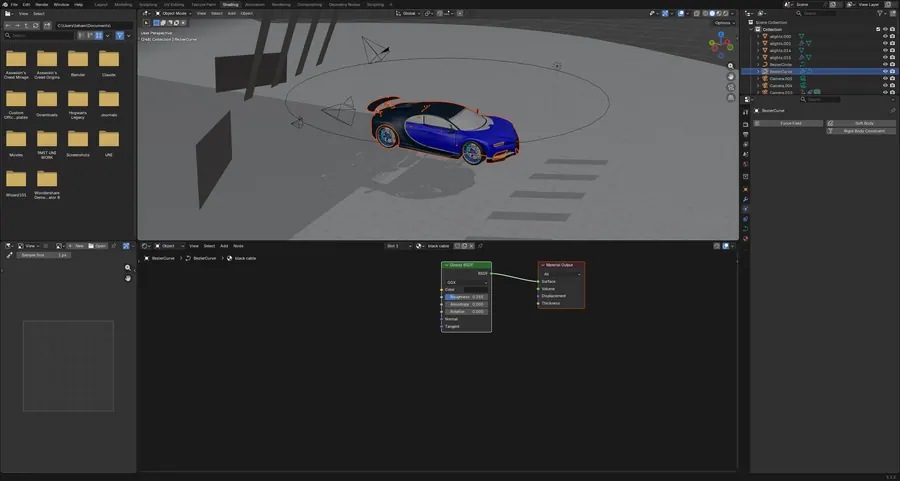
A Bugatti Chiron built with mirror, array and subdivision, then dressed in 43 materials: anisotropic metals, glass and emission lights.

47 objects · 43 materials · 62,171 verts · 18 subdivision modifiers

CAR AND CAMERA, FRONT THREE QUARTER
02.1FRONT THREE QUARTER
CAR AND CAMERA, SCENE CAMERA, BONNET
02.2SCENE CAMERA, BONNET
CAR AND CAMERA, REAR THREE QUARTER
02.3REAR THREE QUARTER
CAR AND CAMERA, WIREFRAME OVERLAY
02.4WIREFRAME OVERLAY
CAR AND CAMERA, MATERIAL NODE TREE
02.5MATERIAL NODE TREE

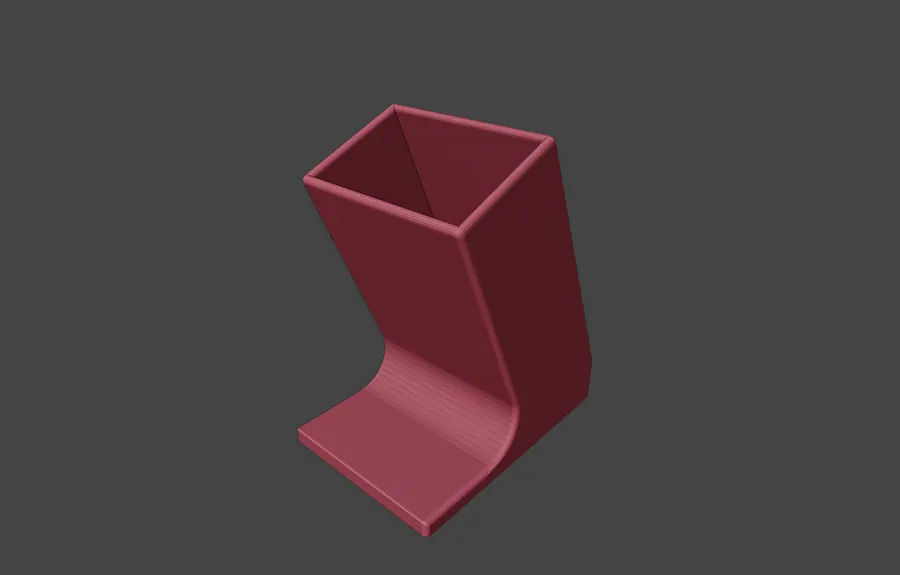
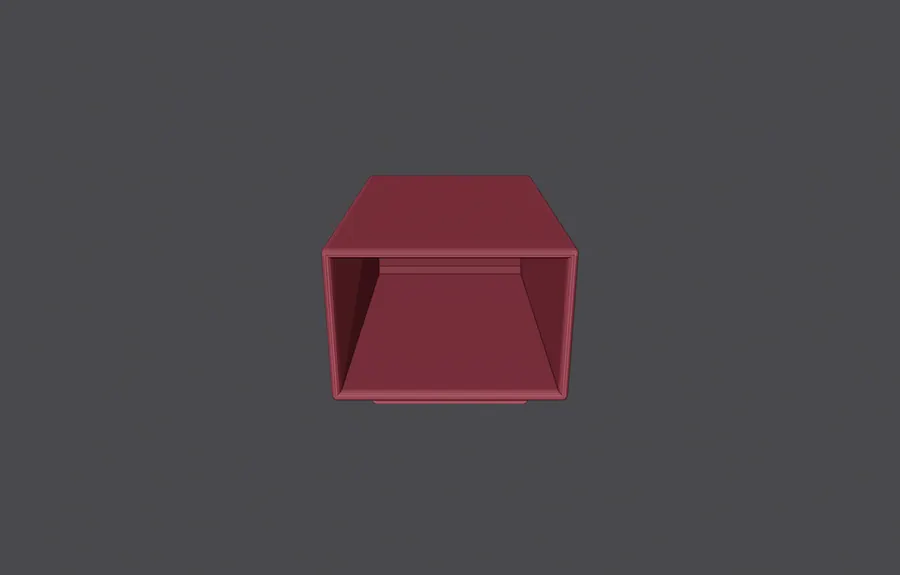
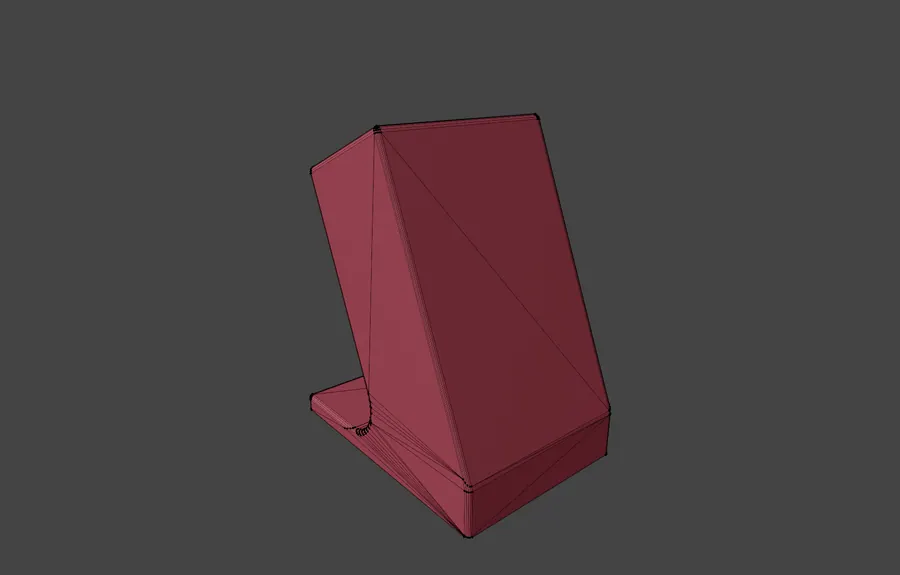
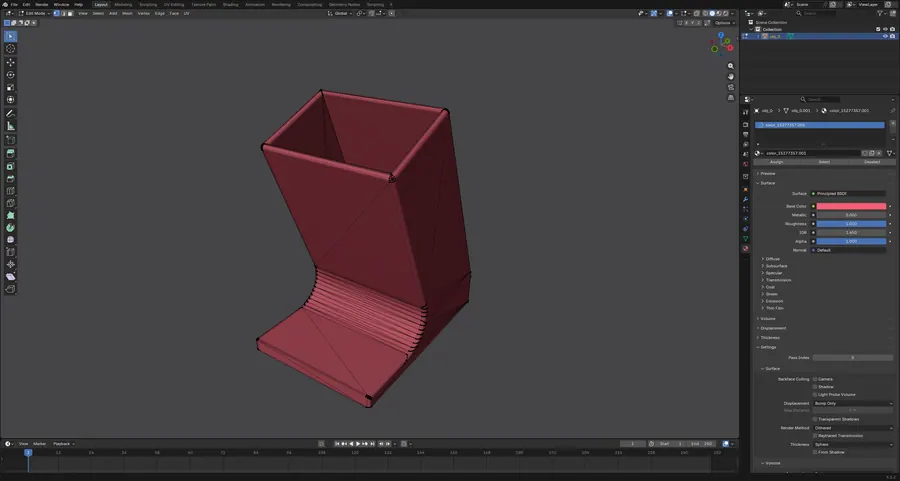
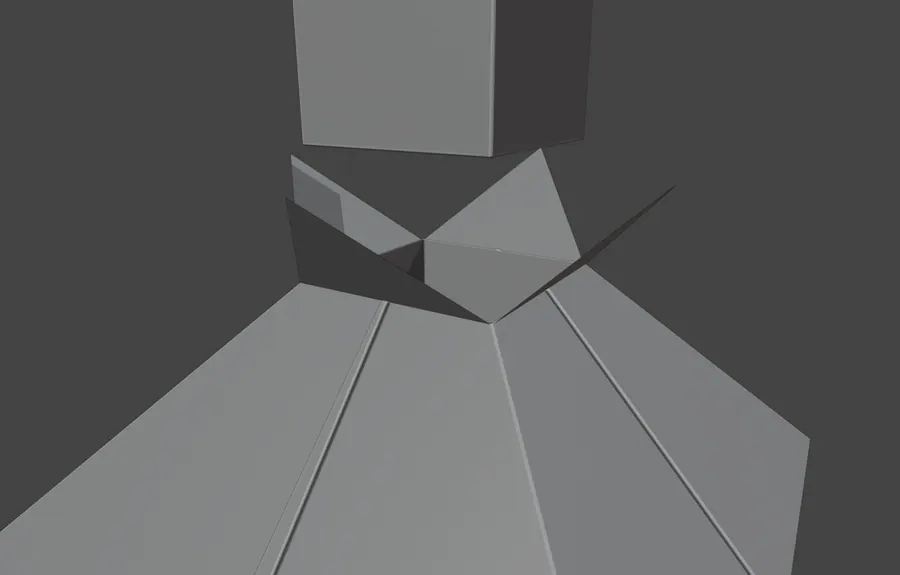
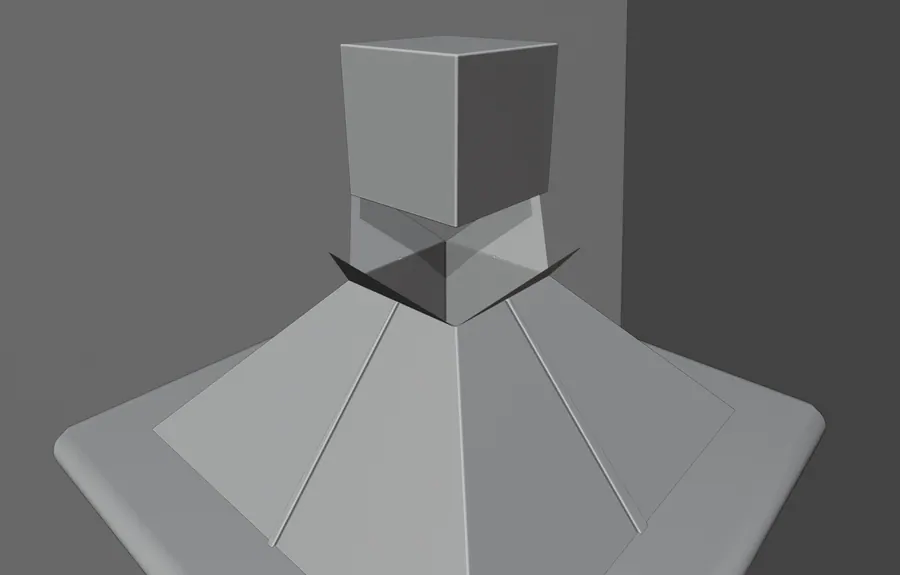
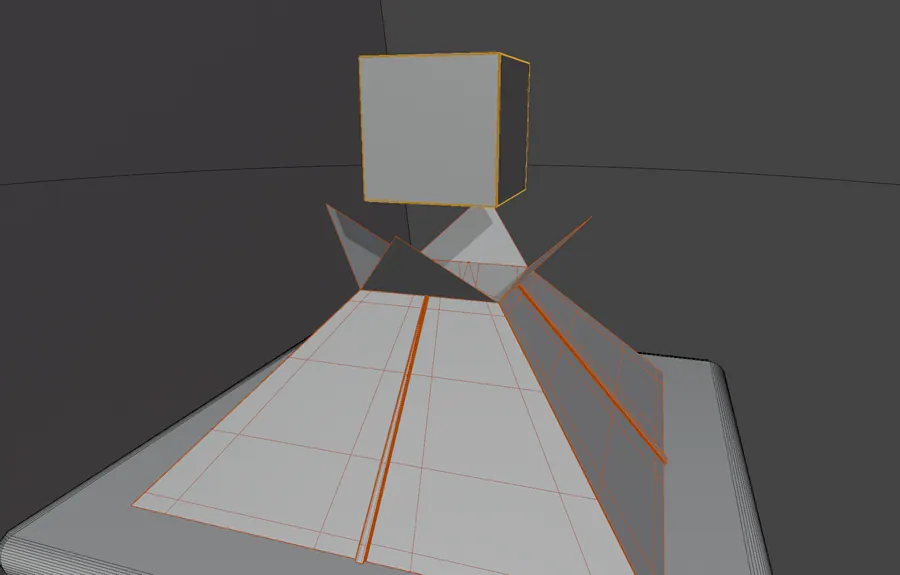
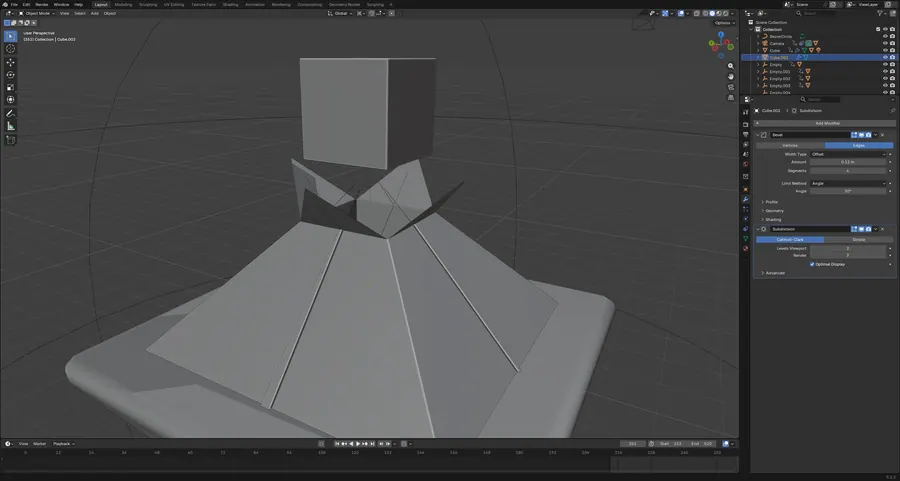
B04.03STAND

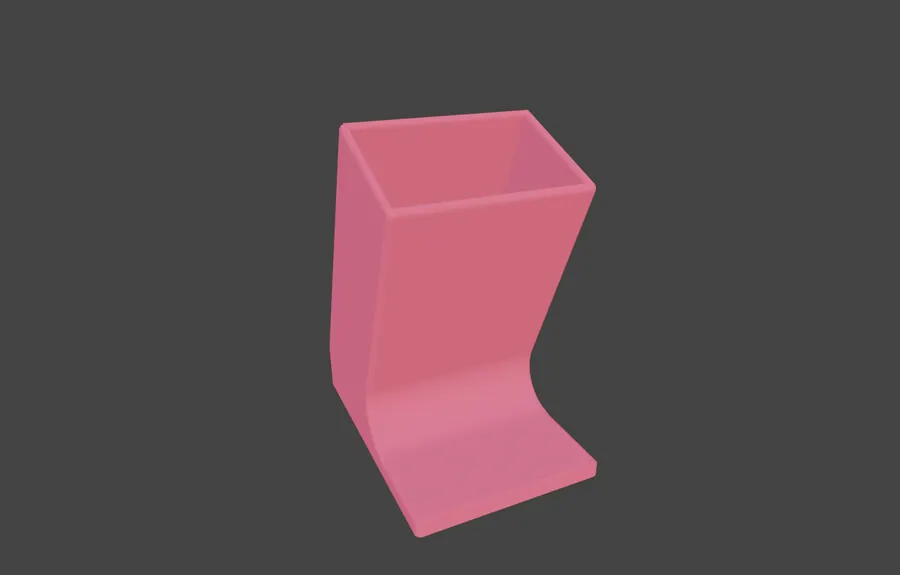
A folded sheet stand of 334 verts with four flat colour materials. A small hard surface exercise in silhouette and thickness.

1 object · 334 verts · 4 materials

STAND, MATERIAL PREVIEW
03.1MATERIAL PREVIEW
STAND, SOLID SHADING
03.2SOLID SHADING
STAND, TOP VIEW
03.3TOP VIEW
STAND, WIREFRAME OVERLAY
03.4WIREFRAME OVERLAY
STAND, MATERIAL PANEL
03.5MATERIAL PANEL
05 Geometry that builds itself BLENDER / PROCEDURAL AND GEOMETRY NODES 4 projects

Node trees doing the modelling. An armour that spreads across a body, a lattice grown from a single cube, and a field of 226 tiles, all driven by node graphs or by one keyed controller instead of hand placement.

Instanced Scattered Driven

Open the whole board

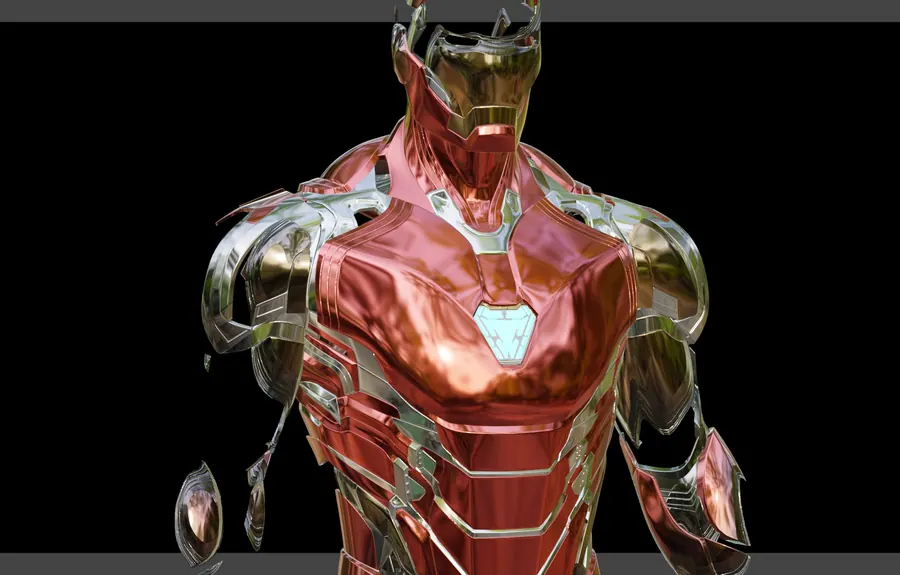
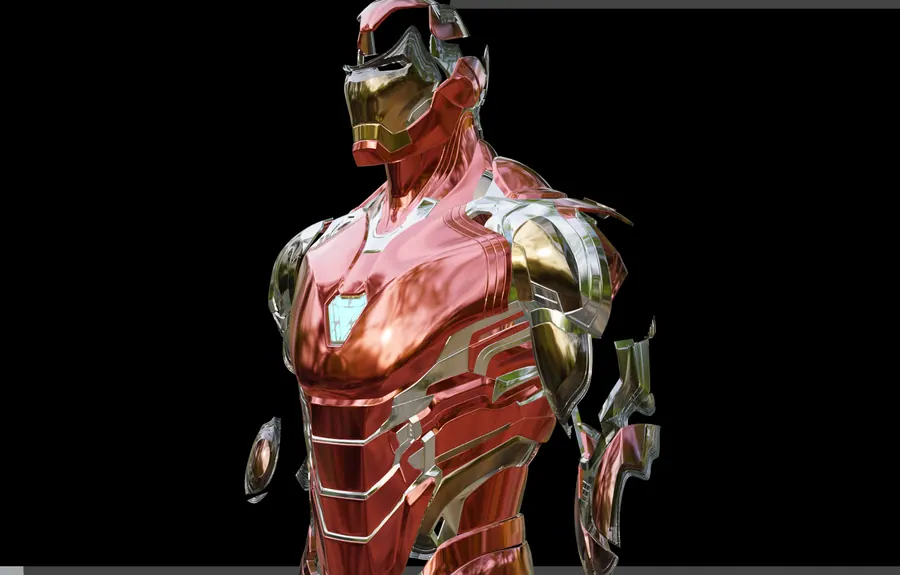
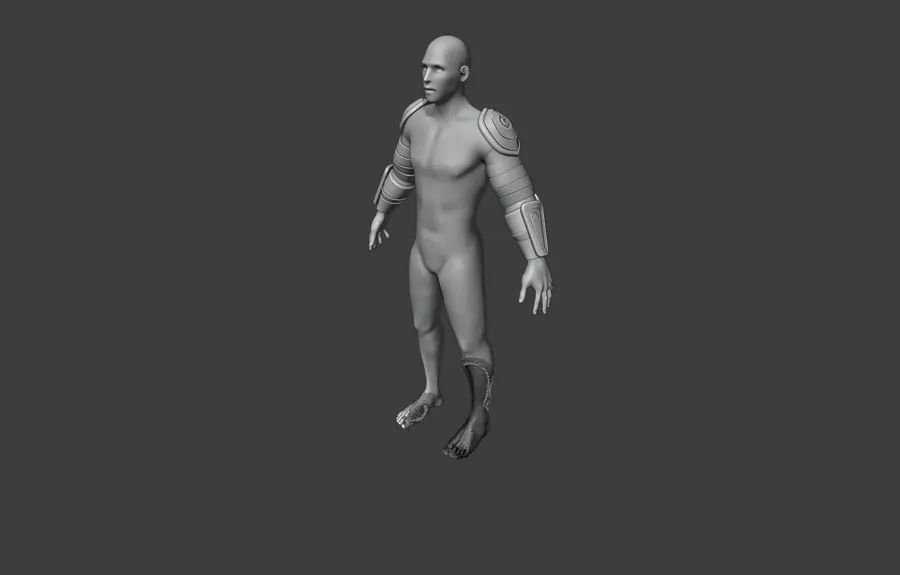
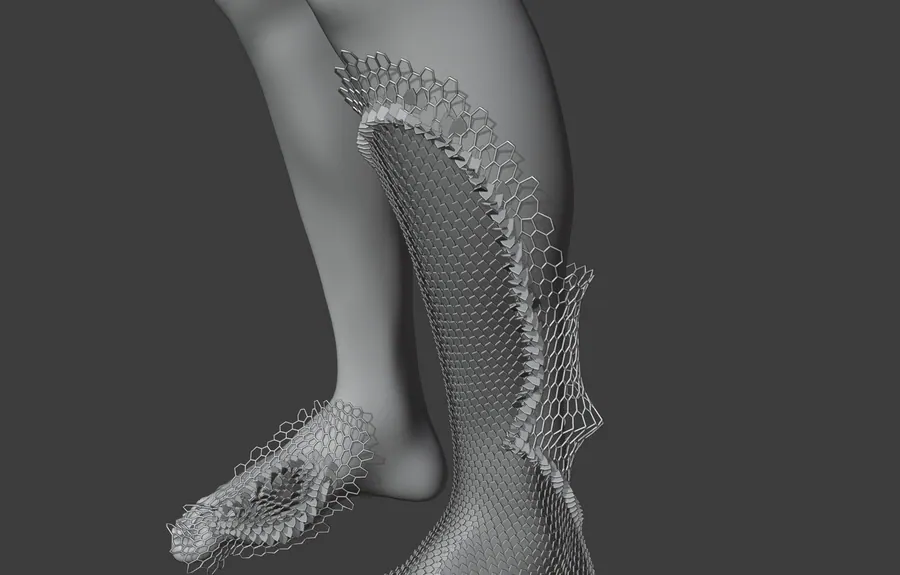
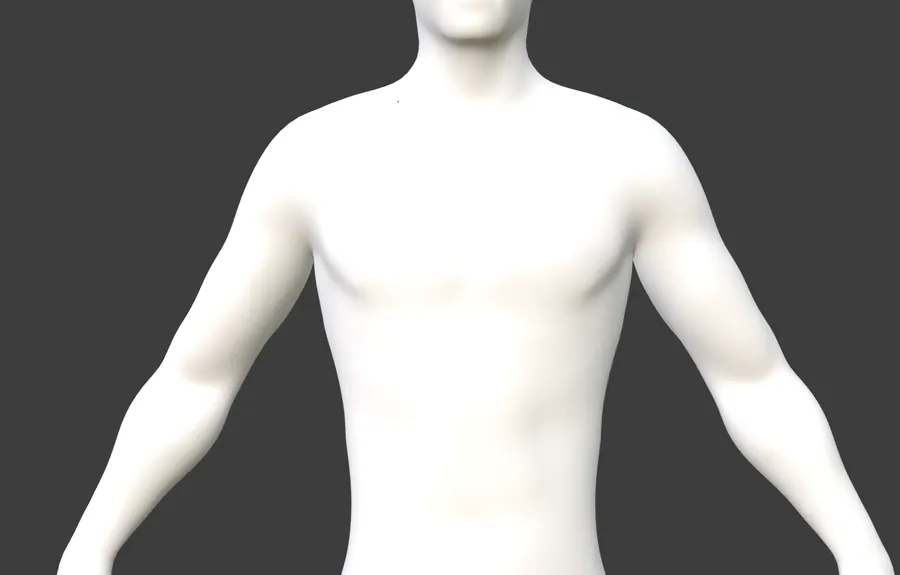
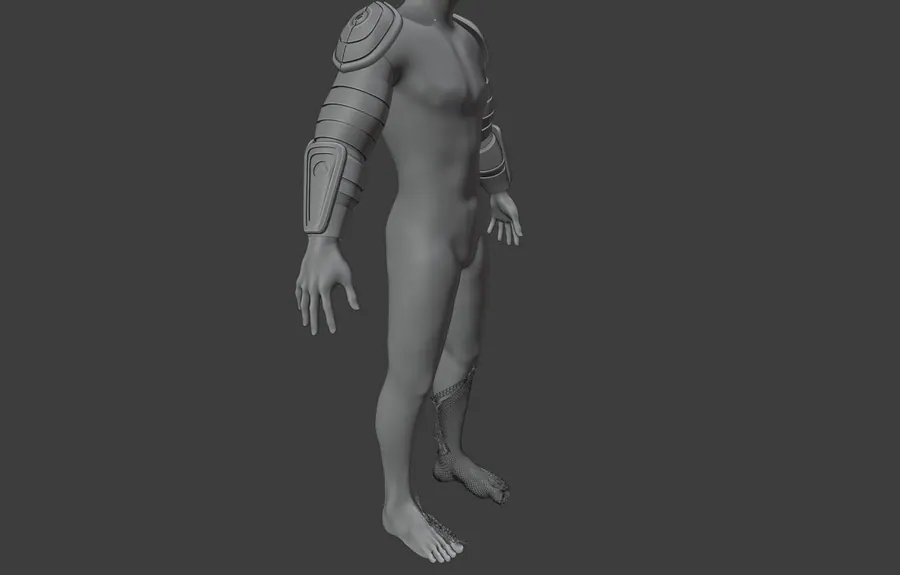
B05.01NANOMESH SUIT

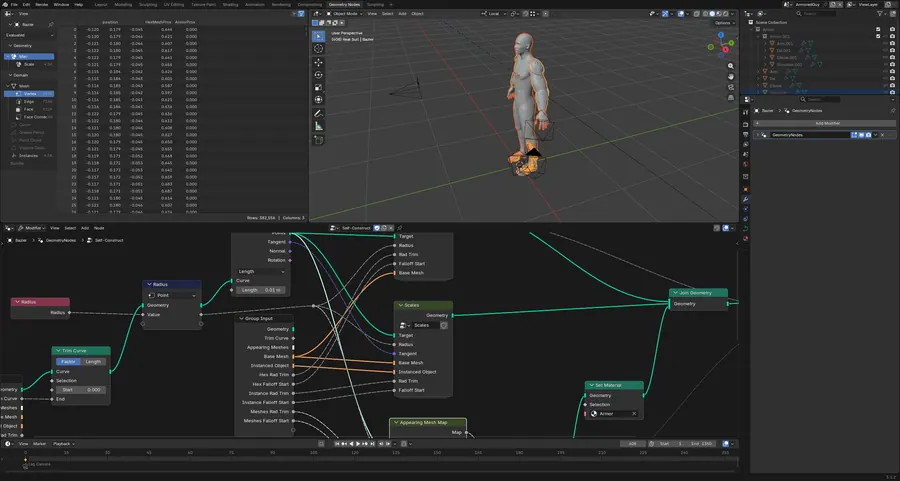
884 objects. Hex scale armour builds itself across a human body through geometry node groups named Self-Construct and Scales, shot from four cameras.

884 objects · 7 node groups · 10 geometry nodes modifiers · 4 cameras

NANOMESH SUIT, SOLID SHADING, ARMOUR IN PLACE
01.1SOLID SHADING, ARMOUR IN PLACE
NANOMESH SUIT, LEG CAMERA, SCALES SPREADING
01.2LEG CAMERA, SCALES SPREADING
NANOMESH SUIT, CHEST CAMERA
01.3CHEST CAMERA
NANOMESH SUIT, SCALE DETAIL
01.4SCALE DETAIL
NANOMESH SUIT, SELF-CONSTRUCT NODE TREE
01.5SELF-CONSTRUCT NODE TREE

B05.02CUBE ANIMATION

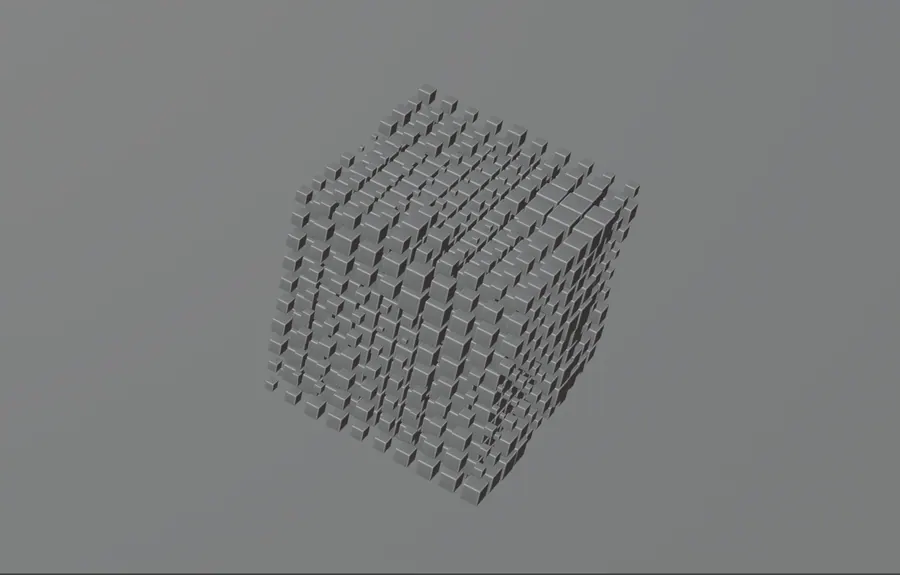
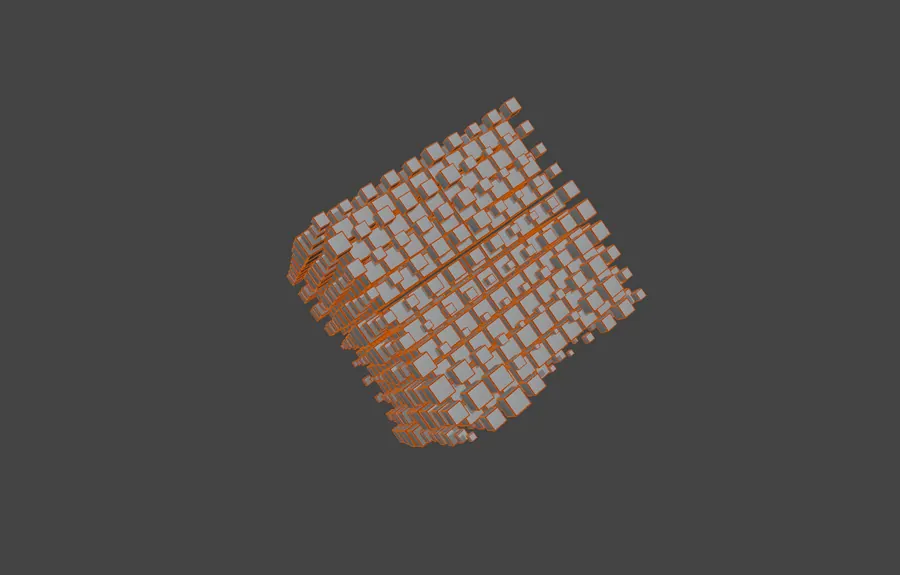
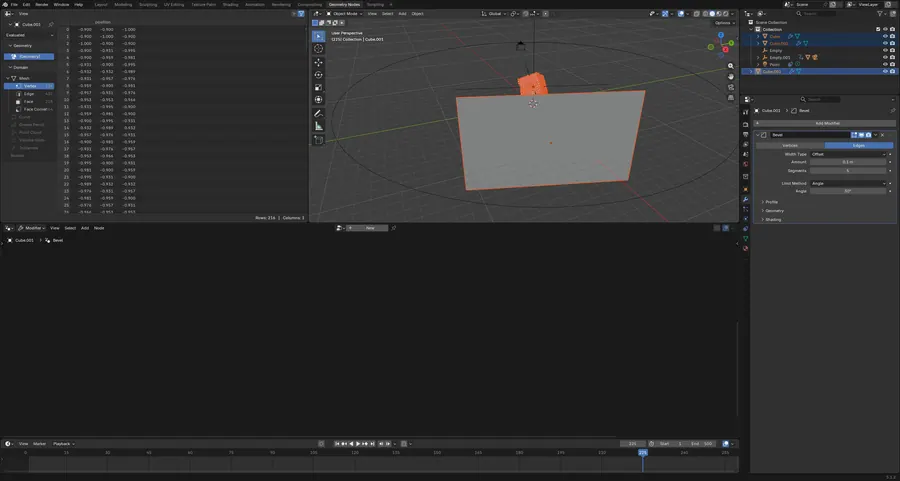
A cube lattice grown by two geometry node trees and driven by a keyframed empty. First test of node instancing over manual duplication.

8 objects · 2 geometry node trees · 500 frames

CUBE ANIMATION, SCENE CAMERA, FRAME 225
02.1SCENE CAMERA, FRAME 225
CUBE ANIMATION, LATTICE IN SOLID SHADING
02.2LATTICE IN SOLID SHADING
CUBE ANIMATION, CORNER DETAIL
02.3CORNER DETAIL
CUBE ANIMATION, WIREFRAME OVERLAY
02.4WIREFRAME OVERLAY
CUBE ANIMATION, GEOMETRY NODE TREE
02.5GEOMETRY NODE TREE

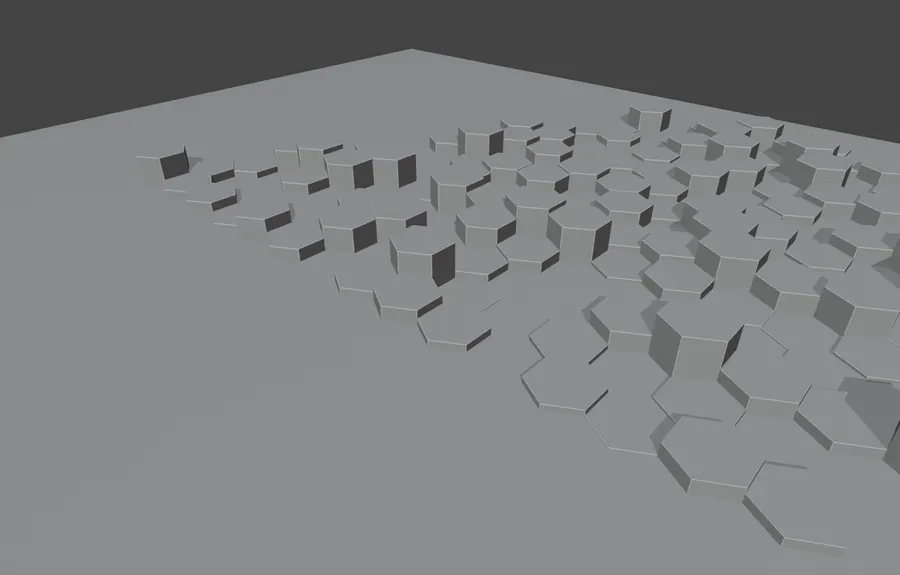
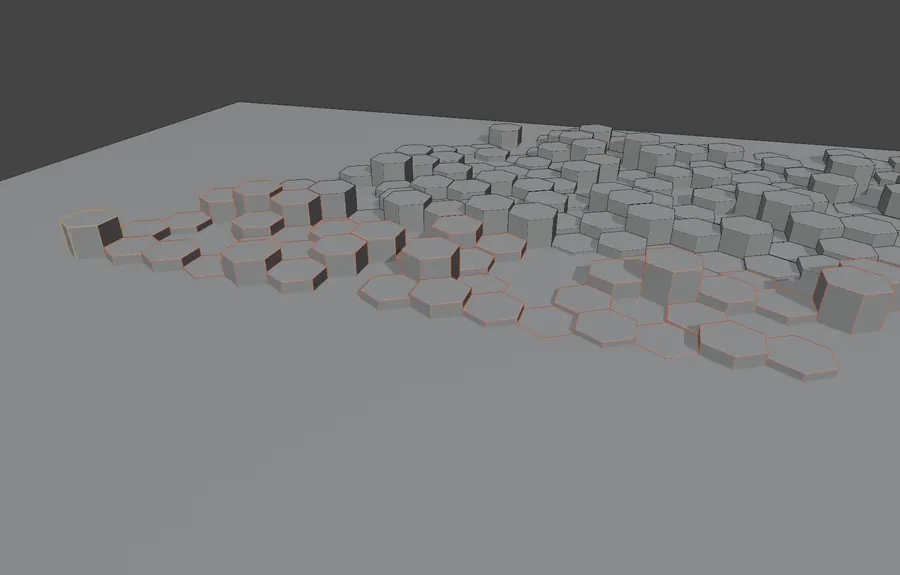
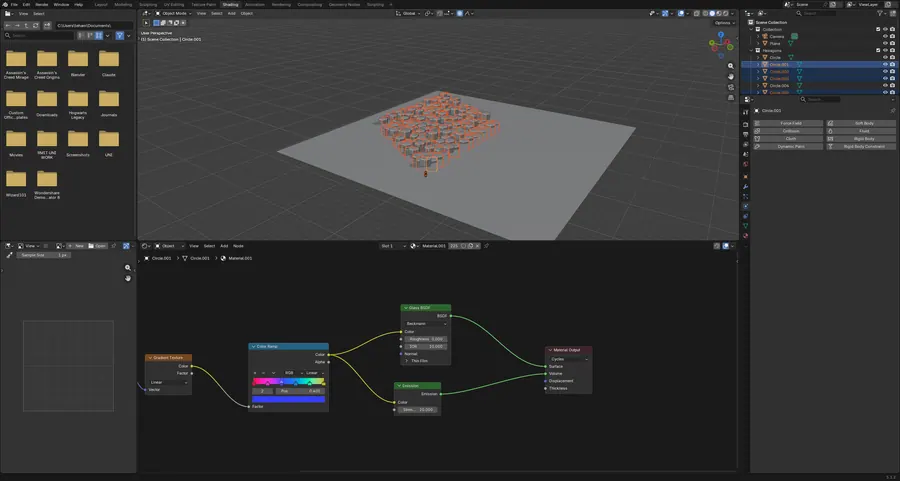
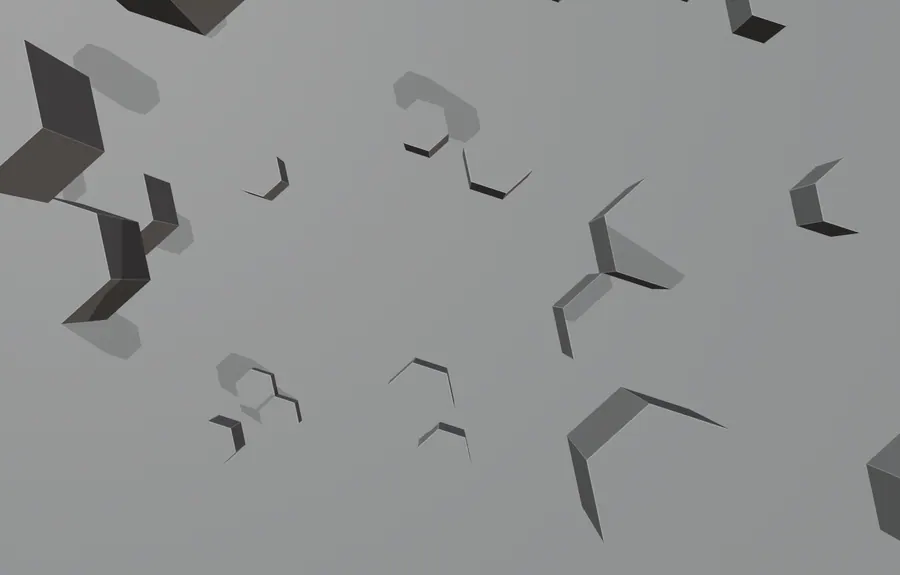
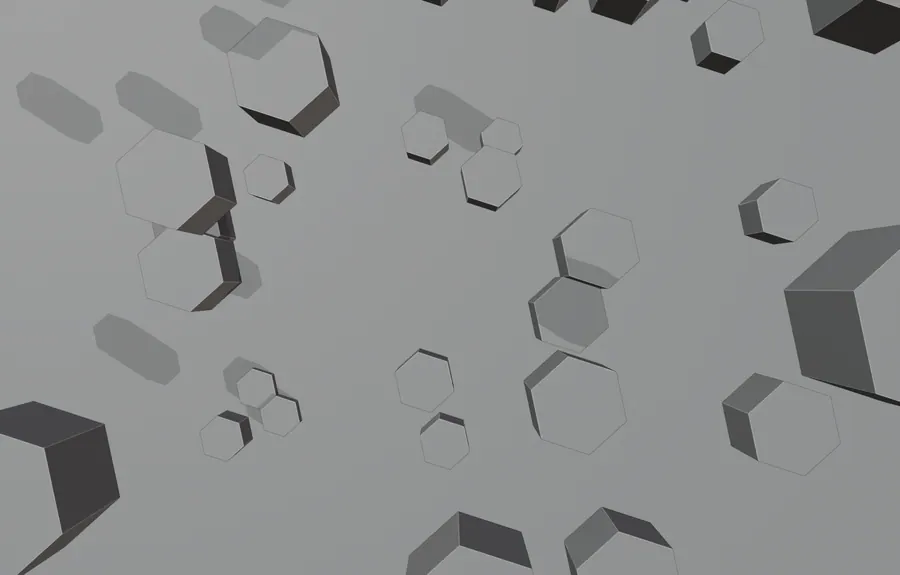
B05.03HEXAGONAL BACKGROUND

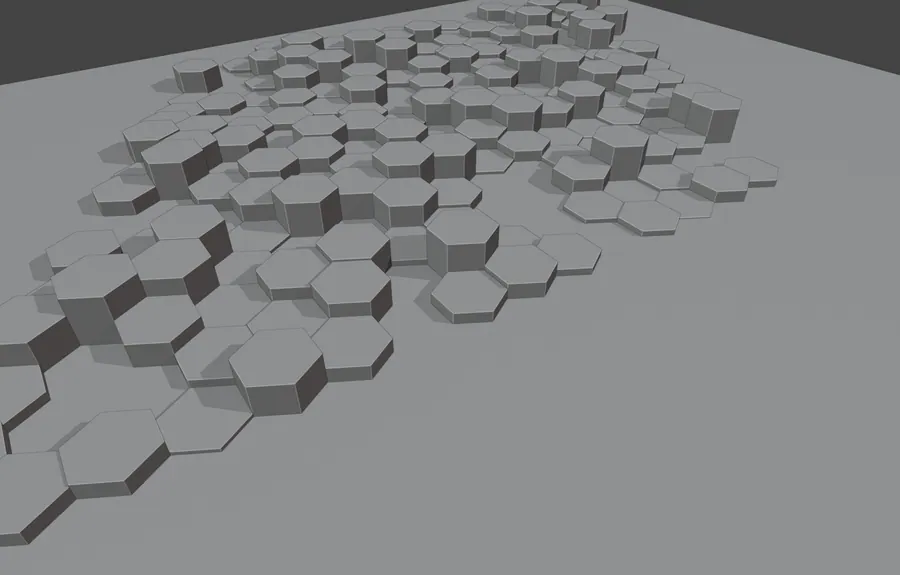
226 hexagonal tiles laid as a field, each carrying a glass and emission shader mixed through a gradient. A background plate build.

227 objects · 226 tiles · glass and emission mix

HEXAGONAL BACKGROUND, SCENE CAMERA
03.1SCENE CAMERA
HEXAGONAL BACKGROUND, TILE DETAIL
03.2TILE DETAIL
HEXAGONAL BACKGROUND, SOLID SHADING
03.3SOLID SHADING
HEXAGONAL BACKGROUND, WIREFRAME OVERLAY
03.4WIREFRAME OVERLAY
HEXAGONAL BACKGROUND, EMISSION AND GRADIENT NODES
03.5EMISSION AND GRADIENT NODES

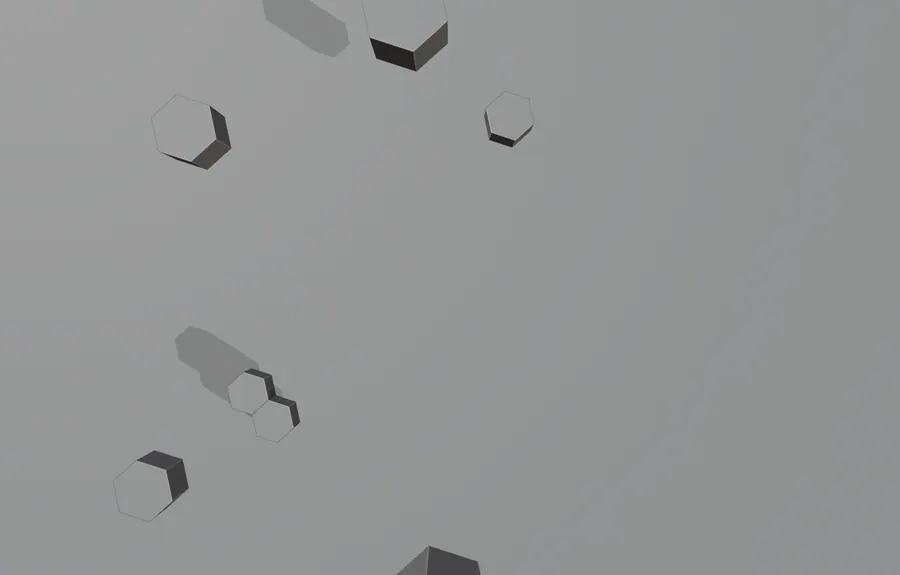
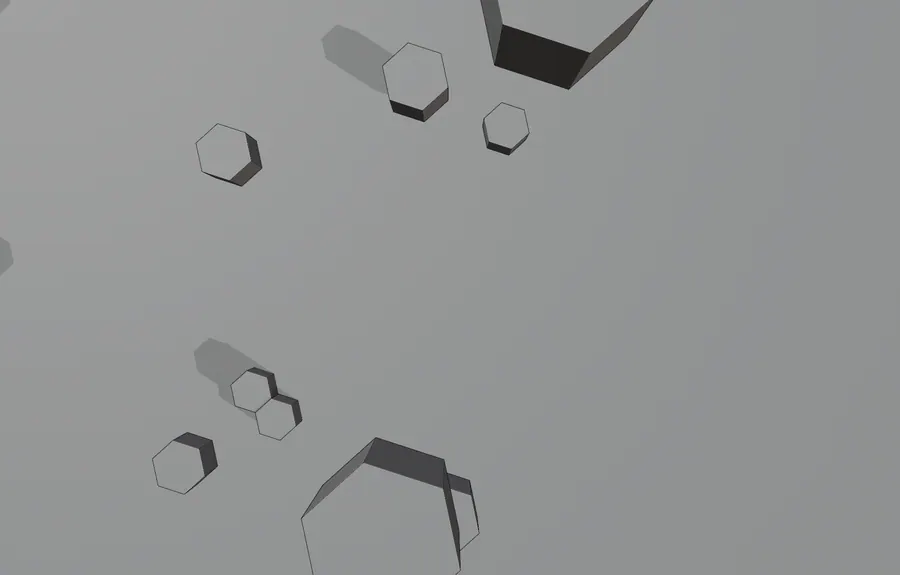
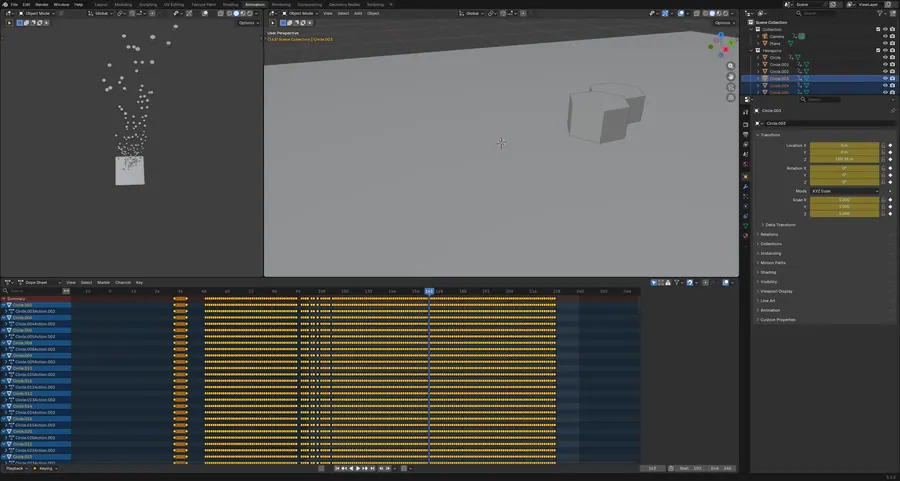
B05.04HEXAGONAL BACKGROUND, ANIMATED

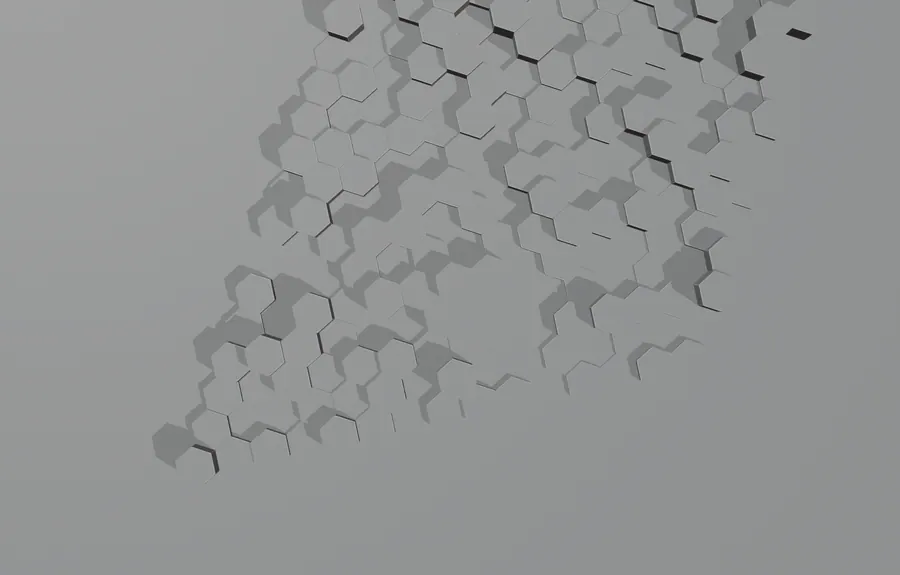
The same 226 tiles with every one keyframed, rising and turning through a 140 frame pass. Animating a large object count by hand.

227 objects · 226 keyed objects · frames 100 to 240

HEXAGONAL BACKGROUND, ANIMATED, SCENE CAMERA, FRAME 163
04.1SCENE CAMERA, FRAME 163
HEXAGONAL BACKGROUND, ANIMATED, FRAME 170
04.2FRAME 170
HEXAGONAL BACKGROUND, ANIMATED, FRAME 110
04.3FRAME 110
HEXAGONAL BACKGROUND, ANIMATED, WIREFRAME OVERLAY
04.4WIREFRAME OVERLAY
HEXAGONAL BACKGROUND, ANIMATED, 226 KEYED OBJECTS IN THE DOPE SHEET
04.5226 KEYED OBJECTS IN THE DOPE SHEET
06 Full scenes, camera in hand BLENDER / SCENE, LIGHT AND ANIMATION 5 projects

Complete shots rather than single objects. Volumetric light, neon strips, studio backdrops and camera moves on paths, with the heaviest file here running 577 objects and just under three million vertices.

Framed Graded Timed

Open the whole board
B06.01CAR AND TRACKS

577 objects and 2.99 million verts. The Chiron placed in a tunnel circuit with 224 subdivision modifiers, curve driven barriers and linked car paint.

577 objects · 244 materials · 2,990,430 verts · 224 subdivision modifiers
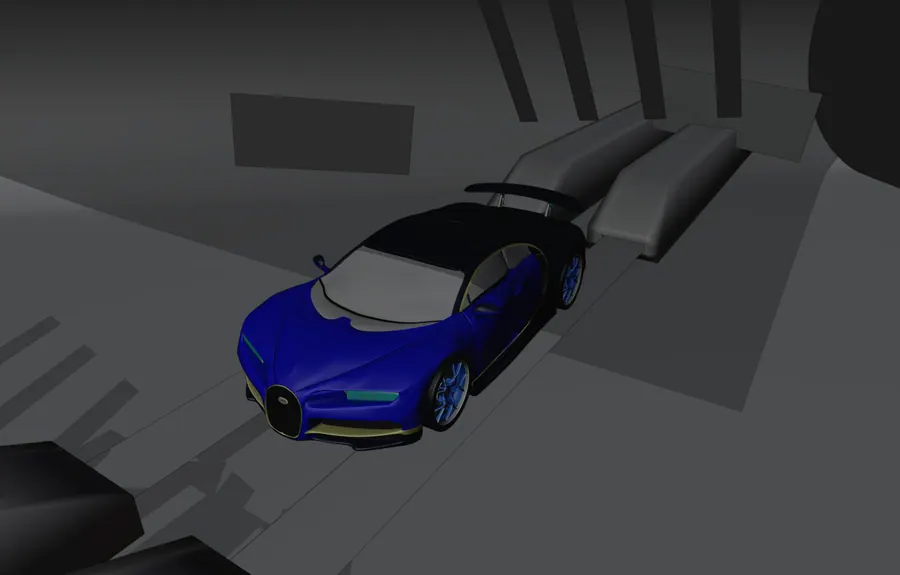
CAR AND TRACKS, SOLID SHADING, FRAME 225
01.1SOLID SHADING, FRAME 225
CAR AND TRACKS, FRONT THREE QUARTER
01.2FRONT THREE QUARTER
CAR AND TRACKS, LOW ANGLE PASS
01.3LOW ANGLE PASS
CAR AND TRACKS, BODY DETAIL
01.4BODY DETAIL
CAR AND TRACKS, CAR PAINT NODE TREE
01.5CAR PAINT NODE TREE

B06.02EEVEE ENVIRONMENT

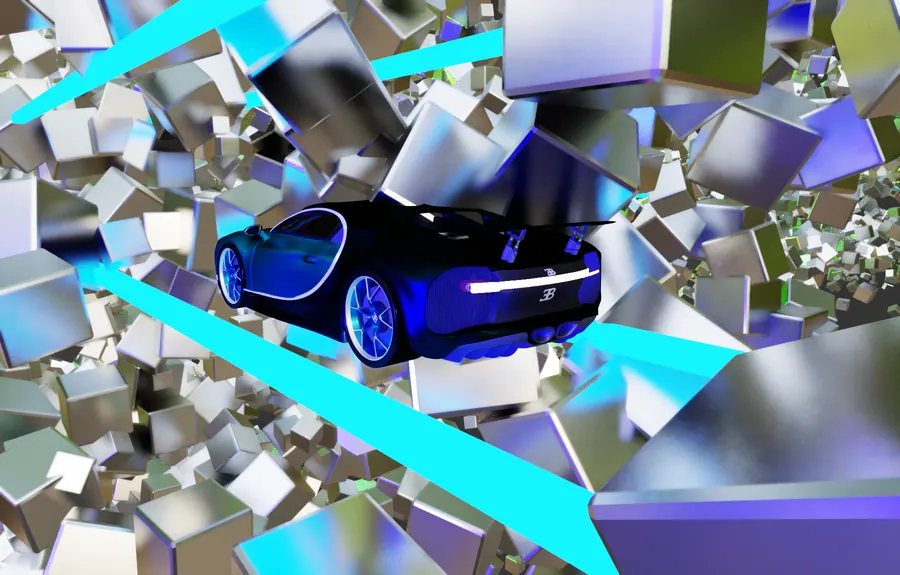
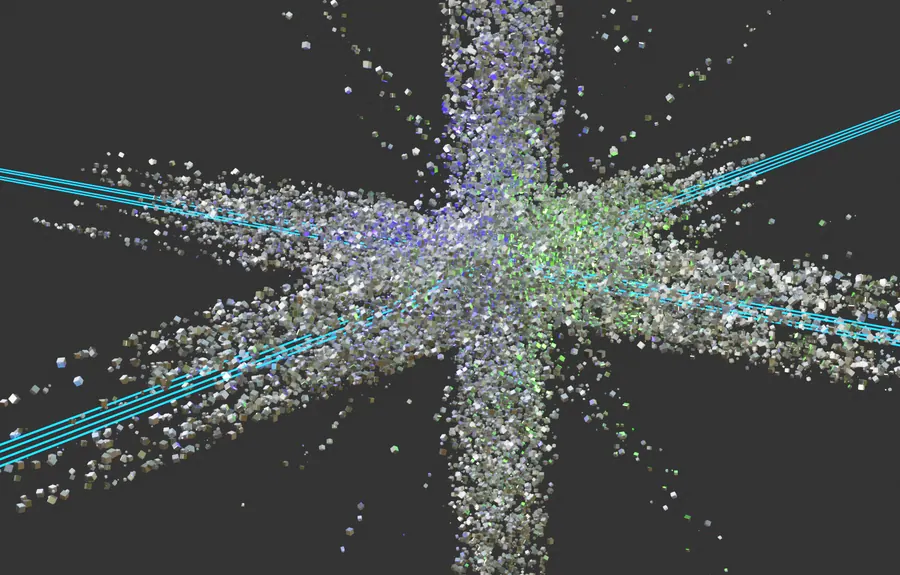
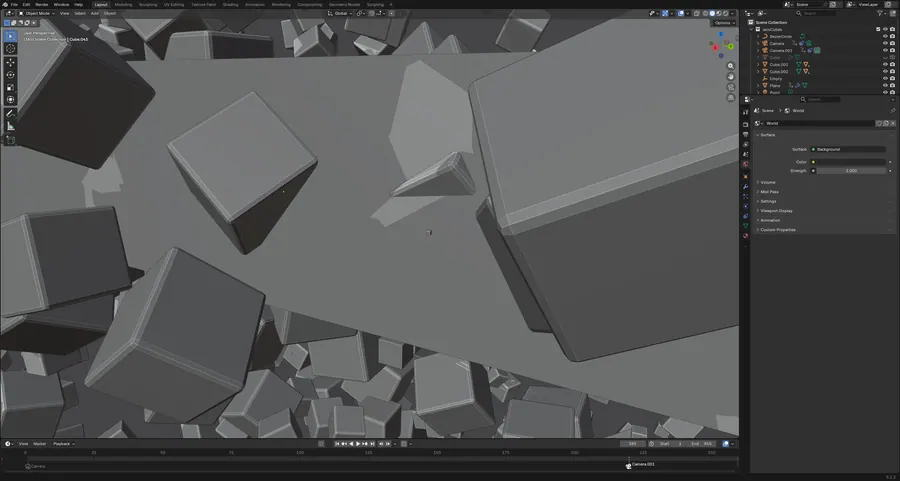
The car suspended in scattered cubes with cyan strip lights and a volumetric world. An EEVEE lighting and atmosphere study, camera on a path.

49 objects · 42 materials · volumetric world · 855 frames
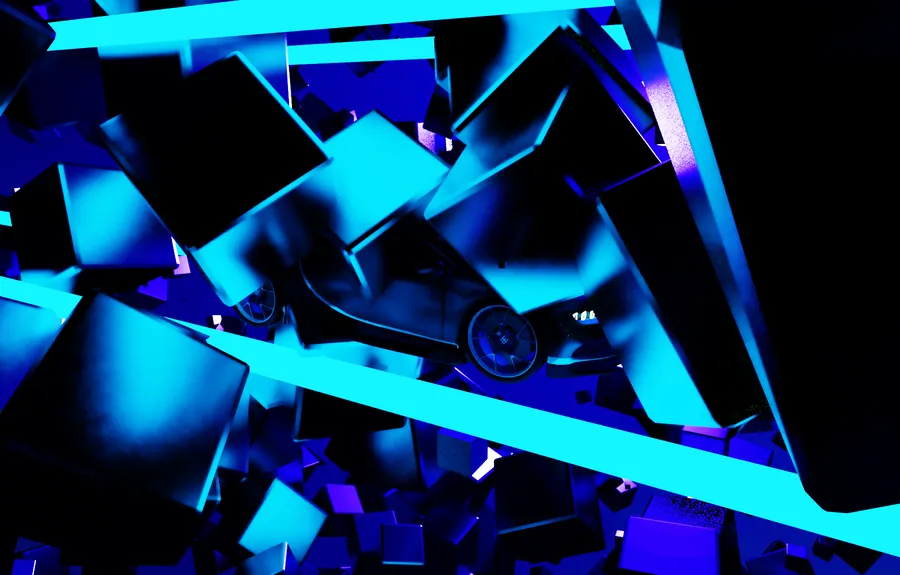
EEVEE ENVIRONMENT, SCENE WORLD, NEON STRIPS
02.1SCENE WORLD, NEON STRIPS
EEVEE ENVIRONMENT, CUBE FIELD AND CAR
02.2CUBE FIELD AND CAR
EEVEE ENVIRONMENT, SCENE CAMERA, PARTICLE BURST
02.3SCENE CAMERA, PARTICLE BURST
EEVEE ENVIRONMENT, SECOND CAMERA
02.4SECOND CAMERA
EEVEE ENVIRONMENT, WORLD VOLUMETRIC SETTINGS
02.5WORLD VOLUMETRIC SETTINGS

B06.03ODDLY SATISFYING

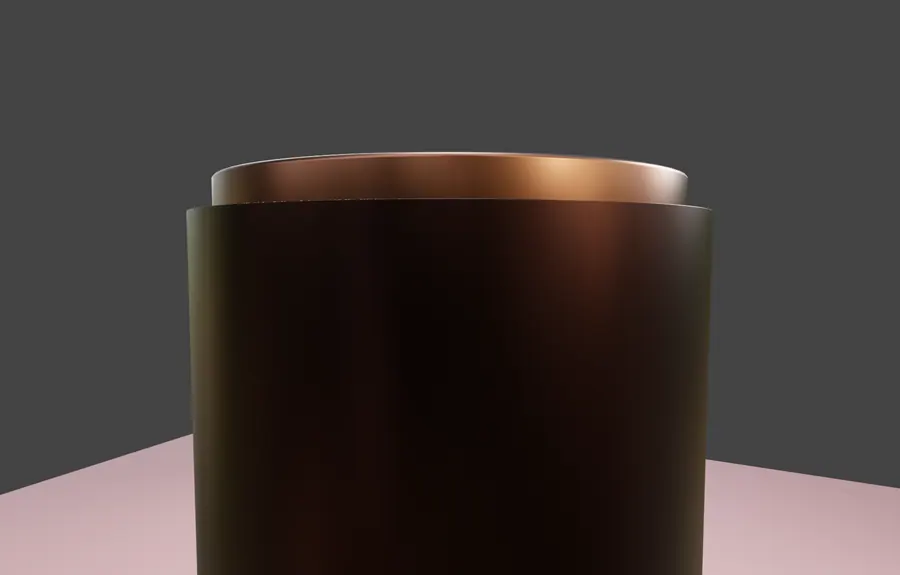
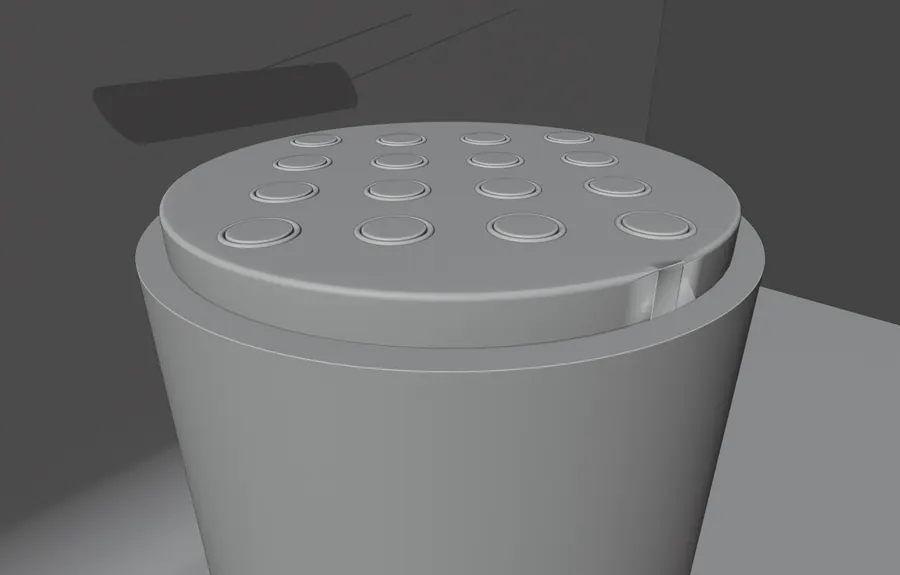
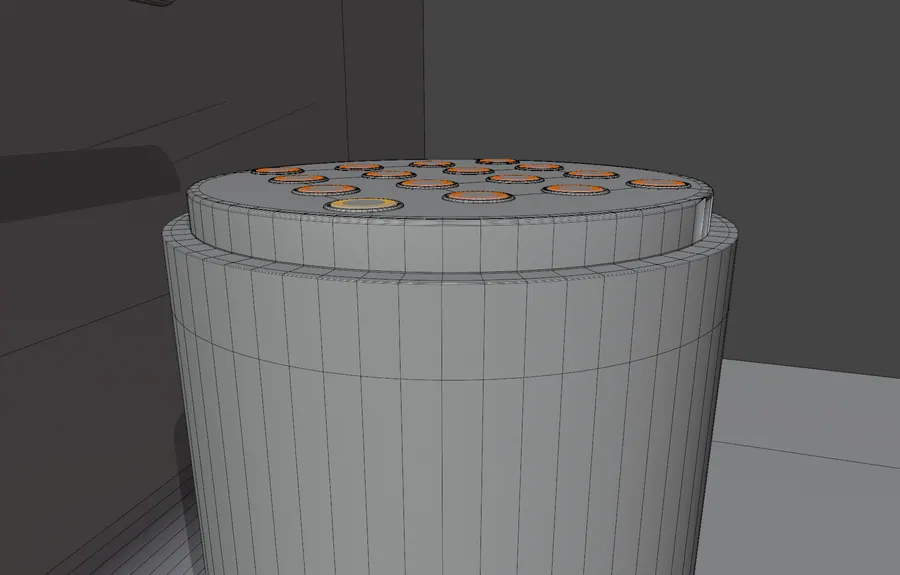
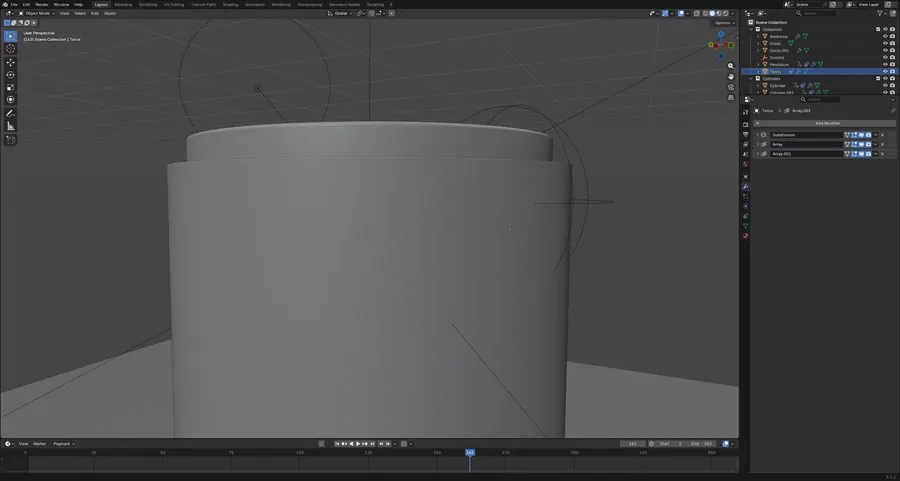
Twenty cylinders parented by child-of constraints, rotating through a copper barrel with a translucent marble shader. A loop animation study.

27 objects · 17 child-of constraints · 20 subdivision modifiers · 360 frames
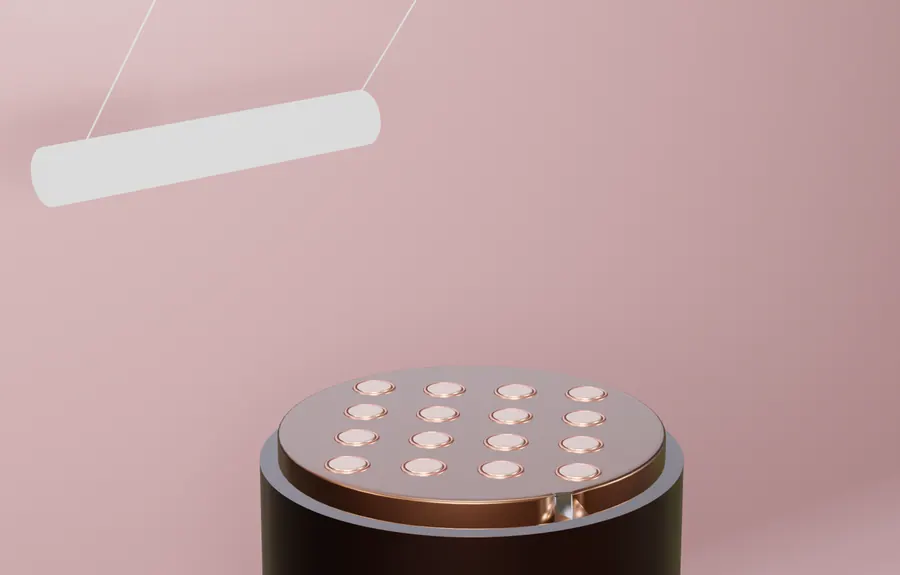
ODDLY SATISFYING, SCENE CAMERA, FRAME 162
03.1SCENE CAMERA, FRAME 162
ODDLY SATISFYING, COPPER INTERIOR
03.2COPPER INTERIOR
ODDLY SATISFYING, SOLID SHADING
03.3SOLID SHADING
ODDLY SATISFYING, WIREFRAME OVERLAY
03.4WIREFRAME OVERLAY
ODDLY SATISFYING, MODIFIER AND CONSTRAINT PANEL
03.5MODIFIER AND CONSTRAINT PANEL

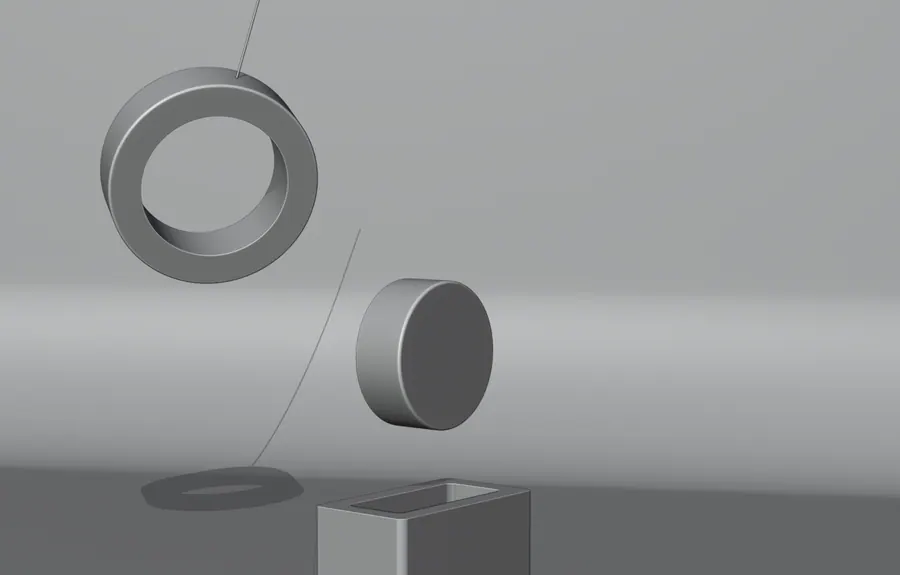
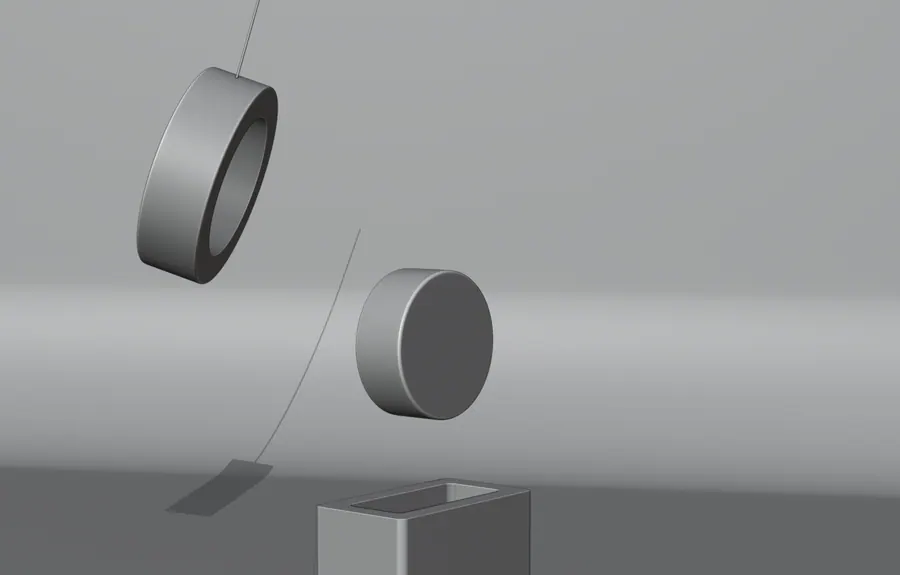
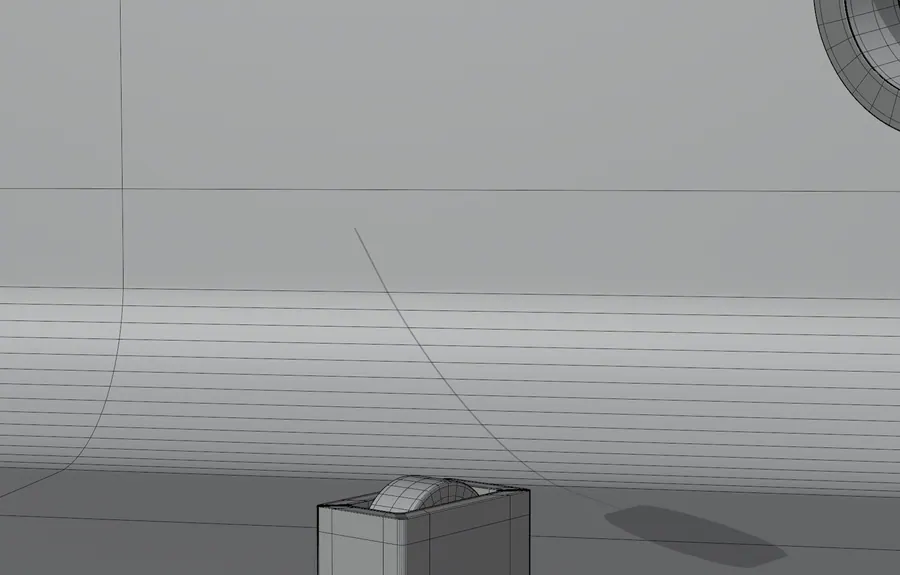
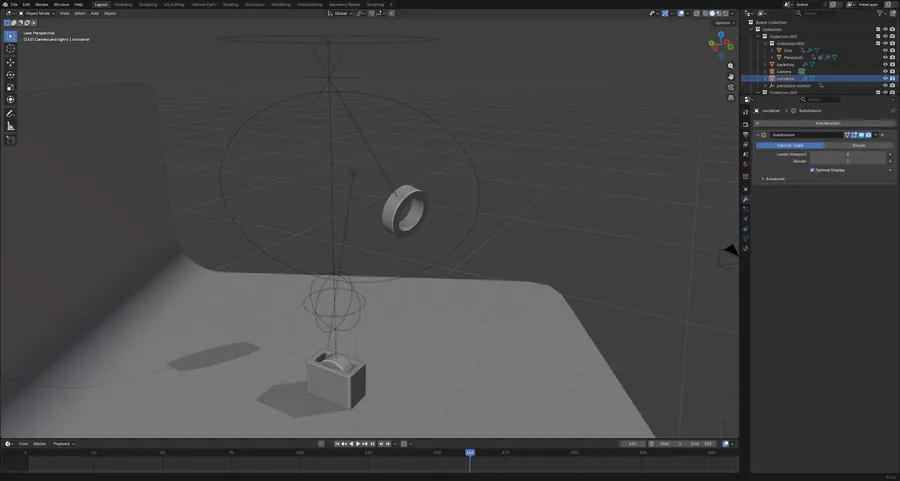
B06.04PENDULUM RENDER

A weighted disk swings on a wire in a soft studio. Marble and bump shaders, camera tracking, 359 frames of constraint driven motion.

9 objects · 7 materials · 359 frames · marble and bump shaders
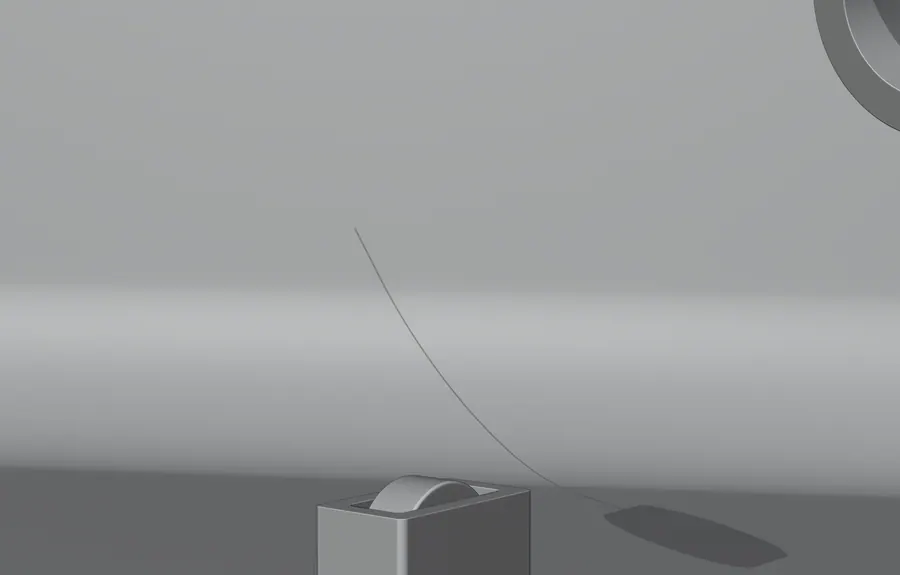
PENDULUM RENDER, SCENE CAMERA, FRAME 162
04.1SCENE CAMERA, FRAME 162
PENDULUM RENDER, FRAME 60
04.2FRAME 60
PENDULUM RENDER, FRAME 300
04.3FRAME 300
PENDULUM RENDER, WIREFRAME OVERLAY
04.4WIREFRAME OVERLAY
PENDULUM RENDER, MODIFIER PANEL
04.5MODIFIER PANEL

B06.05TESSERACT

Nested cubes rotating inside each other with emission edges and glass faces, dressed in marble and metal plate PBR sets.

17 objects · 7 materials · frames 213 to 520 · 3 PBR texture sets
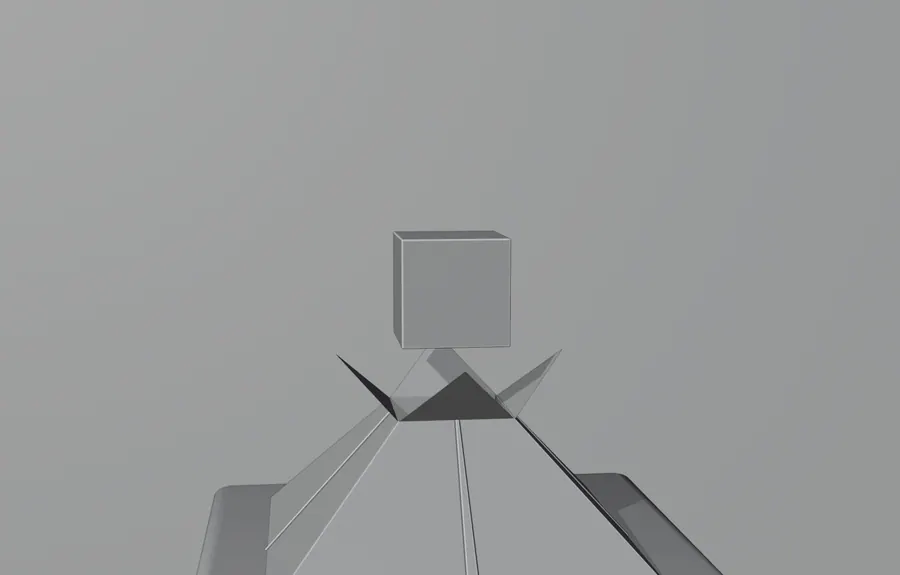
TESSERACT, SCENE CAMERA, FRAME 351
05.1SCENE CAMERA, FRAME 351
TESSERACT, EDGE DETAIL
05.2EDGE DETAIL
TESSERACT, SOLID SHADING
05.3SOLID SHADING
TESSERACT, WIREFRAME OVERLAY
05.4WIREFRAME OVERLAY
TESSERACT, MODIFIER PANEL
05.5MODIFIER PANEL
Next step

Pick a direction

Tell us which windows caught your eye and we will build the real thing around your brand, your copy and your photography.

Contact sales

info@nextgendesign.net